



Why ACDSee Is a Popular Choice for Photographers and Creators
Before diving into the article, it’s worth noting that ACDSee continues to gain attention in 2026 because of its combination of AI-powered editing, advanced photo management, layered editing, and flexible licensing options. Recent updates have introduced AI Denoise, AI Hair Masking, improved People Mode, and enhanced workflow tools, making it an increasingly attractive alternative to subscription-based software.
Table of Contents
- 1 Understanding ACDSee and Its Evolution
- 2 From Image Viewer to Creative Platform
- 3 What Makes ACDSee Different from Competitors
- 4 Advanced RAW Photo Editing Capabilities
- 5 AI Features That Save Time
- 6 Powerful Digital Asset Management Features
- 7 Layer-Based Editing for Creative Professionals
- 8 Workflow Speed and Performance
- 9 Support for Modern File Formats
- 10 Why Content Creators Love ACDSee
- 11 ACDSee vs Adobe Lightroom and Photoshop
- 12 Pricing and Value for Money
- 13 Who Should Use ACDSee?
- 14 Conclusion
- 15 Frequently Asked Questions
Understanding ACDSee and Its Evolution
ACDSee has come a long way since its early days as a simple image viewer. What started as a lightweight program for browsing photos has evolved into a complete digital asset management and photo editing ecosystem used by photographers, designers, marketers, and content creators around the world. Over the years, the software has consistently expanded its capabilities while maintaining the speed and efficiency that originally made it popular. Today, ACDSee combines image organization, RAW processing, AI-powered editing, and layer-based creative tools within a single platform.
One of the biggest reasons for its continued success is its focus on workflow efficiency. Photographers often work with thousands of images from a single project or event. Managing, sorting, editing, and exporting those files can quickly become overwhelming. ACDSee addresses this challenge by providing tools that streamline every stage of the creative process. Instead of forcing users to switch between multiple applications, it creates a centralized environment where everything happens in one place. This integrated approach saves valuable time and reduces workflow complexity.
From Image Viewer to Creative Platform
The transformation of ACDSee from a basic image viewer into a comprehensive creative suite reflects the changing needs of modern photographers. Digital photography has become more demanding, requiring advanced editing tools, AI assistance, and powerful cataloging systems. ACDSee has adapted by continuously introducing new technologies that support professional workflows while remaining accessible to enthusiasts and beginners.
The latest versions include advanced facial recognition, AI keywording, RAW development tools, layer-based editing, and productivity enhancements. These additions have positioned ACDSee as a serious alternative to more expensive industry-standard software. For many users, it delivers the right balance between power, usability, and affordability.
What Makes ACDSee Different from Competitors
The photo editing market is crowded with powerful solutions, but ACDSee manages to stand out through its unique combination of organization, editing, and ownership flexibility. Many competing platforms focus primarily on editing while treating asset management as a secondary feature. ACDSee takes a different approach by recognizing that organization is just as important as editing for photographers working with large image libraries.
Another key difference is the software’s emphasis on local processing. Many modern AI tools rely heavily on cloud-based systems that require internet connectivity and upload user data to remote servers. ACDSee performs many AI-powered operations directly on the user’s device, offering greater privacy, faster performance, and more control over sensitive files.
The All-in-One Workflow Advantage
Instead of juggling separate applications for cataloging, editing, and asset management, users can complete their entire workflow within ACDSee. This integrated environment reduces friction and helps photographers stay focused on creative work rather than software management.
Freedom from Mandatory Subscriptions
One of the most appealing aspects of ACDSee is its licensing flexibility. Users can choose between a subscription model and a perpetual license. This is especially attractive to photographers who prefer owning their software outright rather than committing to ongoing monthly payments. Recent reviews continue to highlight this flexibility as one of ACDSee’s strongest advantages.
Advanced RAW Photo Editing Capabilities
RAW photography remains the preferred format for professionals because it preserves maximum image information. ACDSee provides a powerful RAW development environment that enables photographers to extract every possible detail from their files.
The software includes exposure correction, white balance adjustments, color grading, lens corrections, sharpening, and advanced masking tools. Because these edits are non-destructive, users can experiment freely without permanently altering their original files. This flexibility encourages creativity and supports professional-quality workflows.
Non-Destructive Editing Workflow
Non-destructive editing ensures that all changes remain reversible. Photographers can revisit projects months later and adjust settings without losing image quality.
Benefits for Professional Photographers
Professional photographers often work with demanding clients and evolving project requirements. A non-destructive workflow allows them to make revisions quickly while preserving the integrity of the original image data.
AI Features That Save Time
Artificial intelligence has become one of the most significant developments in modern photo editing. Rather than replacing creativity, AI helps automate repetitive tasks and accelerates complex editing processes.
ACDSee’s latest releases introduce several AI-powered tools designed specifically for photographers. These tools help reduce editing time while maintaining creative control. According to ACD Systems, the goal is to enhance the user’s abilities rather than automate artistic decisions.
AI Denoise Technology
Noise reduction is a common challenge, especially for photographers shooting in low-light environments. ACDSee’s AI Denoise feature intelligently removes unwanted noise while preserving important details and textures. It can also process multiple images in batches, making it ideal for event photographers and high-volume workflows.
AI Hair Masking and Portrait Editing
Portrait photographers often spend significant time creating precise selections around hair. ACDSee’s AI Hair Masking tool simplifies this process with one-click selections that accurately isolate hair for targeted adjustments. This allows users to modify color, brightness, and contrast without affecting surrounding areas.
AI Develop Presets
AI Develop Presets automatically adapt adjustments to each individual image. Unlike traditional presets that apply identical settings across an entire batch, these intelligent presets analyze each photo and make context-aware modifications. This helps maintain consistency while preserving image-specific characteristics.
Powerful Digital Asset Management Features
For photographers, organization can be just as important as editing. A wedding photographer, wildlife photographer, or commercial creator may accumulate hundreds of thousands of images over time. Finding a specific photo without proper management tools can become nearly impossible.
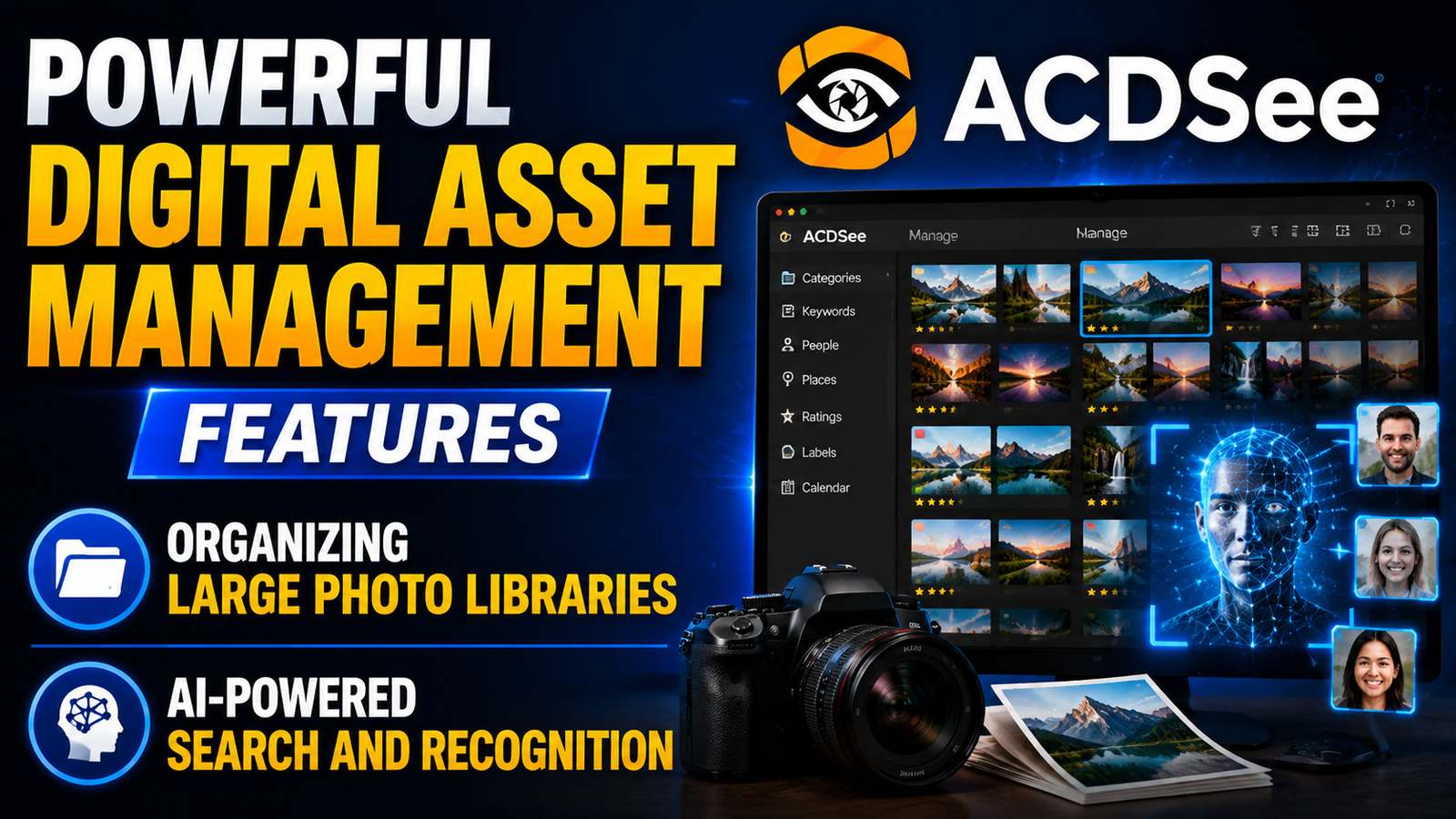
ACDSee’s Digital Asset Management (DAM) system is designed to solve this problem. It allows users to browse files directly from folders without requiring a lengthy import process. This approach provides immediate access to images and reduces unnecessary duplication of files. Many photographers appreciate this flexibility because it aligns naturally with their existing folder structures.
Organizing Large Photo Libraries
Users can categorize images using keywords, ratings, labels, metadata, and custom categories. These tools make it easy to locate specific images years after they were originally captured.
AI-Powered Search and Recognition
Artificial intelligence enhances organization through face recognition, people grouping, and automatic keyword suggestions. These features dramatically reduce the amount of manual tagging required, helping users maintain organized libraries with less effort.
Layer-Based Editing for Creative Professionals
Many photographers eventually require more advanced editing than basic exposure and color adjustments. Layer-based editing opens the door to complex composites, graphic design projects, retouching, and creative effects.
ACDSee’s layered editing system gives users access to functionality often associated with dedicated graphic design software. Multiple layers, masks, blending modes, and adjustment layers provide creative flexibility without forcing users to switch applications. This makes ACDSee particularly attractive for creators who produce marketing materials, social media graphics, and digital artwork alongside photography.
Photoshop-Like Editing Without Complexity
While Adobe Photoshop remains the industry benchmark, many users find it overwhelming or expensive. ACDSee offers many similar creative capabilities within a more streamlined environment, making advanced editing accessible to a broader audience.
Workflow Speed and Performance
Performance matters when working with large image collections. Slow software can turn simple editing tasks into frustrating experiences. ACDSee has built its reputation on speed, and recent updates continue to focus heavily on workflow optimization.
The software’s expanded Activity Manager and multi-threaded processing capabilities allow users to perform multiple operations simultaneously. For example, photographers can export one batch of images while editing another set in the background. This significantly improves productivity and reduces downtime.
Multi-Threaded Processing
Multi-threading enables several tasks to run concurrently rather than sequentially. This makes better use of modern hardware and improves overall responsiveness.
Efficient Batch Editing
Batch editing tools allow users to apply adjustments, presets, renaming conventions, and export settings across large groups of images. This is particularly valuable for event, sports, and commercial photographers handling high-volume workloads.
How Mixhers Supports Women’s Wellness and Daily Health Goals
Premier TEFL Review 2026: Courses, Certifications, and Career Opportunities
Why Travelers Choose Green Motion for Sustainable Car Rentals
Why Sohimi Is Becoming Popular Among Online Shoppers
Why Travelers Prefer MrFerry DE for Fast and Easy Ferry Reservations
Support for Modern File Formats
Technology evolves rapidly, and photographers need software that keeps pace with new standards. ACDSee supports a wide range of file formats, including RAW files from hundreds of camera models. Recent updates have also introduced support for JPEG XL, a modern format designed to provide excellent image quality with smaller file sizes.
The software also offers enhanced video metadata support, making it increasingly useful for hybrid creators who produce both photography and video content. This expanded compatibility helps future-proof creative workflows and ensures users can work with emerging media formats.
Why Content Creators Love ACDSee
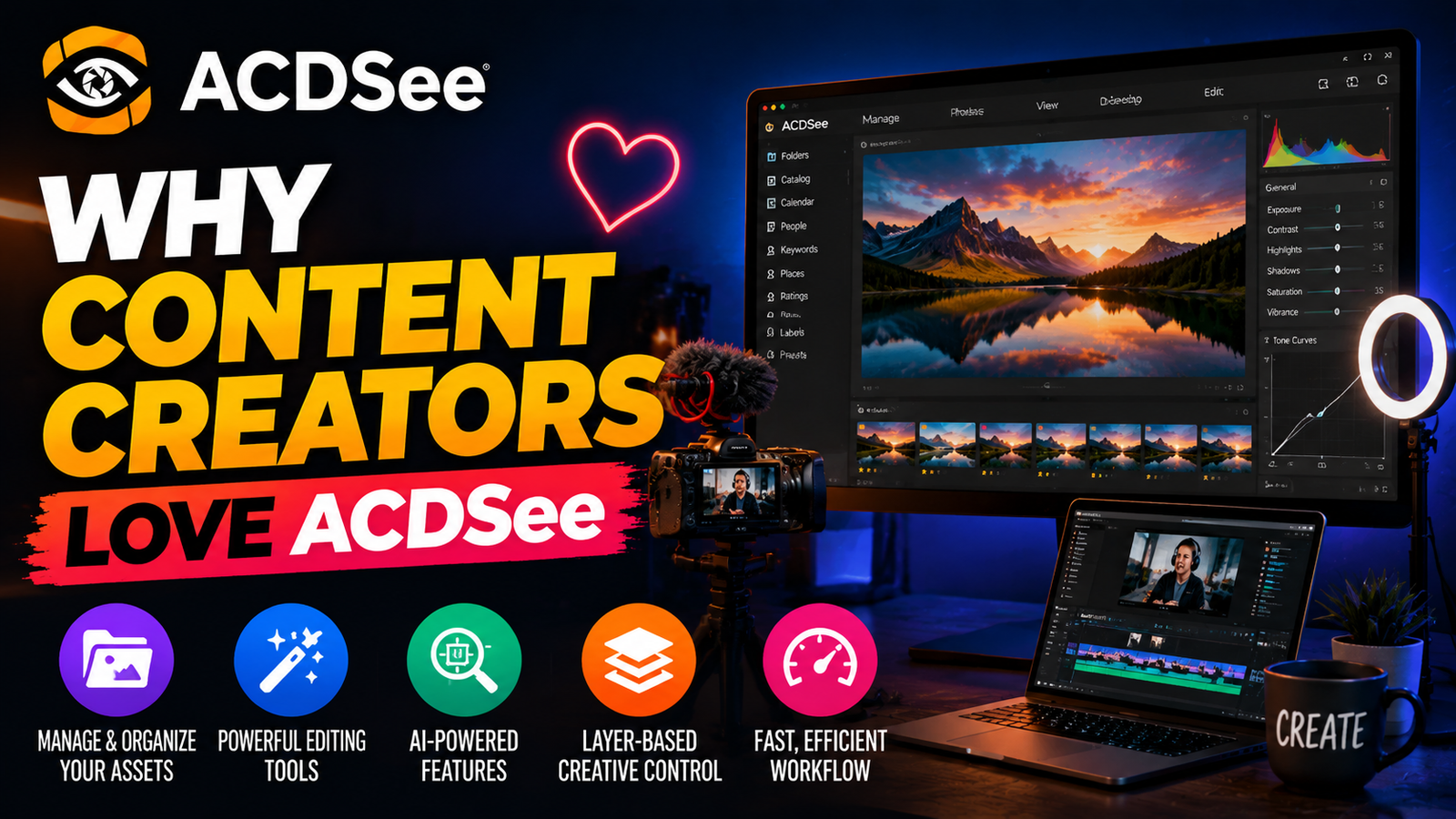
The modern creator economy extends far beyond traditional photography. Content creators produce images, videos, graphics, social media posts, marketing campaigns, and educational materials. They need tools that can support multiple creative disciplines without requiring a complicated software ecosystem.
ACDSee appeals to creators because it combines organization, editing, AI enhancements, and layered design capabilities in one package. Instead of paying for multiple subscriptions and learning several applications, creators can manage much of their workflow within a single environment. This efficiency translates into faster production cycles and lower software costs.
The platform’s emphasis on local AI processing also appeals to creators concerned about privacy and data ownership. By keeping files on local devices, ACDSee offers greater control over creative assets and client materials.
ACDSee vs Adobe Lightroom and Photoshop
Feature | ACDSee | Lightroom | Photoshop |
Photo Management | Excellent | Excellent | Limited |
RAW Editing | Advanced | Advanced | Moderate |
Layer-Based Editing | Yes | No | Yes |
AI Features | Extensive | Extensive | Extensive |
Perpetual License Option | Yes | No | No |
Batch Processing | Yes | Yes | Yes |
Face Recognition | Yes | Yes | Limited |
Local AI Processing | Strong Focus | Partial | Partial |
Pricing and Value for Money
Cost remains a major factor when choosing creative software. ACDSee’s pricing structure gives users flexibility by offering both subscription plans and perpetual licenses. This allows photographers to choose a payment model that aligns with their budget and workflow preferences.
When evaluating value, it’s important to consider not only the price but also the breadth of included features. ACDSee combines asset management, RAW editing, AI enhancements, and layer-based editing within a single application. Purchasing separate tools to achieve the same functionality could easily cost significantly more over time. For budget-conscious professionals and enthusiasts, this value proposition remains one of ACDSee’s strongest selling points.
Who Should Use ACDSee?
ACDSee is suitable for a wide range of creative professionals and enthusiasts. It is particularly beneficial for:
- Professional photographers managing large image libraries
- Wedding and event photographers processing high volumes of files
- Portrait photographers using advanced AI retouching tools
- Content creators producing multimedia projects
- Small businesses managing visual marketing assets
- Hobbyists seeking powerful editing without expensive subscriptions
Its combination of organization, editing, and affordability makes it versatile enough to serve many different creative workflows.
Conclusion
ACDSee has earned its popularity by addressing the real-world needs of photographers and creators. It combines powerful photo management, advanced RAW editing, AI-driven enhancements, layer-based creative tools, and flexible licensing into a single platform. Recent updates such as AI Denoise, AI Hair Masking, improved People Mode, and multi-threaded workflow enhancements demonstrate the company’s commitment to innovation and efficiency.
For photographers who want an alternative to subscription-heavy ecosystems, ACDSee offers an appealing balance of performance, flexibility, and value. Whether you’re managing a massive photo archive, editing professional RAW files, or creating content across multiple formats, ACDSee provides the tools necessary to work smarter and create with confidence.
Frequently Asked Questions
Q. Is ACDSee suitable for professional photographers?
Yes. ACDSee includes advanced RAW editing, digital asset management, AI-powered tools, and layer-based editing that meet many professional photography requirements.
Q. Does ACDSee require a subscription?
No. Users can choose between a subscription plan and a perpetual license, depending on their preferences.
Q. What is AI Denoise in ACDSee?
AI Denoise is a feature that automatically reduces image noise while preserving important details and textures.
Q. Can ACDSee replace Lightroom and Photoshop?
For many photographers and creators, yes. It combines photo organization, RAW editing, and layer-based editing within one application.
Q. Does ACDSee support modern image formats?
Yes. Recent versions support JPEG XL, extensive RAW camera formats, and enhanced video metadata capabilities.

Recent Post

Exploring Smarter Personal Data Protection Strategies with Incogni

Understanding Modern Crypto Finance Solutions and the Role of Nexo

Key Factors to Know Before Exploring Bellway Products

Exploring Modern Beauty Tools and the Growing Appeal of Luxie

How Innovative Consumer Products Are Changing With Dip Devices

What Makes Creative Haircare Stand Out With IGK Hair?

A Beginner-Friendly Guide to Understanding R+R Medicinals CBD

A Complete Guide to Choosing the Right Products From R+Co

A Complete Guide to Building a Simple Routine With Bubble Skincare
Releted Post




