


LiveWebinar INT Review: Best Features for Marketing, Training, and Remote Meetings
Discover this detailed LiveWebinar INT review to explore its best features for marketing, employee training, webinars, and remote meetings. Learn about its browser-based platform, HD video, recording tools, audience engagement features, pricing, pros, and why it is a great choice for businesses, educators, and remote teams.
Table of Contents
- 1 What is LiveWebinar INT?
- 2 Marketing Features
- 3 Training and Education Features
- 4 Remote Team Collaboration
- 5 Key Features of LiveWebinar INT
- 6 Pricing Plans
- 7 Why Choose LiveWebinar INT?
- 8 LiveWebinar INT Performance
- 9 LiveWebinar INT Customer Support
- 10 SEO Verdict: Is LiveWebinar INT Worth It?
- 11 Pros and Cons of LiveWebinar INT
- 12 LiveWebinar INT vs Competitors
- 13 Best Use Cases for LiveWebinar INT
- 14 Who Should Use LiveWebinar INT?
- 15 Conclusion
- 16 Frequently Asked Questions
What is LiveWebinar INT?
LiveWebinar INT is an online webinar and meeting platform built for businesses, schools, and organizations. Users can host webinars, online classes, virtual meetings, and live events without installing any software. Everything runs directly in a web browser, making it easy for attendees to join from desktops, laptops, or mobile devices.
The platform supports live streaming, recording, screen sharing, chat, polls, and presentation tools. It also includes marketing features like registration pages, email invitations, and webinar analytics. Businesses can even customize webinar rooms with their own branding.
Marketing Features
LiveWebinar INT is more than a meeting platform. It also provides useful marketing tools for businesses.
Landing Pages and Registration Forms
Users can create custom registration pages where visitors sign up for webinars. This helps collect leads before an event starts.
Email Invitations
The platform sends webinar invitations and reminders automatically. This increases attendance and reduces manual work.
Analytics and Reports
After every webinar, businesses receive reports showing:
- Number of attendees
- Attendance time
- Audience engagement
- Registration data
- Traffic sources
These reports help marketers improve future webinars.
Training and Education Features
Educational institutions and businesses can use LiveWebinar INT for online learning.
Online Classes
Teachers and trainers can:
- Share presentations
- Conduct quizzes
- Record lectures
- Communicate through chat
- Answer questions live
This creates an interactive virtual classroom.
Certificates and Attendance
Premium plans include attendance tracking and downloadable certificates, making employee training and online courses more professional.
Remote Team Collaboration
Remote work continues to grow, and LiveWebinar INT includes tools that help teams stay connected.
Team Meetings
Employees can schedule daily meetings, share files, present reports, and collaborate from anywhere.
Breakout Rooms
For workshops or group discussions, breakout rooms allow participants to split into smaller teams before returning to the main meeting.
Key Features of LiveWebinar INT
Browser-Based Meetings
One of the biggest advantages of LiveWebinar INT is that it works completely inside a web browser. Guests simply click a link and join the meeting. This saves time and removes installation problems.
HD Video and Screen Sharing
Users can share their screens, presentations, applications, or documents during meetings. HD video quality makes online communication more professional and improves the overall experience.
Webinar Recording
Every webinar can be recorded for future use. Businesses often reuse recordings for employee training, customer education, or marketing campaigns.
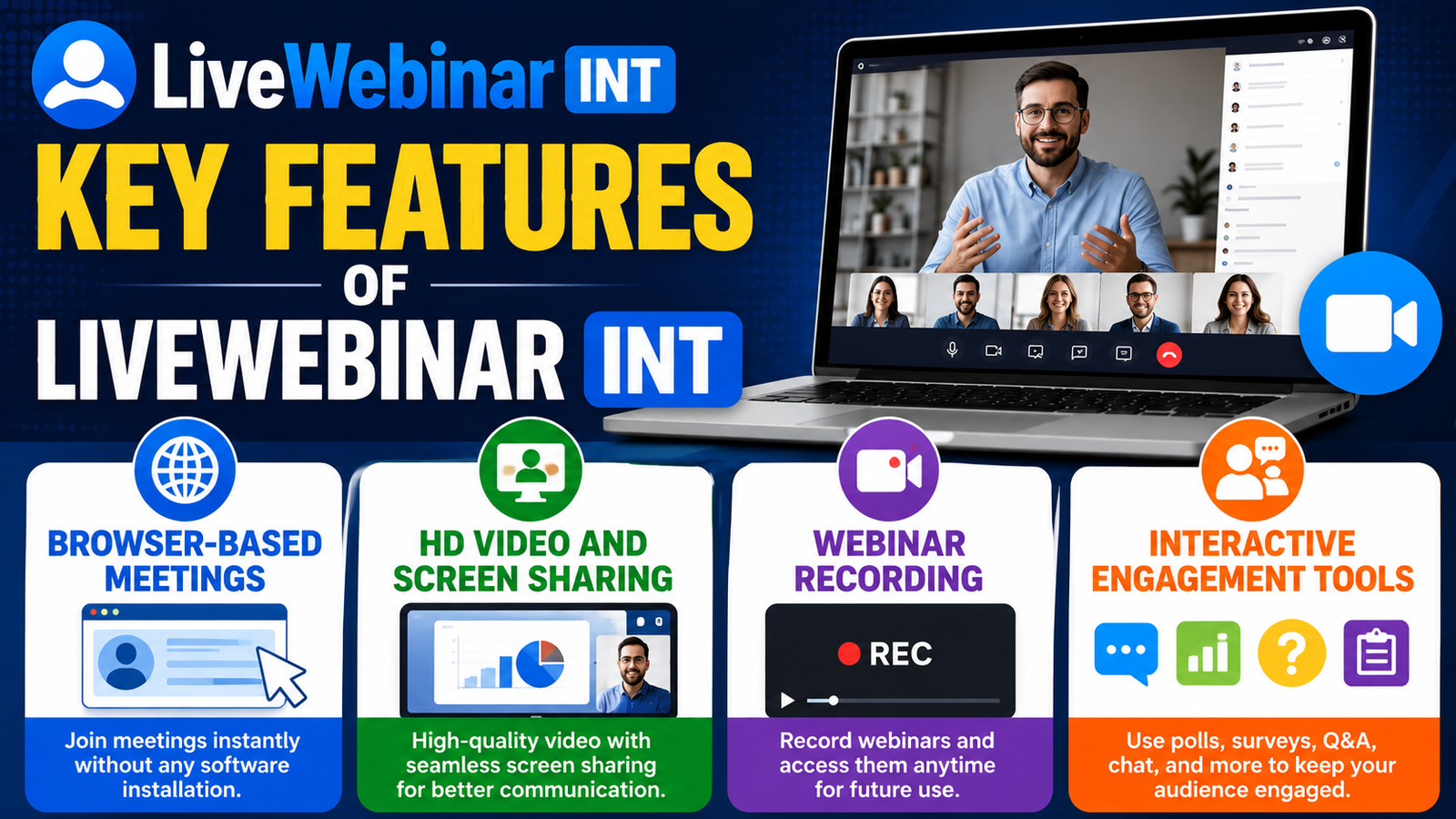
Interactive Engagement Tools
LiveWebinar includes:
- Live chat
- Polls
- Surveys
- Q&A sessions
- Whiteboard
- Call-to-action buttons
These tools help keep attendees active during webinars instead of simply watching.
Pricing Plans
According to the latest pricing information, LiveWebinar offers multiple plans.
Plan | Starting Price | Best For |
Free | $0 | Beginners |
Basic | Around $32/month | Small businesses |
Plus | Around $42/month | Marketing teams |
Premium | Around $62/month | Professional creators |
Enterprise | Custom Pricing | Large organizations |
Why Choose LiveWebinar INT?
Choosing the right webinar platform is important for businesses, educators, and marketers. LiveWebinar INT stands out because it combines online meetings, webinars, live streaming, and collaboration tools in one platform. Since it works directly in a browser, attendees can join meetings without installing software, making the experience simple and user-friendly.
The platform also supports custom branding, webinar recording, audience engagement, and detailed analytics. These features help businesses create professional online events while improving communication with customers, employees, and partners.
LiveWebinar INT Performance
Performance is one of the strongest points of LiveWebinar INT. The platform delivers stable video quality, clear audio, and smooth screen sharing during meetings. Since it is cloud-based, users can access webinars from almost any modern browser without installing additional software.
Even during larger webinars, the platform provides reliable performance, making it suitable for product launches, online workshops, and corporate meetings.
LiveWebinar INT Customer Support
Customer support plays an important role when choosing webinar software. LiveWebinar INT provides support through documentation, a knowledge base, email assistance, and live chat for eligible plans. Businesses using higher-tier plans may also receive priority support and dedicated account assistance.
The platform also offers tutorials and setup guides that help new users get started quickly.
SEO Verdict: Is LiveWebinar INT Worth It?
If you need a reliable webinar solution for marketing, training, education, or remote meetings, LiveWebinar INT is worth considering. Its browser-based design, webinar recording, audience engagement tools, analytics, and flexible pricing make it a practical choice for both small businesses and large organizations.
Whether you are hosting online workshops, employee training sessions, or marketing webinars, LiveWebinar INT provides the features needed to create professional virtual events while keeping the experience simple for both hosts and attendees.
Pros and Cons of LiveWebinar INT
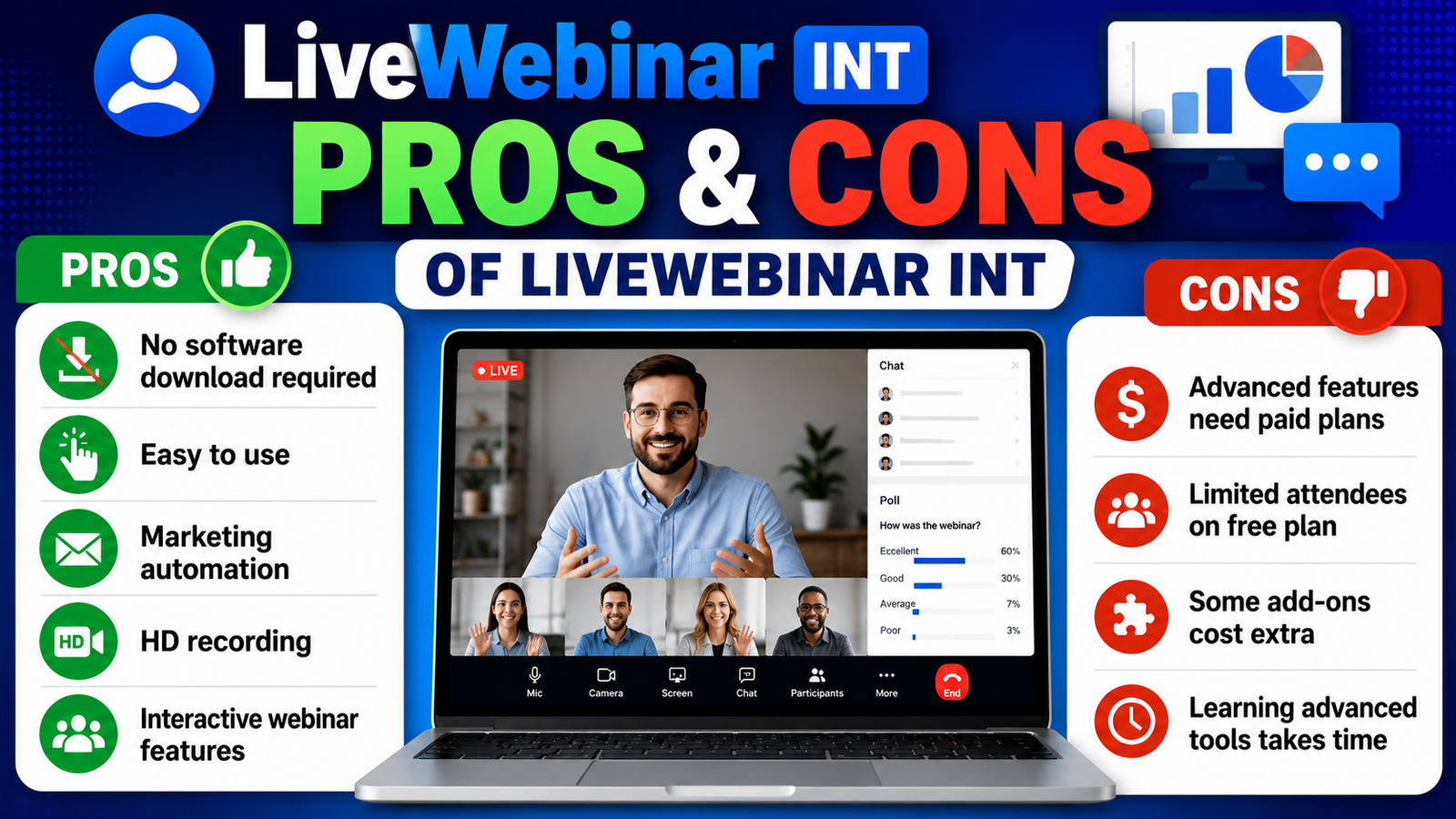
Pros | Cons |
No software download required | Advanced features need paid plans |
Easy to use | Free plan has attendee limits |
Marketing automation | Some add-ons cost extra |
HD recording | Learning advanced tools takes time |
Interactive webinar features | Enterprise pricing requires a quote |
LiveWebinar INT vs Competitors
Compared with Zoom, GoTo Webinar, and WebinarNinja, LiveWebinar stands out because of its browser-based access, marketing automation, webinar landing pages, and audience engagement tools. Many users also appreciate its balance between price and features, especially for businesses running regular webinars. Community discussions frequently recommend it for training sessions and business webinars due to its flexibility.
Best Use Cases for LiveWebinar INT
Different industries can benefit from using LiveWebinar INT.
Industry | Common Use |
Education | Online classes and virtual lectures |
Healthcare | Patient education and webinars |
Marketing | Product launches and lead generation |
Sales | Product demonstrations |
HR | Employee onboarding and training |
IT Companies | Team collaboration |
Consultants | Client meetings |
Nonprofits | Community webinars |
Who Should Use LiveWebinar INT?
LiveWebinar INT is a good choice for:
- Digital marketers
- Sales teams
- HR departments
- Online trainers
- Schools and universities
- Remote businesses
- Event organizers
- Consultants
- Coaches
- Customer support teams
Whether you are hosting a product launch or teaching an online class, the platform offers enough tools for professional virtual communication.
Conclusion
LiveWebinar INT combines webinar hosting, online meetings, marketing automation, and training tools into one platform. It supports browser-based access, HD video, audience engagement, webinar recording, analytics, and custom branding. With multiple pricing plans and useful collaboration features, it works well for businesses, educators, marketers, and remote teams looking for a complete webinar solution.
Frequently Asked Questions
Q. Is LiveWebinar INT free to use?
Yes. It offers a free plan with limited attendees and meeting duration. Paid plans unlock additional features.
Q. Does LiveWebinar require software installation?
No. Users can join meetings directly through a web browser.
Q.Can I record webinars?
Yes. Webinar recording is available, with storage depending on the selected plan.
Q. Is LiveWebinar suitable for marketing?
Yes. It includes registration forms, landing pages, email invitations, analytics, and engagement tools.
Q. Who should use LiveWebinar INT?
It is ideal for marketers, trainers, educators, remote teams, businesses, and organizations that host webinars or virtual meetings.

Recent Post
Understanding Managed Hosting Features and Tools Offered by WP Engine

A Practical Guide to Making the Most of gymdolphin for Fitness

Discovering Contemporary Men’s Clothing Styles at Incerunmen

Why Online Shoppers Are Exploring UOOZEE for New Products

How Weblium.com Helps Simplify the Website Creation Process

Understanding Supplement Selection and Quality at BulkSupplements.com

How Digital Solutions Are Evolving With CHENGDU OUMEI NETWORK INFORMATION L.T.D

Beauty Trends Worth Exploring With Dominique Cosmetics – 122027
The Growing Role of 3D Scanning and Revopoint 3D Technologies Inc
Releted Post