


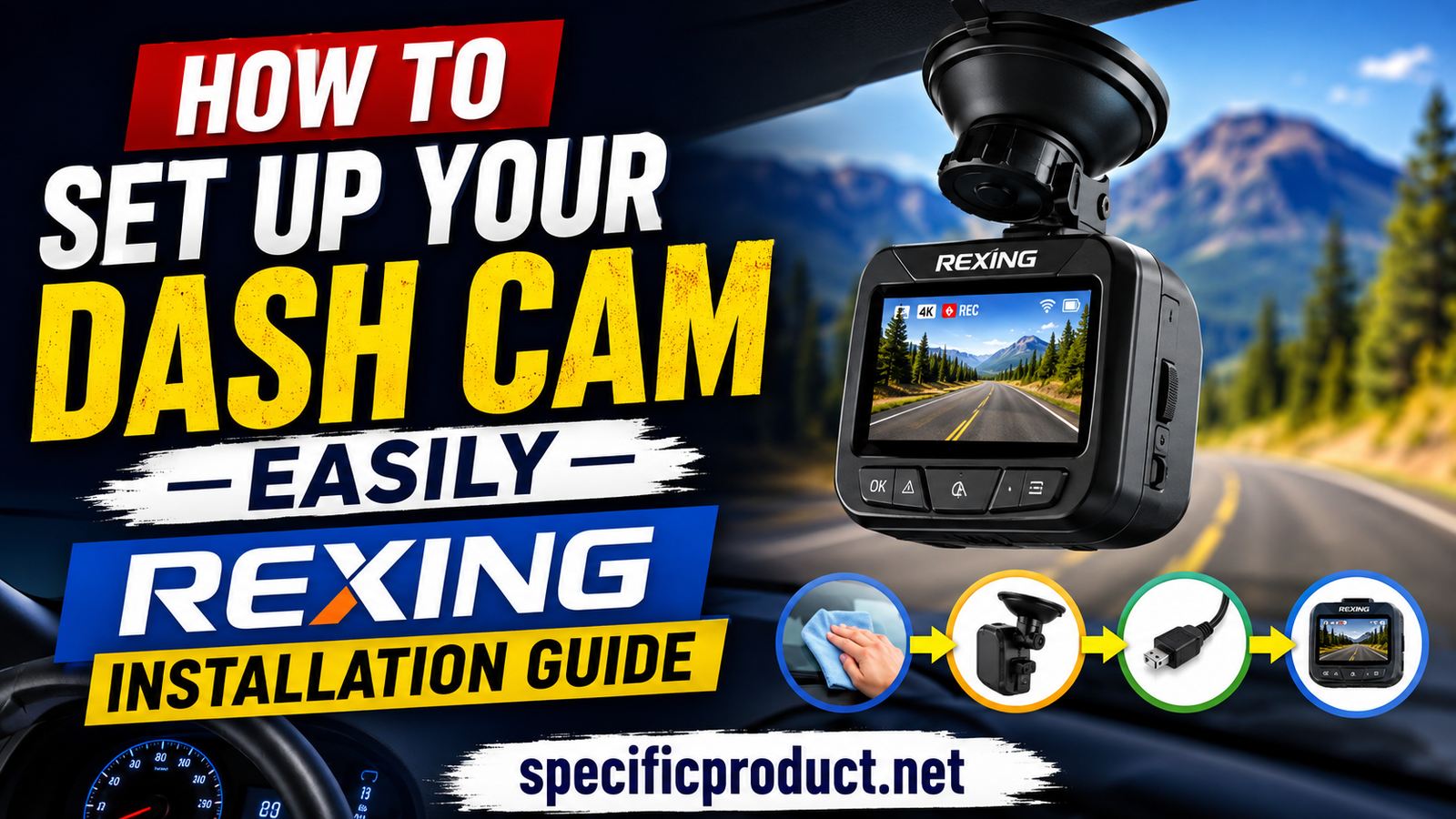
How to Set Up Your Dash Cam Easily Rexing Installation Guide
A Rexing dash cam is one of the easiest ways to improve your driving safety. It records your trips, captures accidents, and provides evidence if something unexpected happens on the road. Many Rexing models also support parking mode, Wi-Fi connectivity, GPS tracking, and high-resolution video recording. The good news is that installing a Rexing dash cam is much simpler than many people think. Most models include an adhesive or suction mount, a power cable, and a quick installation guide.
Table of Contents
- 1 Introduction
- 2 Why Install a Rexing Dash Cam?
- 3 Things You Need Before Installation
- 4 Step-by-Step Rexing Dash Cam Installation
- 5 Configure the Dash Cam
- 6 Key Features of Rexing Dash Cam
- 7 Benefits of Installing a Rexing Dash Cam
- 8 How to Choose the Right Rexing Dash Cam
- 9 Best Memory Card for Rexing Dash Cam
- 10 Tips for Better Video Recording Quality
- 11 Safety Tips During Installation
- 12 Why Rexing Dash Cams Are Popular
- 13 Parking Mode and Hardwire Kit
- 14 Common Installation Mistakes
- 15 Maintenance Tips
- 16 Conclusion
- 17 Frequently Asked Questions
Introduction
A Rexing dash cam is a smart investment for any driver who wants extra safety and peace of mind on the road. It continuously records your journey, helping capture important events like accidents, unexpected incidents, or even scenic drives. Many Rexing dash cams include advanced features such as 4K video recording, Wi-Fi connectivity, GPS tracking, loop recording, G-sensor technology, and parking mode, making them suitable for both daily commuters and long-distance travelers.
The best part is that installing a Rexing dash cam is easier than most people expect. You don’t need advanced technical skills or expensive tools to complete the setup. With the right placement, proper cable routing, and a few simple settings, your dash cam can be fully installed and ready to record in less than 30 minutes.
Why Install a Rexing Dash Cam?
A dash cam acts like an extra set of eyes while you drive. If an accident happens, your recorded footage can help explain exactly what occurred. Insurance companies often accept dash cam footage as evidence, making claims easier to process.
Rexing cameras are popular because they offer 4K recording, wide viewing angles, loop recording, G-sensor protection, parking mode, GPS support, and Wi-Fi connectivity on many models. The company also provides video tutorials, firmware updates, and mobile apps to simplify setup and maintenance.
Things You Need Before Installation
Before starting, gather everything you need.
Item | Purpose |
Rexing Dash Cam | Main recording device |
Mount | Holds the camera |
Car Charger | Provides power |
MicroSD Card | Stores video files |
Cleaning Cloth | Cleans windshield |
Cable Clips (Optional) | Organizes wires |
Choose a mounting position behind your rearview mirror whenever possible. This location gives the camera a clear road view while keeping it out of your driving line of sight.
Step-by-Step Rexing Dash Cam Installation
Clean the Windshield
Use a microfiber cloth with glass cleaner to remove dust and fingerprints. A clean surface helps the adhesive stick firmly. Allow the glass to dry completely before attaching the mount.
Attach the Mount
Most Rexing cameras include a strong 3M adhesive mount. Remove the protective film and press the mount firmly against the windshield for about 30 seconds. Some models also include a suction cup mount if you prefer a removable option.
Install the Camera
Slide the dash cam into the mounted bracket until it locks in place. Adjust the camera angle so that both the road and a small part of the vehicle’s hood appear in the frame.
Connect the Power Cable
Plug one end of the cable into the dash cam and the other into your vehicle’s 12V cigarette lighter or USB power outlet. Start your vehicle and check that the camera powers on automatically.
Hide the Cable
For a cleaner installation, tuck the cable along the headliner, door trim, and dashboard. Most users can hide the cable without removing interior panels. Rexing also provides cable-routing guides for a neat installation.
Install the Rear Camera (Optional)
If your model includes a rear camera, run the rear cable along the roof lining toward the back window. Mount the rear camera inside the rear windshield and connect it to the main camera.
Configure the Dash Cam
After installation, complete the initial setup.
Insert and Format the Memory Card
Insert a compatible high-speed Class 10 or U3 microSD card. Format the card directly inside the camera before first use. Formatting helps prevent recording errors and improves reliability.
Set Date, Time, and Video Quality
Open the settings menu and configure:
- Date and time
- Video resolution
- Loop recording
- G-sensor sensitivity
- Audio recording
- Screen timeout
Using the correct date and time makes video evidence much more useful.
Connect to the Rexing App
Many newer Rexing cameras support Wi-Fi.
- Enable Wi-Fi on the dash cam.
- Connect your phone to the camera’s Wi-Fi network.
- Open the Rexing Connect app.
- View live video or download recordings directly to your phone.
Key Features of Rexing Dash Cam
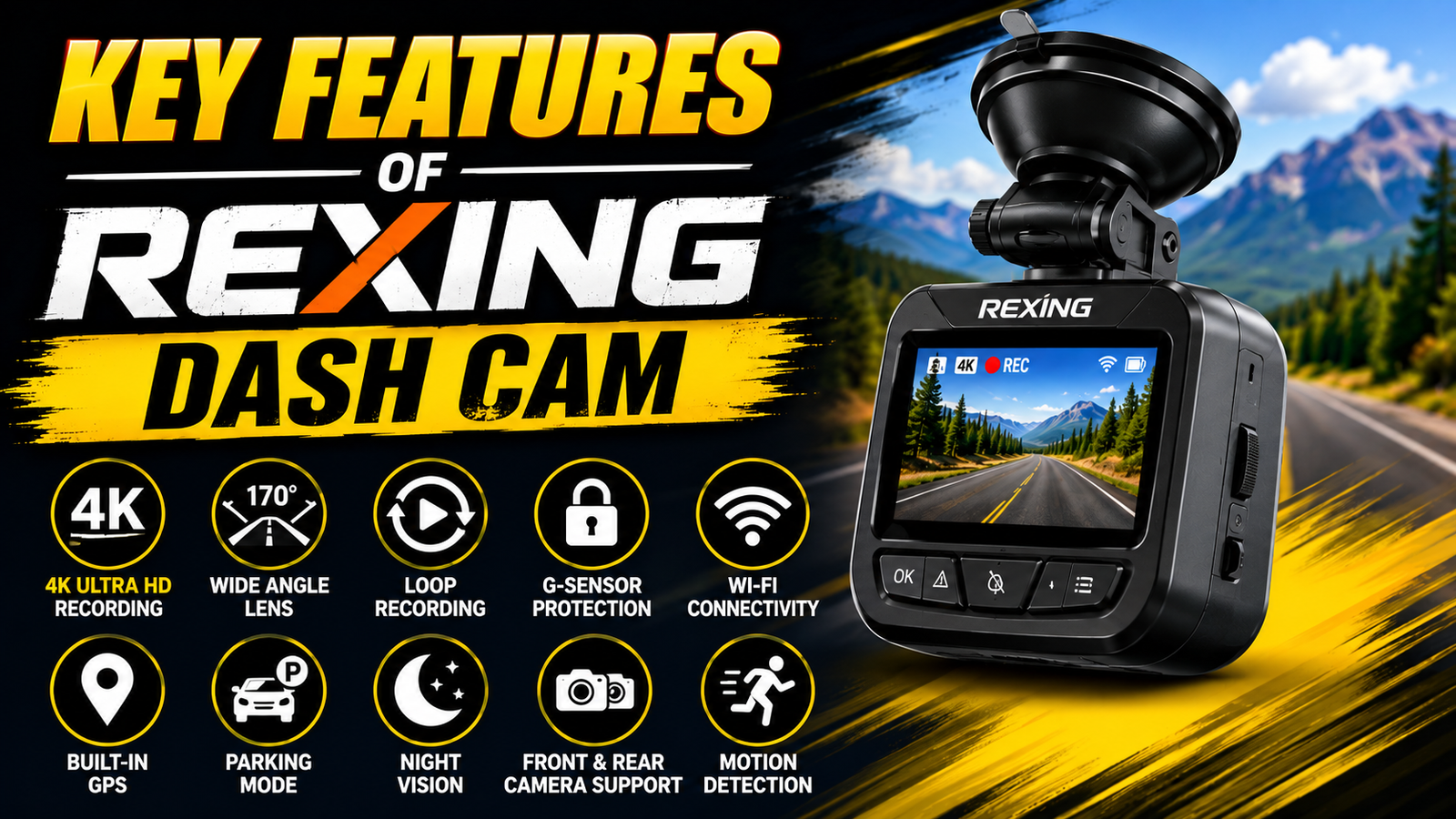
- Ultra HD Video Recording – Capture clear and detailed footage in up to 4K resolution on supported models.
- Wide-Angle Lens – Record a larger view of the road to reduce blind spots.
- Loop Recording – Automatically overwrites the oldest videos when the memory card is full.
- G-Sensor Protection – Detects sudden impacts and locks important video files to prevent them from being deleted.
- Wi-Fi Connectivity – Connect your smartphone to view, download, and share recordings through the Rexing app.
- Built-in GPS – Records your driving route, speed, and location for added evidence.
Benefits of Installing a Rexing Dash Cam
Installing a Rexing dash cam provides much more than just recording your trips. It gives you extra confidence every time you drive because every important moment on the road is captured. If an accident occurs, the recorded footage can help explain what happened and support insurance claims. Many drivers also use dash cams to record road trips, monitor driving habits, and improve overall vehicle security.
Another major benefit is the advanced technology available in Rexing cameras. Features like GPS tracking, parking mode, loop recording, and G-sensor protection ensure that important recordings are saved safely. Whether you drive daily for work or only on weekends, a Rexing dash cam offers reliable protection and peace of mind.
How to Choose the Right Rexing Dash Cam
Before buying a Rexing dash cam, think about the features that matter most for your driving needs. If you want the highest video quality, choose a model with 4K recording. If you need complete vehicle coverage, select a dual-channel model that records both the front and rear of your car.
You should also consider storage capacity, Wi-Fi support, GPS functionality, and parking mode. Drivers who leave their vehicles parked for long hours may benefit from purchasing a compatible hardwire kit to enable continuous monitoring.
Best Memory Card for Rexing Dash Cam
Using the correct memory card is important for smooth recording. Rexing recommends using a high-endurance Class 10 or U3 microSD card designed for continuous video recording. These cards are built to handle frequent writing and deleting of video files without reducing performance.
Always format the memory card inside the dash cam before first use. Regular formatting also helps prevent recording errors and keeps your videos organized. Avoid using low-quality or counterfeit memory cards because they may cause missing or corrupted recordings.
LiveWebinar INT Review: Best Features for Marketing, Training, and Remote Meetings
TEALEAVES Buying Guide: Best Tea Blends to Try in 2026
Ivacy VPN Review: Security, Speed, Streaming, and Performance Tested
Sixt mobility online NL: How Online Car Rental Services Are Changing Modern Travel
Top Benefits of Using Tarifcheck.de for Insurance and Utility Comparisons
Tips for Better Video Recording Quality
To get the best results from your Rexing dash cam, keep the camera lens clean and free from dust or fingerprints. Even a small smudge can reduce video clarity, especially at night.
Position the camera so that it captures the road evenly without pointing too far upward or downward. Enable the highest video resolution your memory card supports, and regularly check that the date and time settings are correct. Reviewing a few recordings every month ensures that the camera is working properly.
Safety Tips During Installation
While installing your Rexing dash cam, always make safety your first priority. Avoid placing the camera where it blocks your view of the road. Route the power cable carefully along the windshield edge and door trim so it does not interfere with airbags or driving controls.
If you plan to install a hardwire kit, disconnect the vehicle battery before working with the fuse box. If you are unsure about electrical wiring, consider asking a professional installer for assistance.
Why Rexing Dash Cams Are Popular
Rexing has become a trusted name in the dash cam market because it combines modern features with simple operation. Many models offer 4K Ultra HD recording, Wi-Fi connectivity, GPS tracking, parking mode, and wide-angle lenses at competitive prices.
The brand also provides firmware updates, helpful customer support, and a user-friendly mobile app. These features make Rexing dash cams suitable for first-time users as well as experienced drivers looking for dependable recording performance.

Parking Mode and Hardwire Kit
Parking mode allows your camera to continue monitoring your vehicle after the engine is turned off.
Power Option | Parking Mode |
Cigarette Lighter | Usually No |
Hardwire Kit | Yes |
OBD Power Kit | Yes |
If your vehicle does not provide constant power through the 12V outlet, you will need a Rexing Hardwire Kit connected to the fuse box. Rexing offers both Smart and Intelligent Hardwire Kits with installation guides and video tutorials.
Common Installation Mistakes
Many installation problems are easy to avoid.
- Mounting the camera too low.
- Forgetting to format the memory card.
- Using a low-quality microSD card.
- Blocking the camera lens with windshield tint.
- Leaving loose cables hanging.
- Installing the camera where it blocks your view.
Taking a few extra minutes during installation helps avoid these issues.
Maintenance Tips
Keeping your dash cam in good condition improves video quality and extends its lifespan.
Clean the camera lens every few weeks using a soft microfiber cloth. Format the memory card regularly if recommended by Rexing. Check for firmware updates occasionally, especially if you experience recording problems. Update the camera only when needed by following Rexing’s official instructions.
Also, review your recordings from time to time to confirm the camera is recording correctly. Replace older memory cards if you notice recording errors.
Conclusion
Installing a Rexing dash cam is a simple project that most drivers can complete without professional help. With the right mounting position, secure cable routing, and proper settings, your camera will be ready to record every trip. If you want parking surveillance, adding a Rexing hardwire kit is the best option because it keeps the camera powered while your vehicle is parked. Following the official installation guides and maintaining your camera regularly will help you get the best performance for years to come.
Frequently Asked Questions
Q. Where should I mount my Rexing dash cam?
Mount it behind the rearview mirror so it captures the road without blocking your view.
Q. Do I need a hardwire kit?
Only if you want to use parking mode when the vehicle is turned off.
Q. Which memory card works best?
Use a high-quality Class 10 or U3 microSD card recommended by Rexing.
Q. Can I connect my phone to the dash cam?
Yes. Many Rexing models support the Rexing Connect mobile app through Wi-Fi.
Q. How often should I update the firmware?
Update only when Rexing releases an update that fixes issues or adds new features. Always download firmware from the official support page.

Recent Post

Understanding Managed Hosting Features and Tools Offered by WP Engine

A Practical Guide to Making the Most of gymdolphin for Fitness

Discovering Contemporary Men’s Clothing Styles at Incerunmen

Why Online Shoppers Are Exploring UOOZEE for New Products

How Weblium.com Helps Simplify the Website Creation Process

Understanding Supplement Selection and Quality at BulkSupplements.com

How Digital Solutions Are Evolving With CHENGDU OUMEI NETWORK INFORMATION L.T.D

Beauty Trends Worth Exploring With Dominique Cosmetics – 122027

The Growing Role of 3D Scanning and Revopoint 3D Technologies Inc
Releted Post