



Discover whether Hostinger is the best web hosting for beginners in 2026. Our in-depth Hostinger review covers pricing, performance, security, and beginner-friendly tools to help you choose the right hosting for your website.
Table of Contents
When you’re building your first website — whether it’s a personal blog, small business homepage, or a portfolio — picking the right web host feels like choosing the foundation for a house: if it’s shaky, everything else suffers. That’s where this in‑depth 2026 review of Hostinger comes in. We’ll break down everything from performance, pricing, tools, and support so you can decide if Hostinger is truly the best web hosting provider for beginners today.
Hostinger has become one of the most talked‑about budget hosts around, thanks largely to its low entry prices, easy‑to‑use interface, and hosting tools that even total newbies can navigate with confidence. But how does the service really stack up when you peel back the marketing slogans and get into the practical experience? In 2026, Hostinger has evolved significantly compared to its early days — adding AI‑driven features, expanded data centers, and a suite of tools designed to help users launch sites faster. That said, there are still caveats to consider, such as renewal pricing and limits on basic plans — especially if you’re planning to grow your site over time.
Hostinger is a web hosting company that has grown rapidly in the past decade, especially among budget‑conscious users and first‑time website builders. The company’s core philosophy is simple: offer affordable, easy‑to‑use hosting with enough power and tools to support a wide range of site types — from blogs and portfolios to small business and e‑commerce sites.
Over the years, Hostinger has expanded its product lineup to include not just traditional shared hosting but also VPS, cloud hosting, and even game server hosting for platforms like Minecraft. It has also made a name for itself by infusing AI‑driven tools like its AI website builder into its product suite, aiming to make building and launching a website as simple as possible, even if you have no coding experience.
Hostinger’s product lineup in 2026 is broad, catering to a spectrum of user needs:
Shared hosting is the most budget‑friendly way to host a website. Multiple sites share the same server resources, which keeps costs low and simplifies management — making this category especially appealing to beginners. Hostinger’s shared plans typically start under $3/month at their introductory rates and include essentials like free SSL, a domain (on some plans), and a beginner‑friendly control panel.
Optimized specifically for WordPress sites, this tier includes built‑in speed enhancements, automatic updates, and one‑click installations. It’s a nice blend of performance and simplicity for users who know they want to build in WordPress.
These are more advanced options designed for users who need dedicated resources or want to scale beyond the limitations of shared hosting. VPS stands for Virtual Private Server — it’s more performance and control but also requires more technical knowledge to manage.
Website performance isn’t just marketing speak — it directly impacts SEO, user engagement, and earnings from your site. Here’s how Hostinger performs in real tests.
Hostinger uses LiteSpeed web servers, which are known to outperform older Apache‑based systems in speed and efficiency. When combined with caching (like LiteSpeed Cache), many sites load faster without extra configuration — a big plus for beginners who don’t want to handle technical optimization themselves.
Reliable uptime is the backbone of trust — if your site goes down frequently, visitors won’t stick around. In 2026 testing, Hostinger’s uptime consistently hovered near or above 99.9%, with multiple independent tests showing actual uptime figures around 99.96 – 99.99% over long‑term monitoring periods.
That means your site is very likely to stay online most of the time — though occasional regional outages have been reported on community forums, reminding us that shared hosting can sometimes have rough edges.
Where your hosting company places its data centers matters because geographic proximity helps speed. In 2026, Hostinger operates multiple data centers worldwide — covering major regions in North America, Europe, Asia, and more — meaning you can pick a location closer to your audience.
Many Hostinger plans also integrate Cloudflare CDN (Content Delivery Network), which caches your site on servers around the globe for even faster delivery to international visitors.
One of Hostinger’s biggest selling points is how accessible it is for beginners — and this starts right after you sign up.
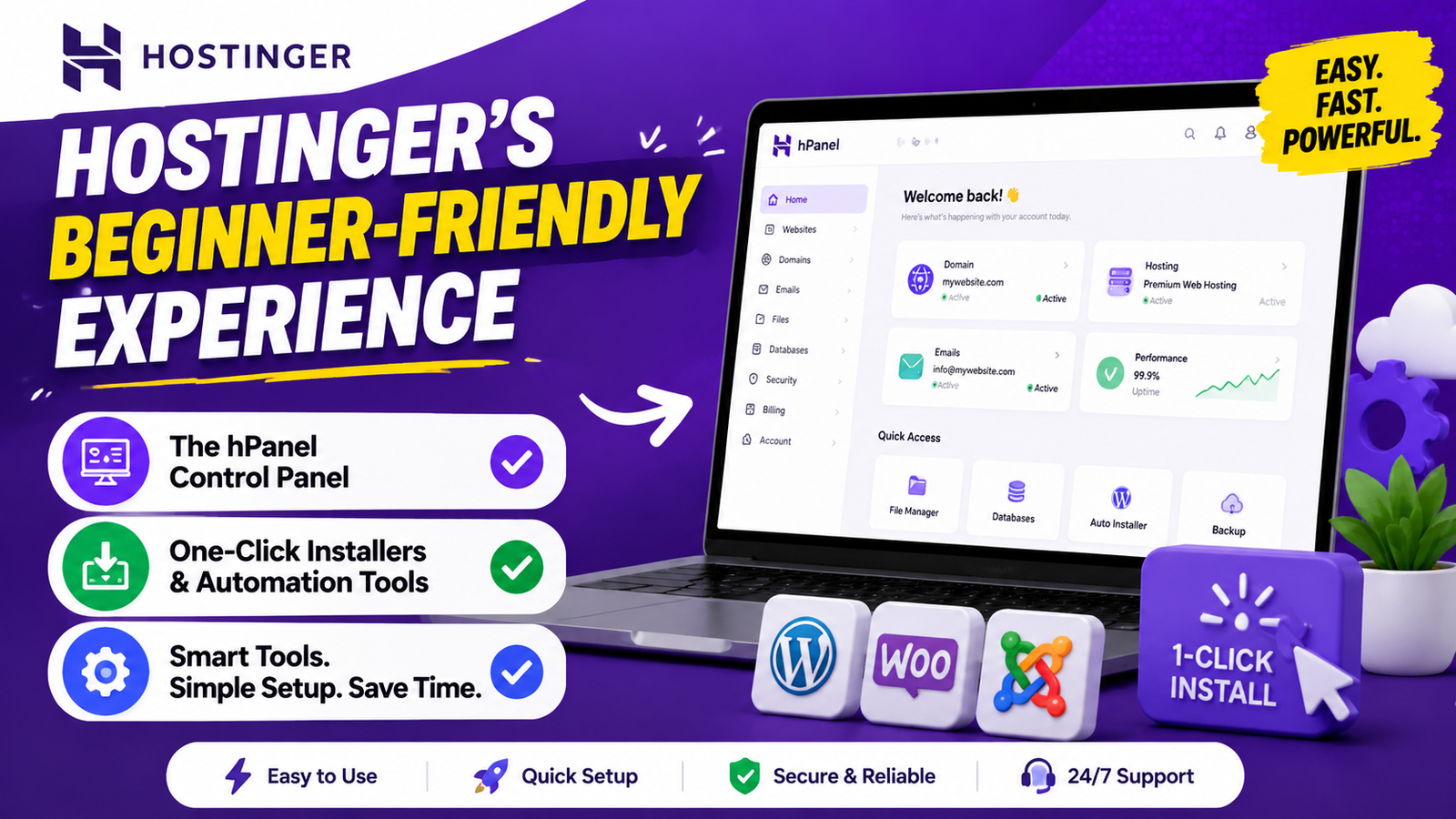
Instead of the industry‑standard cPanel, Hostinger uses its own custom dashboard called hPanel. Many users find hPanel more intuitive and less overwhelming than traditional control panels because it surfaces only the essential tools most beginners need. This includes email setup, domain management, backups, and one‑click installs all located in obvious places instead of nested menus.
Want to install WordPress, Joomla, or another popular app? Hostinger’s one‑click installer makes it painless. Combine that with automated backups and integrated security tools, and even someone with zero experience can get a site online quickly.
Hostinger’s headline prices are undeniably low — often advertised at $2.49–$3.99 per month for shared hosting. This makes it one of the most affordable entry points in hosting.
However, here’s the catch: renewal prices jump significantly after the introductory period — often 2–3× higher than what you initially pay. If you’re not aware of this, the renewal bill can be a surprise.
For beginners, this means you should factor in long‑term costs before committing. Often, locking in a longer upfront term (e.g., 24–48 months) gives the best value, but you should still plan for higher renewal rates later.
Hostinger includes foundational security tools even on basic plans:
These features help give peace of mind — especially for beginners who may not know how to implement them manually.
Beyond raw hosting resources, Hostinger’s ecosystem includes value‑added tools that simplify site creation:
Hostinger’s AI builder can generate complete website layouts from prompts in just minutes — a major convenience for users who don’t want to design from scratch.
Some plans include access to an integrated email marketing platform, so you can collect leads and communicate with your audience without juggling multiple services.
For no‑code app creation, Hostinger provides Horizons — broadening the platform beyond traditional websites.
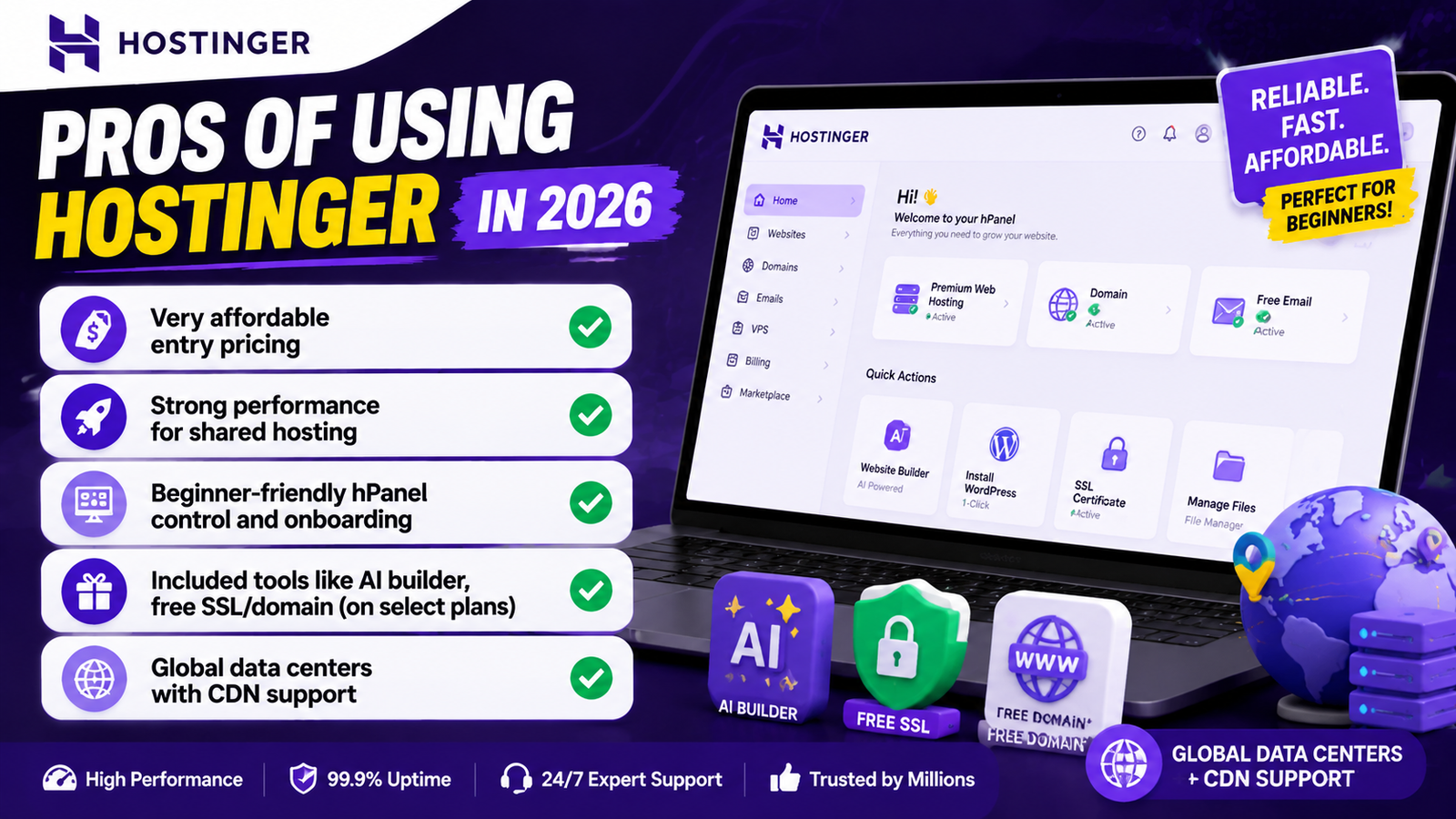
Here’s a quick breakdown of what many reviewers and tests agree on:
These strengths make it an appealing choice for first‑time sites and small businesses.
No service is perfect, and Hostinger has areas to watch:
Some users also report support experience varying by region and plan level — something beginners should factor into expectations.
Hostinger offers 24/7 support via live chat and tickets. While many users report helpful agents, some community feedback mentions mixed experiences — especially when support starts with AI chatbots and escalates to human help only later.
There’s no phone support, which some beginners might miss when they want instant verbal guidance — so keep that in mind.
For WordPress users, Hostinger’s combination of LiteSpeed servers, caching support, and automated tools delivers site speeds that are competitive at this price point. Experts have found that TTFB (Time to First Byte) numbers often fall well within good user experience metrics for small sites — e.g., sub‑300ms in some tests.
However, if your WordPress site has heavy traffic or lots of plugins, you might eventually want to consider higher‑end hosting.
Hostinger is an excellent fit for:
You might want alternatives if:
Across verified review platforms and community discussions, many users echo the same themes:
Positive experiences: easy setup, clean dashboards, fast beginner‑level performance.
Critical feedback: support inconsistencies, confusing pricing, and occasional performance dips.
This mix isn’t unusual for a budget host — good value attracts attention, but also scrutiny when expectations aren’t aligned with plan limitations.
In 2026, Hostinger routinely appears in “best value” shared hosting lists alongside other budget hosts — but it’s not the only choice. Premium names like SiteGround and Bluehost excel in support or higher‑end managed features, while hosts like InMotion Hosting focus more on advanced performance and migrations.
If you’re purely beginner‑focused and price‑sensitive, Hostinger often leads the pack; but if top‑tier support or performance guarantees matter, alternatives could be better.
For basic online stores — under 500 products or relatively light traffic — Hostinger can do the job, especially with caching and optimization tools. However, many e‑commerce owners find that shared resources and support limits make it harder to scale without moving to cloud or VPS plans. If uptime and transaction stability are critical, consider a host that specifically markets managed e‑commerce environments.
To make Hostinger work best for your budget:
These small steps help beginners get more out of their plan.
So, is Hostinger the best web hosting for beginners in 2026? The data and user experience suggest a strong yes — with context. Hostinger delivers a compelling blend of low prices, user‑friendly tools, good performance, and features that specifically help beginners launch and manage websites without technical headaches.
But “best” hinges on what you value most: if cost and ease of use matter most, Hostinger’s hard to beat. If you need robust long‑term scalability or premium support, you might look elsewhere.
Yes — Hostinger’s onboarding, AI tools, and intuitive panel make it a great starting point for first‑time website owners.
The introductory prices are very affordable, but renewal rates can be significantly higher, so plan accordingly.
Independent tests show uptime averaging near 99.9% or higher, which is strong for shared hosting.
No, support is available via live chat and email, not phone.
Yes — it offers WordPress‑optimized plans with built‑in speed tools and easy one‑click setup.
Recent Post
How Weblium.com Helps Simplify the Website Creation Process

Understanding Supplement Selection and Quality at BulkSupplements.com

How Digital Solutions Are Evolving With CHENGDU OUMEI NETWORK INFORMATION L.T.D

Beauty Trends Worth Exploring With Dominique Cosmetics – 122027

The Growing Role of 3D Scanning and Revopoint 3D Technologies Inc

Why Fitness Fashion Lovers Are Exploring WISKII ACTIVE LIMITED
Improving Website Performance and User Experience With Strategy11

Website Design Trends and the Growing Role of Weblium.com

Photography Styling Trends and the Role of KATE BACKDROP INC
A Guide to Finding Everyday Fashion Inspiration on rihoas.com
Releted Post