

In today’s digital world, having a dazzling website is no longer a luxury—it’s a necessity. But building one doesn’t have to be slow, complicated, or intimidating anymore. Whether you’re a small business owner, freelancer, or content creator, tools like Create have revolutionized how we bring online projects to life. With advancements like drag‑and‑drop editors, AI content generation, and responsive design tools, even first‑time creators can launch professional websites in record time. The root of this shift lies in eliminating the heavy technical steps and replacing them with intuitive workflows that make sense, no matter your level of experience. What used to require weeks of design and coding can now be completed in hours—or even minutes—without sacrificing quality or visual impact.
Table of Contents
To many people, “Create” might sound generic, but in the context of web development, it represents a new generation of tools that let you build websites without worrying about backend code or server configurations. Traditional website building required an understanding of HTML, CSS, JavaScript, and sometimes backend languages like PHP. Today, builders like Create, CreateWebsite.io, and other AI‑powered platforms let you focus on your ideas rather than infrastructure. These tools abstract away technical complexity so you can focus on design, user experience, and content creation.
Before AI and no‑code builders, creating a website usually meant hiring a developer or investing time into learning to code yourself. The process involved deciding on a layout, writing every piece of code, testing across devices, and manually publishing updates. Not only was this costly, but it also took technical skill and countless hours. In contrast, modern website creators like Create let you skip this entire overhead. What’s really remarkable is how some AI systems can now interpret a simple textual description of your idea and generate a fully functional site based on your input.
Imagine this scenario: your competitor launches their business online first and starts ranking on search engines, engaging customers, and capturing leads—all before you’ve finished building your site. Speed is no longer just convenience; it’s competitive advantage. Release your brand to the world faster, iterate quickly based on user feedback, and stay relevant in a fast‑moving digital landscape. Tools like Create can help you achieve that without endless development cycles.
The website builder market isn’t just growing—it’s transforming. Platforms like CreateWebsite.io use AI to generate not just layouts, but also tailored content, images, and branding recommendations based on your inputs. This implies that you receive a publication plan in addition to a functional website.
Experts estimate the website builder industry is valued in the billions and continues to grow as more businesses skip traditional custom development. Modern tools now dominate due to their ease of use, affordability, and rapid results. Cloud‑based builders include web hosting, domain registration, and SSL all in one place, significantly reducing the time from concept to launch.
AI generators do more than speed up design—they help you make informed choices. Some builders provide suggestions for content outlines, layout structures optimized for conversions, and even SEO recommendations. Ultimately, this minimizes guesswork and maximizes impact, especially for creators who don’t have deep technical or design expertise.
There are multiple interpretations of “Create”—but generally, platforms with this branding focus on no‑code or AI‑assisted building. For example, one version of Create lets you build websites through visual drag‑and‑drop and customizable templates that require zero coding knowledge. Another version (AI‑focused) interprets natural language to generate websites and applications.
Some builders named Create are purely visual and template‑based, while others integrate AI to interpret text and generate sites automatically from simple prompts. What they all share is a commitment to speed, ease of use, and removing barriers to web development.
Before you even log into Create or any other builder, take a step back and define your goals. Ask yourself: Who is my audience? What do I want visitors to my website to do? Answering these questions will save you time later in design and help clarity guide your decisions.
Think deeply about what success looks like for your site. Are you selling products? Showcasing a portfolio? Generating leads? This clarity helps you choose the right layout, content, and functionality from the start.
Sketch a simple sitemap on paper or a digital tool. Identify your homepage, key internal pages like About, Services, Contact, and e‑commerce pages if needed. Planning ahead ensures you never get stuck halfway through design.
Let’s break down the core actions to go from zero to live site fast.
Most web builders let you start with a free trial. Create’s platform allows you to sign up and explore tools without upfront payment, which is ideal for experimentation before commitment.
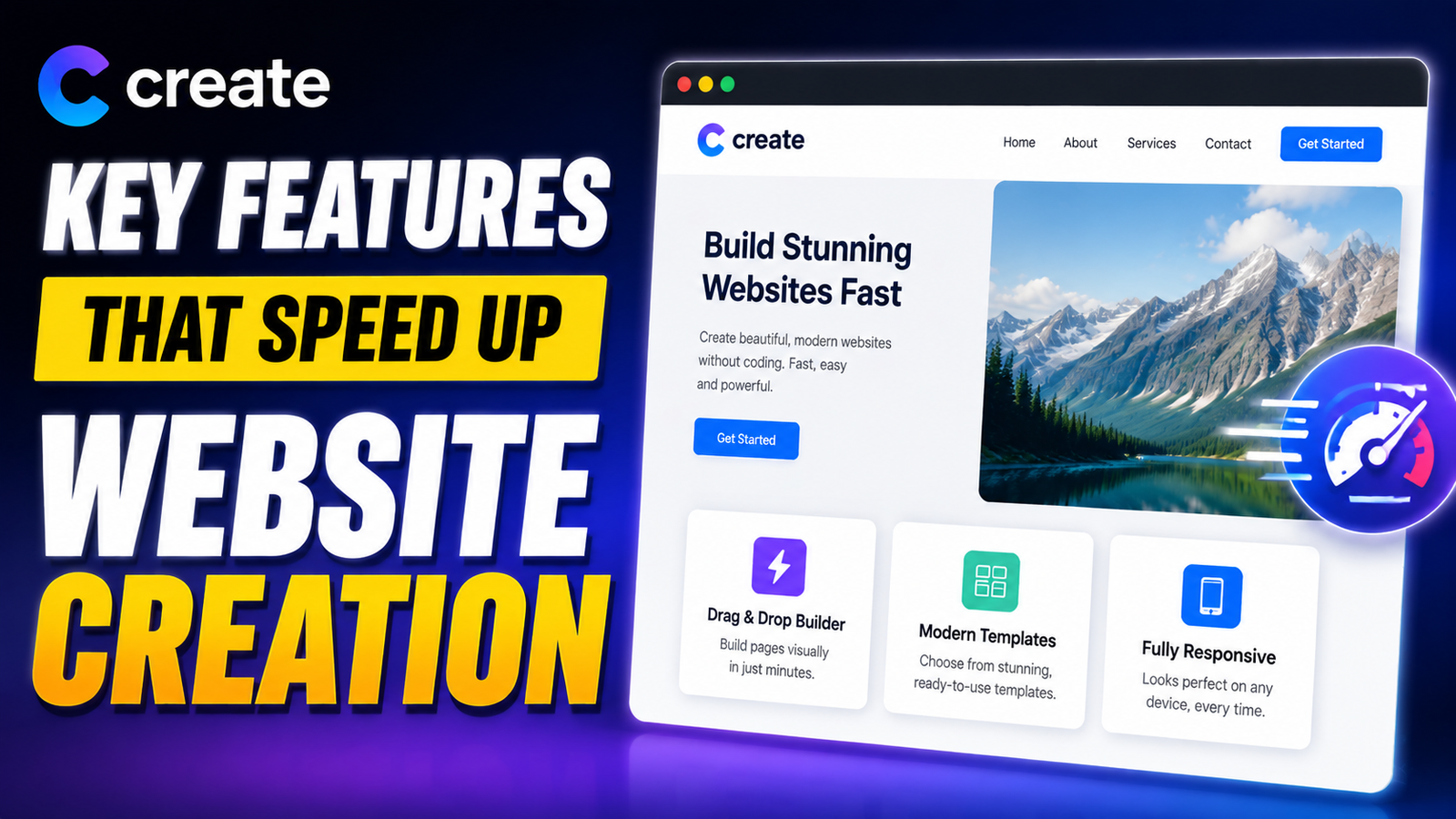
Choose from professional templates designed for your industry. These outline the visual structure and responsive layout, so you don’t start with a blank slate.
Drag in text blocks, images, videos, and logos to make the site your own. Upload your brand assets and customize each section to reflect your voice and message. Many builders also include AI tools to write copy based on your description.
Choose fonts and colors that match your brand personality. Ensure images are high resolution, relevant, and optimized for speed.
Most visitors browse on phones, so your site must adapt beautifully to smaller screens. Accessibility is also crucial for usability and SEO.
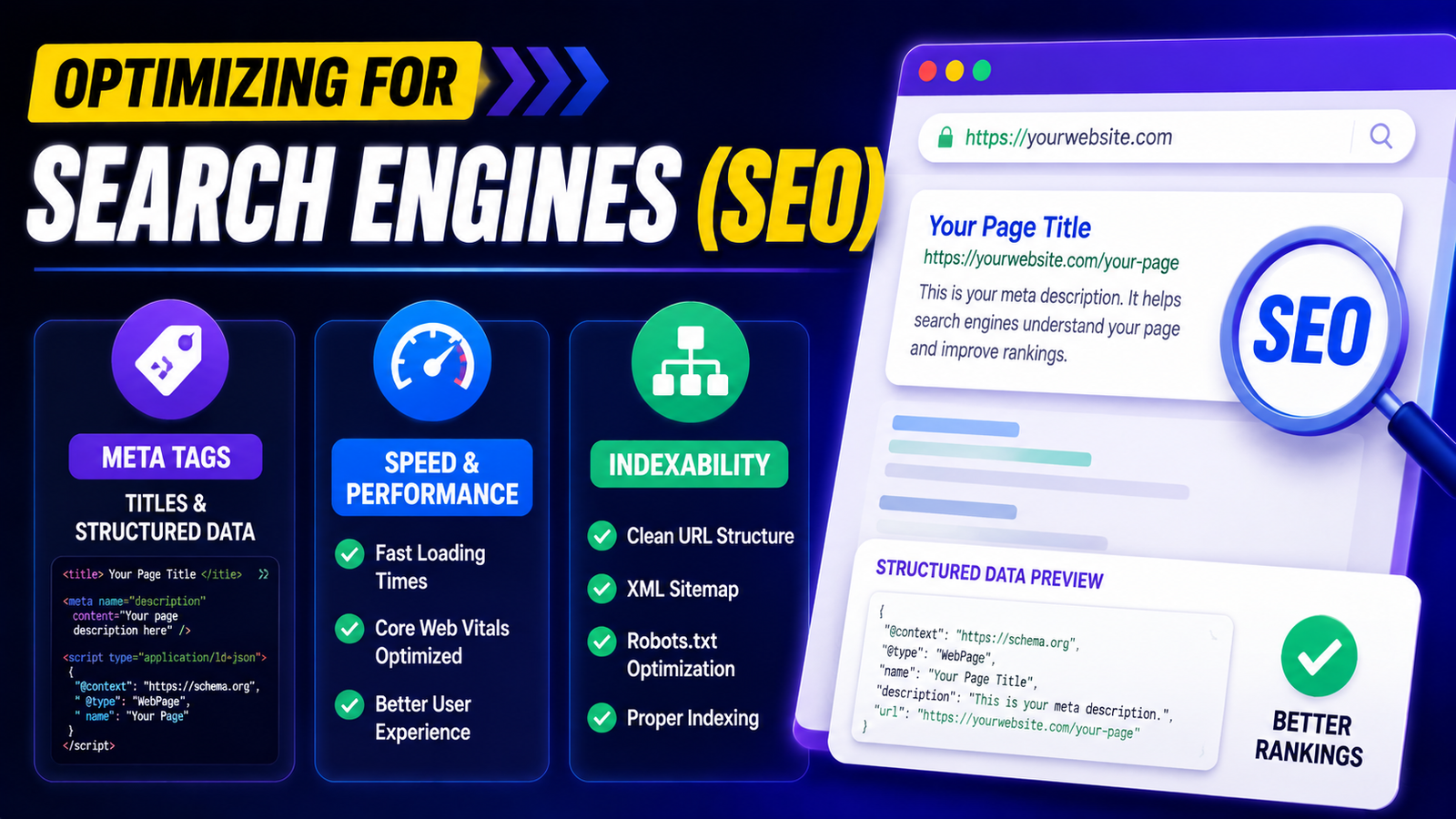
A stunning website means little if no one can find it. SEO should be part of your build process.
Add meta titles, descriptions, and schema to help search engines understand your content and rank you higher.
Ensure your images and code are optimized for fast loading times. Most builders automatically generate sitemaps and include mobile‑friendly design—both critically impact SEO.
Beyond looks, functionality matters. Whether you need contact forms, product galleries, or integrated payments, modern builders make it simple.
Drag‑and‑drop these elements into place. Integrations help you collect leads, showcase portfolios, add video content, and build engagement everywhere.
Platforms like Create offer built‑in e‑commerce tools—SSL, product catalogs, abandoned basket tools, and order management—so you can start selling online quickly.
Before publishing, preview your site on different devices. Correct any typos, broken links, or layout glitches. Once satisfied, hit publish and your site is live for the world to see.
Check every section, test forms, and ensure navigation feels intuitive. After testing, make it public with a click.
Connect tools like Google Analytics to monitor visitor behavior and make data‑driven improvements over time.
Your website isn’t a “set and forget” project. Update content regularly, add blog posts, refresh visuals, and keep security up to date for optimal performance.
Fresh content keeps users engaged and helps SEO.
Enable backups, secure your site with SSL, and update any plugins or integrations as needed.
Building a stunning website has never been easier. With tools like Create and modern AI‑powered builders, you can go from idea to live site without coding—even if you’re a beginner. The key is planning, choosing the right frameworks, and leveraging built‑in tools strategically. With smart design choices and a clear focus on SEO and usability, you’ll not only launch beautifully fast but also grow your online presence with confidence.
Create is a modern website builder that lets you develop sites fast through intuitive tools, templates, and sometimes AI assistance—eliminating coding requirements.
No. Most builders are designed for beginners and include drag‑and‑drop editors and predesigned components.
Yes—many Create‑style platforms include e‑commerce tools, SSL, order management, and sales features.
Most builders offer built‑in SEO tools such as sitemaps, metadata, and responsive design to improve discoverability.
With planning and the right builder, you could launch a basic site in a few hours and a polished live site within a day.
Recent Post
How Weblium.com Helps Simplify the Website Creation Process

Understanding Supplement Selection and Quality at BulkSupplements.com

How Digital Solutions Are Evolving With CHENGDU OUMEI NETWORK INFORMATION L.T.D

Beauty Trends Worth Exploring With Dominique Cosmetics – 122027

The Growing Role of 3D Scanning and Revopoint 3D Technologies Inc

Why Fitness Fashion Lovers Are Exploring WISKII ACTIVE LIMITED
Improving Website Performance and User Experience With Strategy11
Website Design Trends and the Growing Role of Weblium.com

Photography Styling Trends and the Role of KATE BACKDROP INC
A Guide to Finding Everyday Fashion Inspiration on rihoas.com
Releted Post