How Wrike Can Streamline Your Team's Workflow and Boost Productivity
Discover how Wrike can simplify task management, improve collaboration, and streamline workflows for teams of all sizes. This blog post explores Wrike’s key features, benefits, and integrations that boost productivity and help your team stay organized.
In today’s fast-paced business world, managing workflows efficiently isn’t optional—it’s essential. Teams juggle multiple projects, deadlines, and communication channels every day. Without the right system, it’s easy to get lost in chaos. That’s where Wrike comes in—a project and workflow management tool designed to help teams stay organized, collaborate better, and boost productivity.
What is Wrike?
Wrike is a cloud-based project management and collaboration software that gives teams the tools to streamline workflows. From organizing tasks to tracking performance, Wrike simplifies the entire project lifecycle.
The Challenges Teams Face Without a Workflow Tool
If your team doesn’t use a workflow tool like Wrike,you’ve likely experienced:
Communication breakdowns: Emails and chat threads get messy.
Missed deadlines: Tasks fall through the cracks without clear accountability.
Lack of visibility: Team members don’t always know who’s working on what.
Wrike for Project Management
Project managers love Wrike’s ability to:
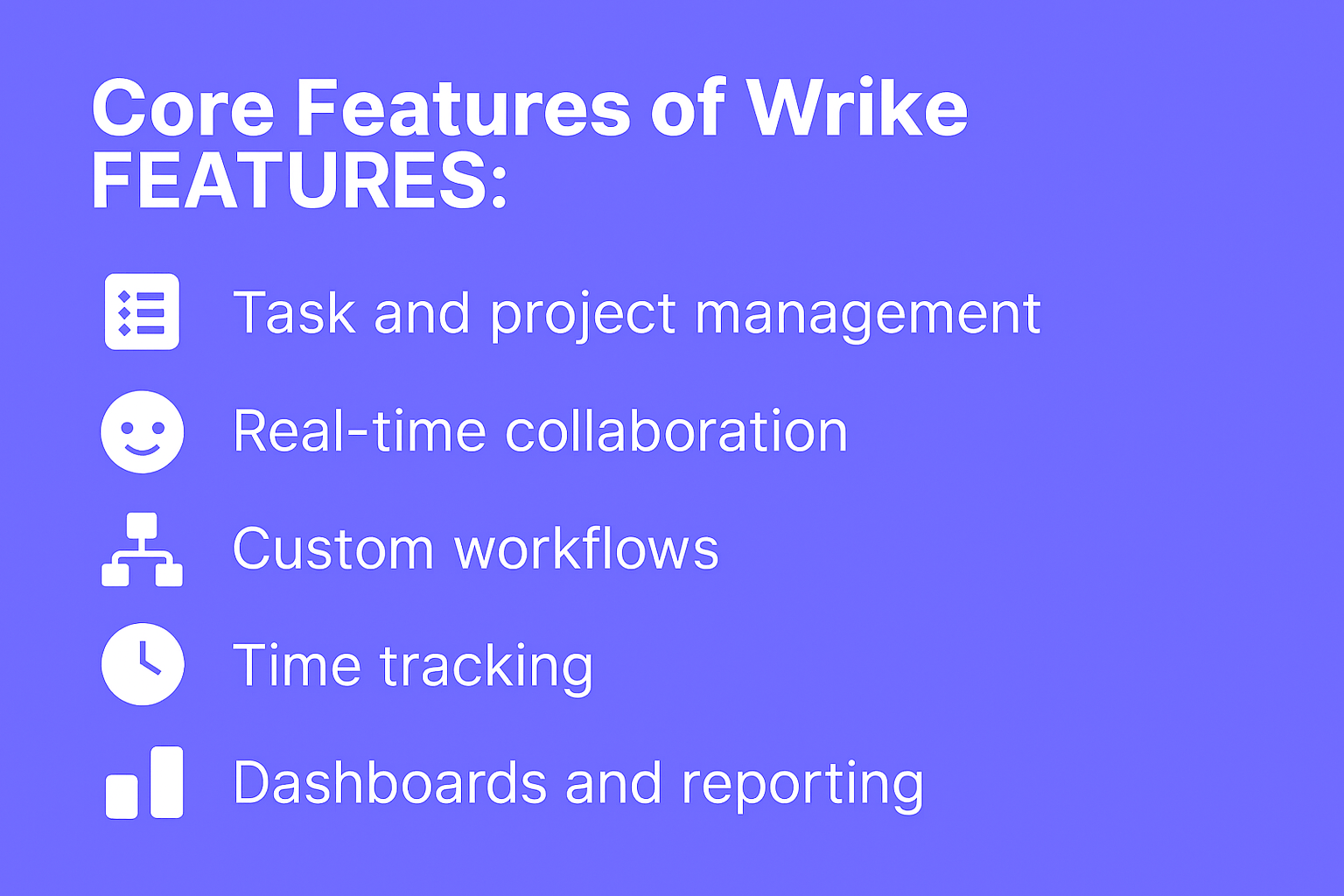
Break projects into tasks and milestones
Use Gantt charts to visualize timelines and dependencies
Wrike is feature-rich but still intuitive. With a clean interface and helpful onboarding guides, most teams adapt quickly. Training resources like Wrike Discover make adoption smoother.
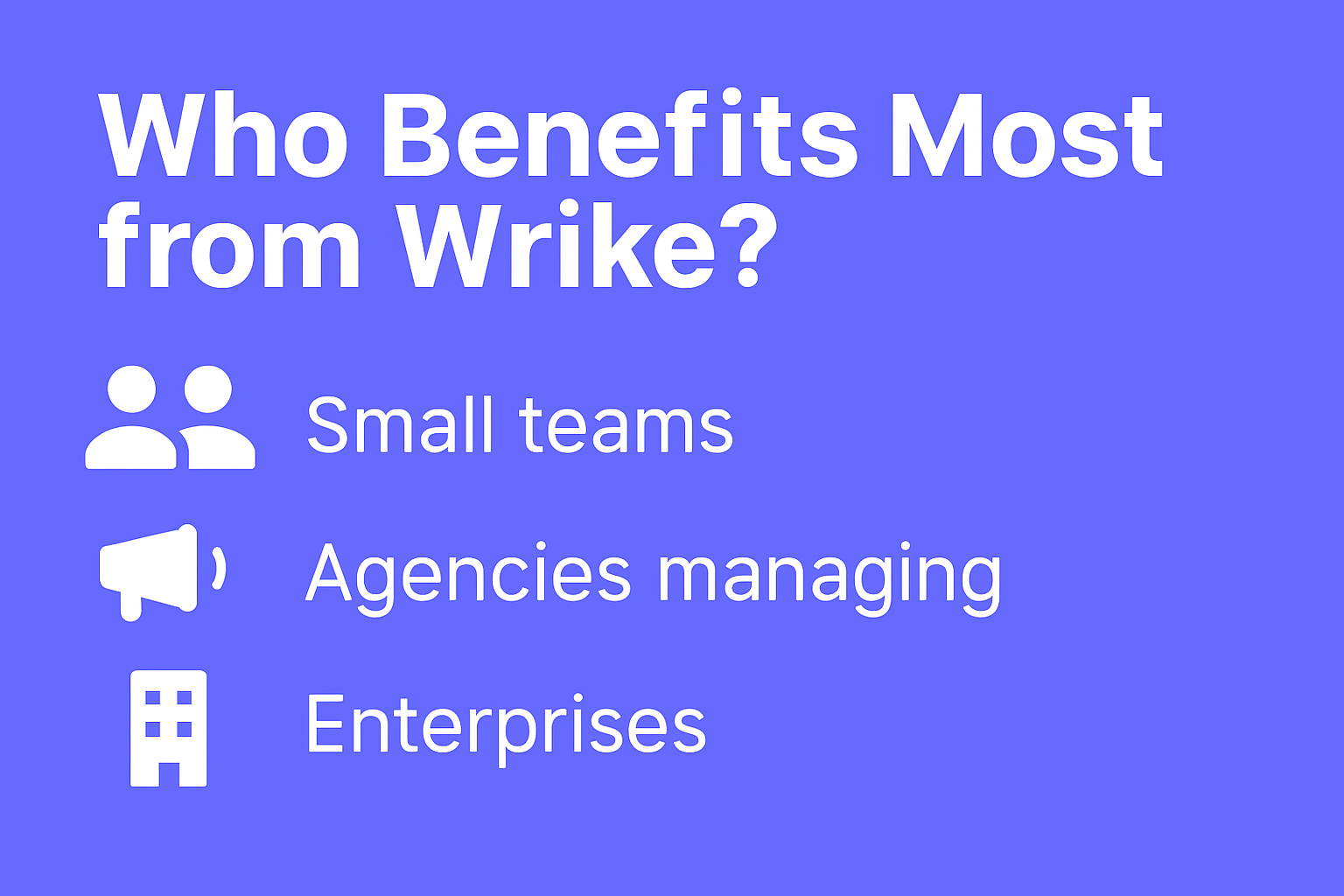
Who Benefits Most from Wrike?
Small teams that need to stay organized
Agencies managing multiple clients
Enterprises requiring advanced reporting and integrations
Enterprise: Custom pricing for large organizations
Wrike vs Other Workflow Tools
Wrike vs Asana: Wrike offers more advanced reporting, while Asana is simpler.
Wrike vs Trello: Wrike has deeper features; Trello shines for visual simplicity.
Wrike vs Monday.com: Wrike is more customizable; Monday.com has a smoother UI.
Conclusion
Wrike is more than just a task manager—it’s a complete workflow management solution. Whether you’re a small business, a large enterprise, or a remote team, Wrike helps streamline tasks, improve communication, and boost productivity. If your team struggles with organization, Wrike might just be the game-changer you need.
Frequently Asked Questions
Q. Is Wrike suitable for small businesses?
Yes, Wrike’s lower-tier plans are perfect for small teams needing task management.
Q. Can Wrike be used for remote work?
Absolutely. Wrike’s collaboration features are ideal for distributed teams.
Q. Does Wrike integrate with Slack and Google Drive?
Yes, Wrike integrates seamlessly with Slack, Google Workspace, and hundreds more.
Q. Is Wrike difficult to learn?
It has a learning curve, but onboarding tools and training resources make it manageable.
Q. How much does Wrike cost?
Plans start with a free version, with paid plans beginning at $9.80/user/month.