banner
Pipedrive

Pipedrive for Sales & Marketing Teams: Complete Guide

Pipedrive for Sales & Marketing Teams: Complete Guide explains how Pipedrive helps sales and marketing teams streamline lead management, automate workflows, track deals, and boost conversions using a simple, visual, and performance-driven CRM platform.

If managing sales feels like juggling too many balls at once, you’re not alone. Sales and marketing teams often struggle with scattered leads, missed follow-ups, and zero visibility into what’s actually working. That’s exactly where Pipedrive CRM steps in.

Pipedrive is a sales-focused CRM designed to help teams visualize their pipeline, track deals, and close more sales with less stress. Think of it like Google Maps for your sales journey—it shows where each deal is, what’s blocking progress, and the fastest route to closing.

Why Sales & Marketing Teams Choose Pipedrive

So why do so many teams swear by Pipedrive?

Because it’s:

    1. Simple to use
    2. Highly visual
    3. Focused on action, not clutter

Unlike bloated CRMs that feel like flying a spaceship, Pipedrive is intuitive. Sales reps actually enjoy using it, and that alone makes a massive difference.

Marketing teams also benefit because Pipedrive helps align leads, campaigns, and conversions in one clean system.

Core Features of Pipedrive

Visual Sales Pipeline

This is Pipedrive’s signature feature.

Deals move through pipeline stages using simple drag-and-drop. No spreadsheets. No confusion. Just clarity.

You can:

    1. Customize pipeline stages
    2. Track deal value and probability
    3. Instantly see bottlenecks

It’s like having your entire sales process on a whiteboard—only smarter.

Lead Management & Tracking

Leads don’t just appear magically. Pipedrive helps you capture, qualify, and prioritize them.

Key highlights:

    1. Centralized lead inbox
    2. Custom lead forms
    3. Lead scoring options
    4. Automatic assignment to reps

No more “Who followed up on this?” moments.

Activity & Task Automation

Let’s be honest—manual follow-ups are productivity killers.

Pipedrive automates:

    1. Follow-up reminders
    2. Task creation
    3. Deal movement
    4. Email scheduling

This means your team focuses on selling, not admin work.

Email Integration & Tracking

Your emails sync directly with Pipedrive.

You can:

    1. Send emails from CRM
    2. Track opens and clicks
    3. Use email templates
    4. Schedule follow-ups automatically

It’s like having a built-in sales assistant watching your inbox.

Pipedrive for Sales Teams

Deal Management Made Simple

Sales reps thrive on clarity. Pipedrive gives them exactly that.

Each deal shows:

    1. Contact history
    2. Emails and calls
    3. Notes and files
    4. Expected close date

Everything needed to close a deal is in one place.

Sales Automation & Workflows

Automation in Pipedrive isn’t complicated. It’s practical.

You can automate:

    1. Deal stage changes
    2. Email triggers
    3. Task creation
    4. Lead assignments

Set it once, and let it run like clockwork.

Forecasting & Revenue Insights

Want to predict revenue without guessing?

Pipedrive’s forecasting tools help you:

    1. See expected revenue
    2. Track win rates
    3. Identify high-performing reps
    4. Adjust strategy in real time

Sales forecasting finally makes sense.

Sales Reporting Dashboards

Numbers tell stories. Pipedrive helps you read them.

Dashboards show:

    1. Conversion rates
    2. Deal velocity
    3. Activity performance
    4. Revenue trends

And yes, reports are exportable and shareable.

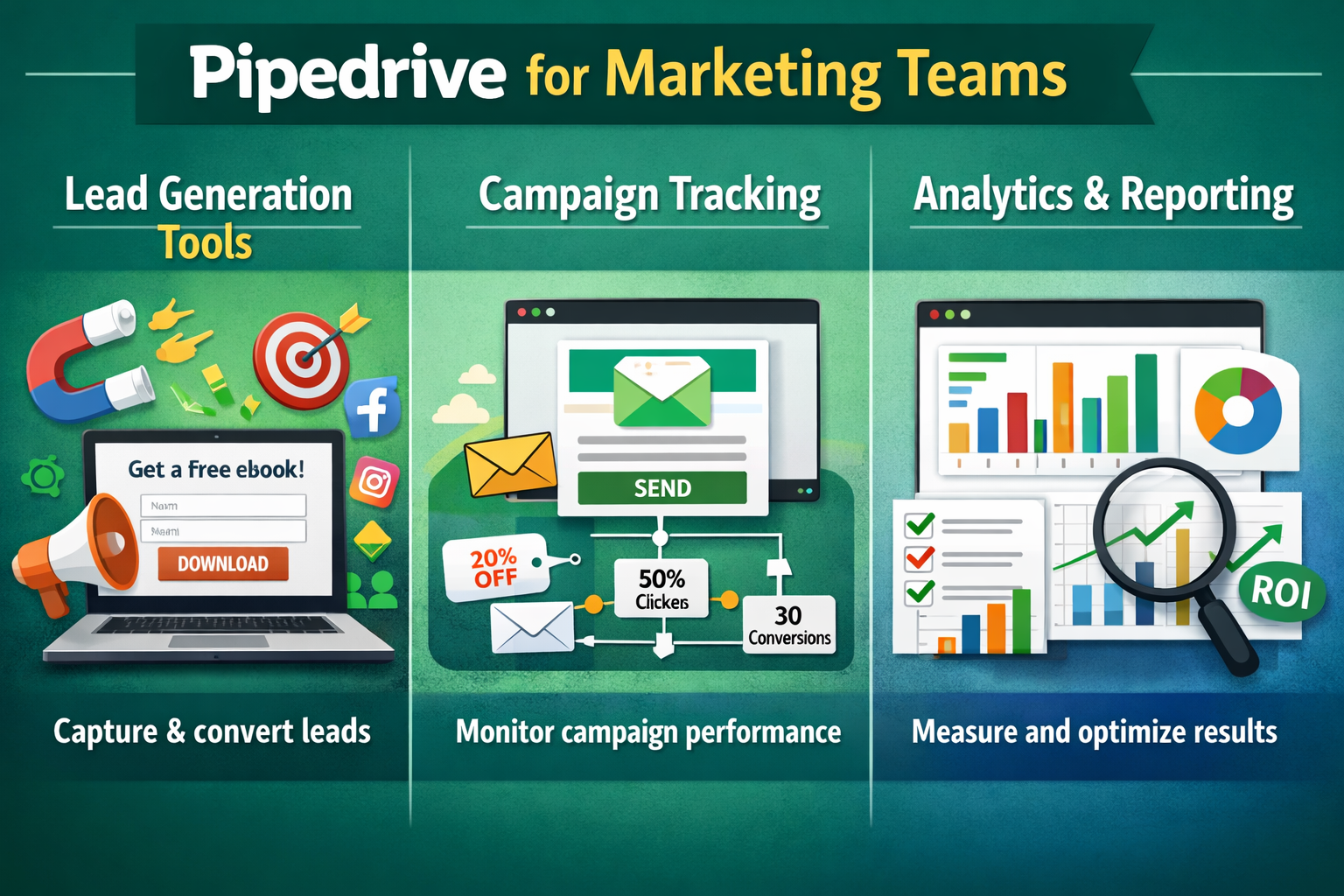
Pipedrive for Marketing Teams

Lead Generation Tools

Marketing isn’t just about traffic—it’s about qualified leads.

Pipedrive supports:

    1. Web forms
    2. Chatbots
    3. Leadbooster add-on
    4. Third-party integrations

Every lead flows directly into the CRM, ready for sales.

Campaign Tracking

Ever wondered which campaign actually converts?

With Pipedrive, you can:

    1. Tag leads by source
    2. Track campaign ROI
    3. Measure conversion rates
    4. Align spend with results

Marketing decisions become data-driven, not gut-driven.

CRM + Marketing Alignment

Sales and marketing alignment is where revenue explodes.

Pipedrive ensures:

    1. Shared visibility
    2. Clear handoffs
    3. Unified customer data
    4. Zero lead leakage

No more blame games—just results.

Integrations & Add-ons

Pipedrive plays well with others.

Popular integrations include:

    1. Google Workspace
    2. Slack
    3. Zoom
    4. HubSpot tools
    5. Mailchimp
    6. Zapier

You can build a full sales and marketing stack without friction.

AI & Smart Features in Pipedrive

Pipedrive uses AI where it actually matters.

Smart features include:

    1. Deal insights
    2. Activity suggestions
    3. Email recommendations
    4. Performance predictions

It’s like having a sales coach whispering advice in real time.

Pricing Plans Explained

Pipedrive offers flexible pricing for teams of all sizes.

Typical plans include:

    1. Essential
    2. Advanced
    3. Professional
    4. Power
    5. Enterprise

Each plan scales with automation, reporting, and support. No surprise pricing tricks.

Pros and Cons of Pipedrive

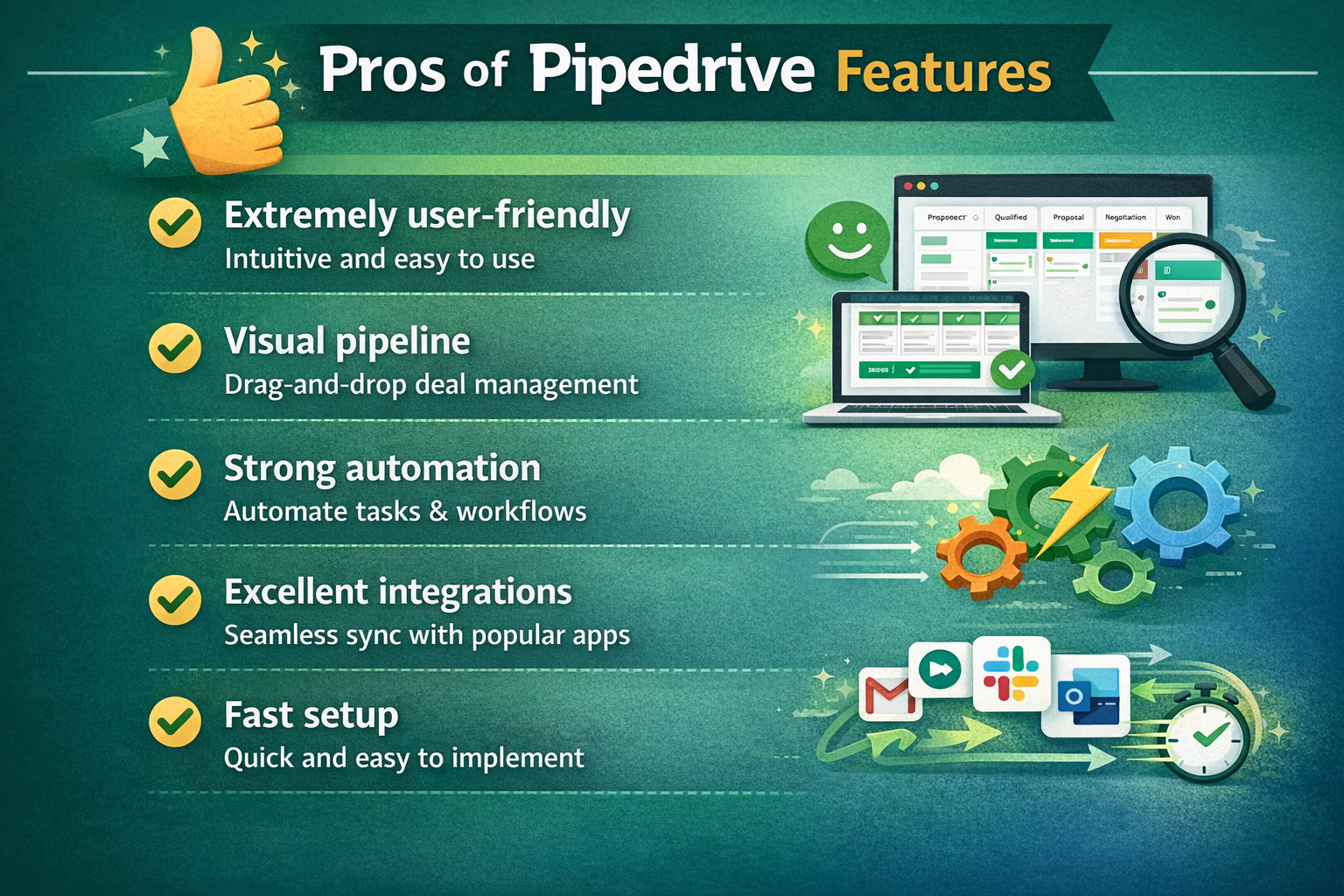
Pros

    1. Extremely user-friendly
    2. Visual pipeline
    3. Strong automation
    4. Excellent integrations
    5. Fast setup

Cons

      1. Limited native marketing tools
      2. Advanced features cost extra
      3. Not ideal for very complex enterprises

Pipedrive vs Other CRMs

Compared to giants like Salesforce or HubSpot, Pipedrive focuses on simplicity and execution.

If Salesforce is a jumbo jet, Pipedrive is a high-speed train—faster, simpler, and easier to operate.

Who Should Use Pipedrive

Pipedrive is perfect for:

    1. Startups
    2. SMBs
    3. Sales-driven companies
    4. Agencies
    5. Remote sales teams

If closing deals is your priority, Pipedrive fits like a glove.

Getting Started with Pipedrive

Getting started is refreshingly easy:

    1. Sign up
    2. Create pipelines
    3. Import contacts
    4. Set automations
    5. Start selling

Most teams are fully operational in a single day.

Tips to Get the Most Out of Pipedrive

    1. Customize pipelines early
    2. Use automation aggressively
    3. Train reps properly
    4. Review reports weekly
    5. Integrate email and calendar

Small tweaks lead to big gains.

Conclusion

Pipedrive isn’t just another CRM—it’s a sales execution engine.

For sales and marketing teams that want clarity, speed, and real results, Pipedrive delivers without unnecessary complexity. It keeps teams focused on what truly matters: closing deals and growing revenue.

Frequently Asked Questions

Yes, it’s one of the best CRMs for small and growing teams due to its simplicity.

Absolutely. While sales-focused, it integrates well with marketing tools.

Yes, powerful yet easy-to-use automation is one of its strengths.

For sales simplicity and pipeline management—yes. For full marketing suites—HubSpot may offer more.

Yes, especially with higher-tier plans and integrations.

Shopping Basket