Notion for Marketing Agencies: Workflow & Collaboration Guide
Notion for Marketing Agencies: Workflow & Collaboration Guide is a practical resource that shows how marketing teams can use Notion to streamline workflows, improve collaboration, and manage clients, content, and campaigns from one centralized workspace. The post explains real-world agency use cases, best practices, and scalable systems to boost productivity, transparency, and team efficiency using Notion.
Running a marketing agency without a proper system feels like juggling flaming torches while riding a bicycle. Emails everywhere, spreadsheets scattered, Slack messages buried, and deadlines sneaking up like ninjas. This is exactly where Notion for marketing agencies steps in as a game-changer.
Notion isn’t just another productivity tool. It’s more like a digital headquarters where your entire agency lives—projects, clients, content, processes, and people—all under one roof. If your agency handles SEO, content, social media, PPC, or full-stack digital marketing, Notion can bring calm to the chaos.
Let’s break down how marketing agencies can use Notion to build powerful workflows and seamless collaboration.
Why Marketing Agencies Struggle Without a Centralized System
Most agencies start small. A Trello board here, Google Docs there, Slack for communication, and Excel for tracking. It works—until it doesn’t.
As clients grow, so does complexity:
Missed deadlines
Duplicate work
Poor visibility into progress
Confused team members
Without a centralized system, your agency operates in silos. Notion solves this by acting as a single source of truth.
What Is Notion and Why Agencies Love It
All-in-One Workspace Explained
Notion combines notes, databases, tasks, calendars, and documents into one flexible workspace. Think of it as Lego blocks—you build exactly what your agency needs.
No rigid structure. No forced workflows. Just freedom with control.
Notion vs Traditional Project Management Tools
Unlike tools like Asana or Monday, Notion doesn’t lock you into a fixed way of working. Marketing agencies love Notion because:
It adapts to any workflow
It scales with the agency
It replaces multiple tools
One tool instead of five? Yes, please.
Core Benefits of Using Notion in a Marketing Agency
Improved Workflow Transparency
Everyone knows:
What they’re working on
What’s pending
What’s completed
No more “Hey, what’s the status?” messages.
Better Team Collaboration
Notion allows teams to comment, tag members, and collaborate in real time. Designers, writers, SEO experts, and account managers stay aligned.
Customization Without Complexity
You don’t need to be technical. Notion lets you build advanced systems without writing a single line of code.
Automation reduces manual work so your team focuses on strategy.
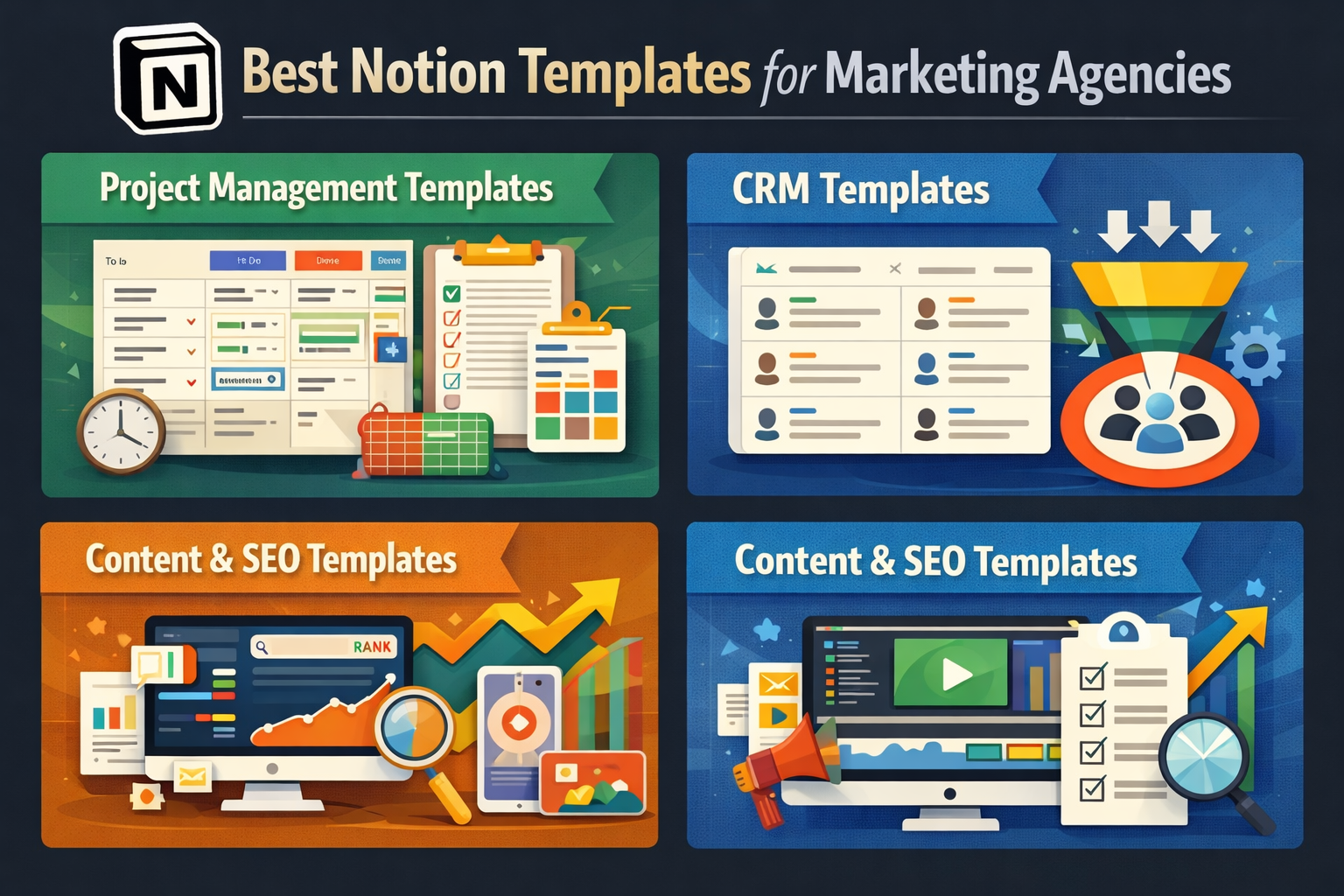
Best Notion Templates for Marketing Agencies
Project Management Templates
Pre-built workflows save setup time.
CRM Templates
Manage leads and clients efficiently.
Content & SEO Templates
Ready-made systems for writers and SEO teams.
Common Mistakes Agencies Make with Notion
Overcomplicating Dashboards
Simple beats fancy. Clarity beats clutter.
Poor Permission Management
Not everyone needs access to everything.
Not Training the Team
A tool is only powerful if people know how to use it.
Best Practices for Scaling a Marketing Agency with Notion
Standard Operating Procedures (SOPs)
Document processes so work stays consistent as you grow.
Performance Tracking
Track KPIs, workloads, and productivity.
Continuous Optimization
Review workflows monthly and refine them.
Conclusion
Notion for marketing agencies is not just a tool—it’s an operating system. When set up correctly, it transforms chaos into clarity, confusion into collaboration, and effort into efficiency. Whether you’re a small agency or scaling fast, Notion adapts to your growth like water filling a glass.
If your agency wants smoother workflows, happier teams, and better client experiences, Notion is worth every minute of setup.
Frequently Asked Questions
Q. Is Notion good for small marketing agencies?
Yes, Notion is perfect for small agencies because it’s affordable, flexible, and scalable.
Q. Can clients access Notion dashboards?
Yes, you can share specific pages with clients while controlling permissions.
Q. Is Notion better than Asana for marketing agencies?
For agencies needing customization and documentation, Notion often works better than Asana.
Q. Does Notion support automation?
Yes, Notion offers native automation and integrations with tools like Zapier.
Q. How long does it take to set up Notion for an agency?
Basic setup can be done in a few days, while advanced systems may take a few weeks.