Learn how to create mobile and web apps effortlessly with Glide, a powerful no-code platform that turns your Google Sheets into functional, visually appealing apps. This guide walks you through every step — from setting up your data to customizing and publishing your app — making Glide the perfect tool for beginners and non-developers who want to build professional apps without writing a single line of code.
Ever dreamed of building your own mobile app but didn’t know how to code? That’s where Glide steps in. Glide lets anyone create powerful, beautiful apps directly from a Google Sheet—no coding required. It’s fast, intuitive, and perfect for entrepreneurs, students, and small businesses looking to go digital.
What is Glide?
Glide is a no-code platform that allows you to build web and mobile apps using data from Google Sheets, Excel, or Glide Tables. It transforms your spreadsheet data into an interactive app interface that looks professional and functions seamlessly on any device.
In simple terms: if you can use spreadsheets, you can create an app with Glide.
Why No-Code Tools Like Glide Are Changing App Development
No-code platforms like Glide have revolutionized the app development process. You no longer need to spend thousands of dollars hiring developers or learning complex programming languages. Glide empowers creators to build, test, and deploy apps in a matter of hours rather than months.
Understanding Glide
How Glide Works
At its core, Glide connects your data (in a spreadsheet or Glide Table) to a visual interface. Each row in your sheet represents an item, and each column represents data attributes—like name, image, or status.
The Glide editor allows you to design the app visually, linking components to your spreadsheet data. When your data updates, your app updates instantly.
Key Features and Interface Overview
Drag-and-drop editor for easy layout customization
Building an app from scratch using code can be expensive and time-consuming. Glide eliminates those barriers.
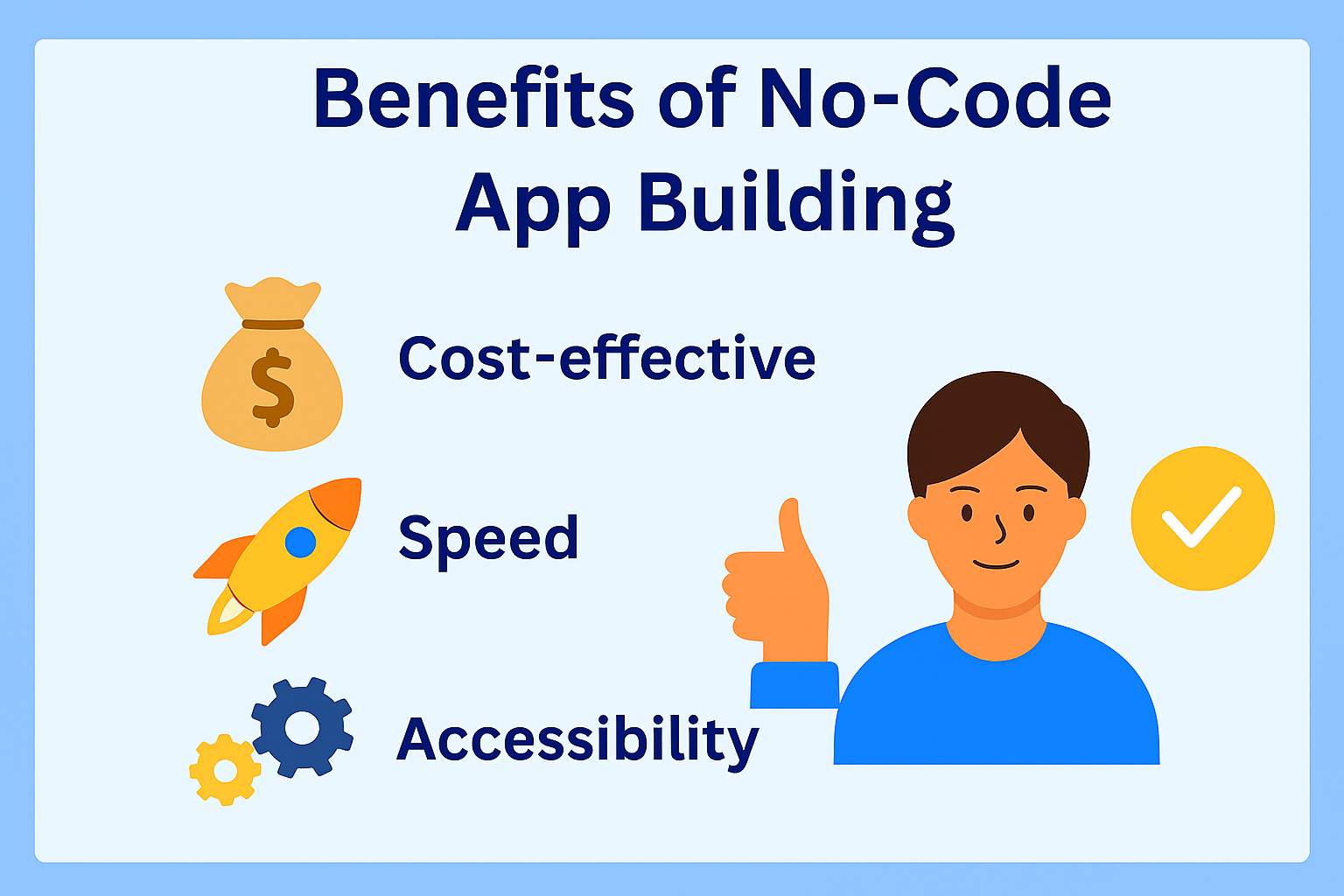
Benefits of No-Code App Building
Cost-effective: No need for developers or maintenance costs
Speed: Build apps within hours
Accessibility: Anyone can use it, regardless of technical background
Integration: Works seamlessly with popular tools like Zapier
Getting Started with Glide
Creating a Glide Account
Visit Glide’s website and sign up using your Google account. Once logged in, you’ll see an option to create a new app from a Google Sheet or start with a template.
Choosing the Right Plan
Glide offers free and paid plans. The Free Plan is great for beginners, while the Pro Plan unlocks branding options, private apps, and advanced data capabilities.
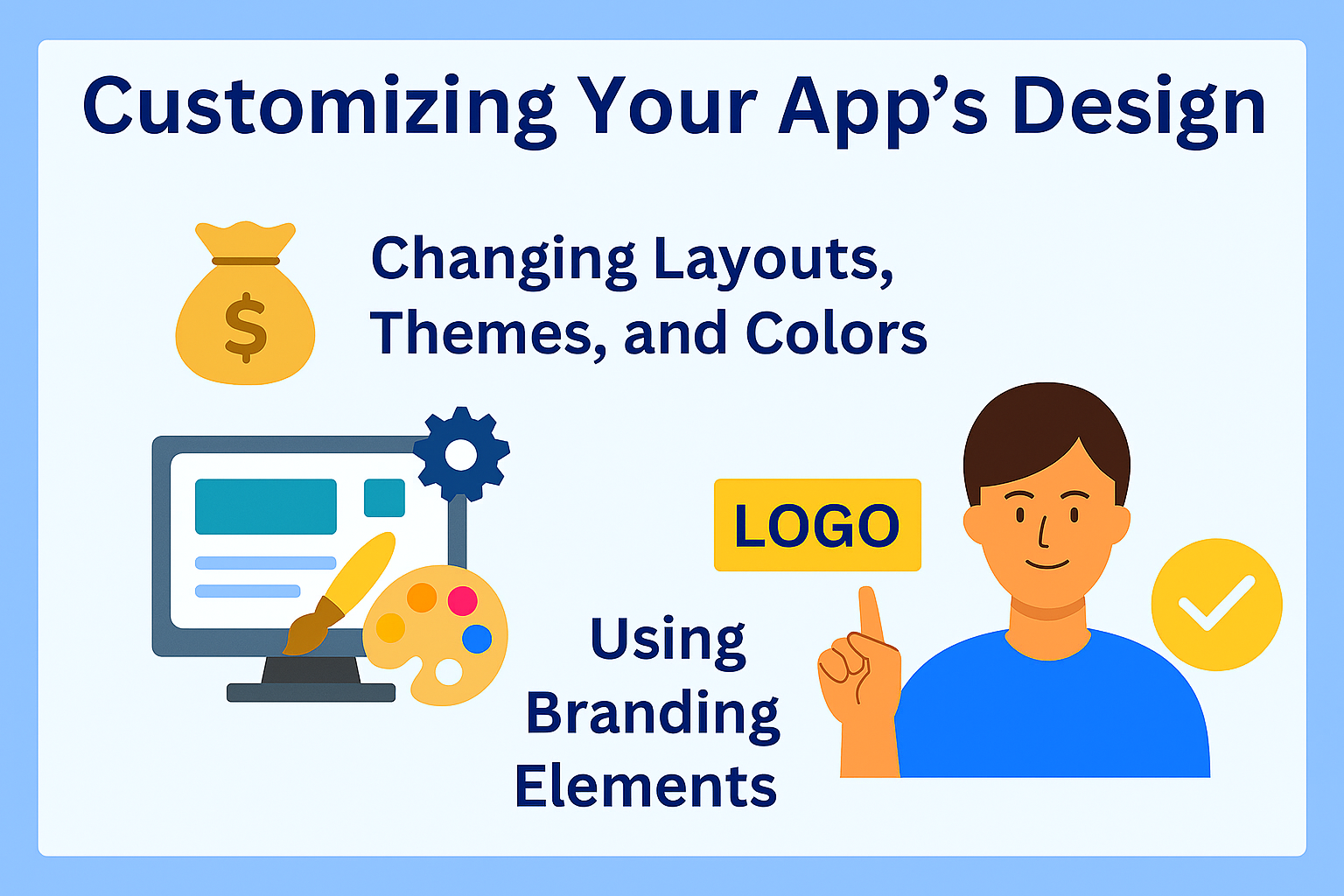
Pick from different layout styles—list, card, details, and more. You can also set color schemes that match your brand’s identity.
Using Branding Elements
Add your logo, app icon, and custom fonts to make your Glide app truly yours.
Adding Features and Functionality
Using Components
Glide’s components like forms, buttons, and charts add interactivity. You can use buttons to submit data, or forms to collect feedback.
Adding User Authentication
For personalized experiences, enable user sign-in options. This allows data filtering by individual users and ensures privacy.
Integrating External Tools
Connecting Glide to Zapier and Make
Automate tasks like sending emails, adding calendar events, or updating databases through Zapier or Make (Integromat).
Automating Workflows
For instance, when a new user signs up, a Zap can automatically send a welcome email.
Testing Your Glide App
Previewing Your App
Use the built-in preview mode to test your app’s behavior on desktop and mobile views.
Checking Data Flow
Ensure your spreadsheet updates reflect properly in the app—this confirms your data bindings are correct.
Publishing Your Glide App
Generating a Shareable Link
Once ready, click “Publish” to generate a link. Users can access the app via a browser or install it as a Progressive Web App (PWA).
Installing the App
On mobile, users can add it to their home screen, giving it a native app feel.
Real-World Use Cases
Business Apps
Manage sales leads, inventory, or customer feedback systems. Glide is popular among startups and small businesses.
Education and Events
Teachers use Glide for student tracking, while event organizers create schedules, ticketing systems, and attendee directories.
Tips to Enhance Your Glide App
Use actions and visibility rules for dynamic behavior.
Add filters and conditions to show only relevant data.
Optimize images and sheet formulas for better performance.
Limitations of Glide
While Glide is powerful, it’s not ideal for highly complex apps requiring custom backend logic or real-time processing.
If your app needs heavy API usage or large databases, consider tools like Adalo or Bubble instead.
Conclusion
Building an app with Glide is like turning your spreadsheet into magic. You don’t need a developer, a big budget, or months of work—just your ideas and a Google Sheet. Whether you’re creating a business dashboard or a personal tracker, Glide makes it possible in minutes.
So, what are you waiting for? Open Glide and start building your dream app—no code required!
Frequently Asked Questions
Q. Is Glide free to use?
Yes, Glide offers a free plan with essential features. You can upgrade for branding, privacy, and advanced capabilities.
Q. Do I need coding skills to use Glide?
Not at all. Glide is entirely no-code—just use your spreadsheet and creativity.
Q. Can I publish my Glide app on Google Play or the App Store?
Glide apps are web-based (PWAs) but can be added to mobile home screens. You can also wrap them for app stores if needed.
Q. Does Glide support offline mode?
Currently, Glide apps require an internet connection for syncing data, though some features may work offline temporarily.
What’s the best data source for Glide?
Google Sheets is the most popular option, but Glide Tables are faster and better for larger projects.