
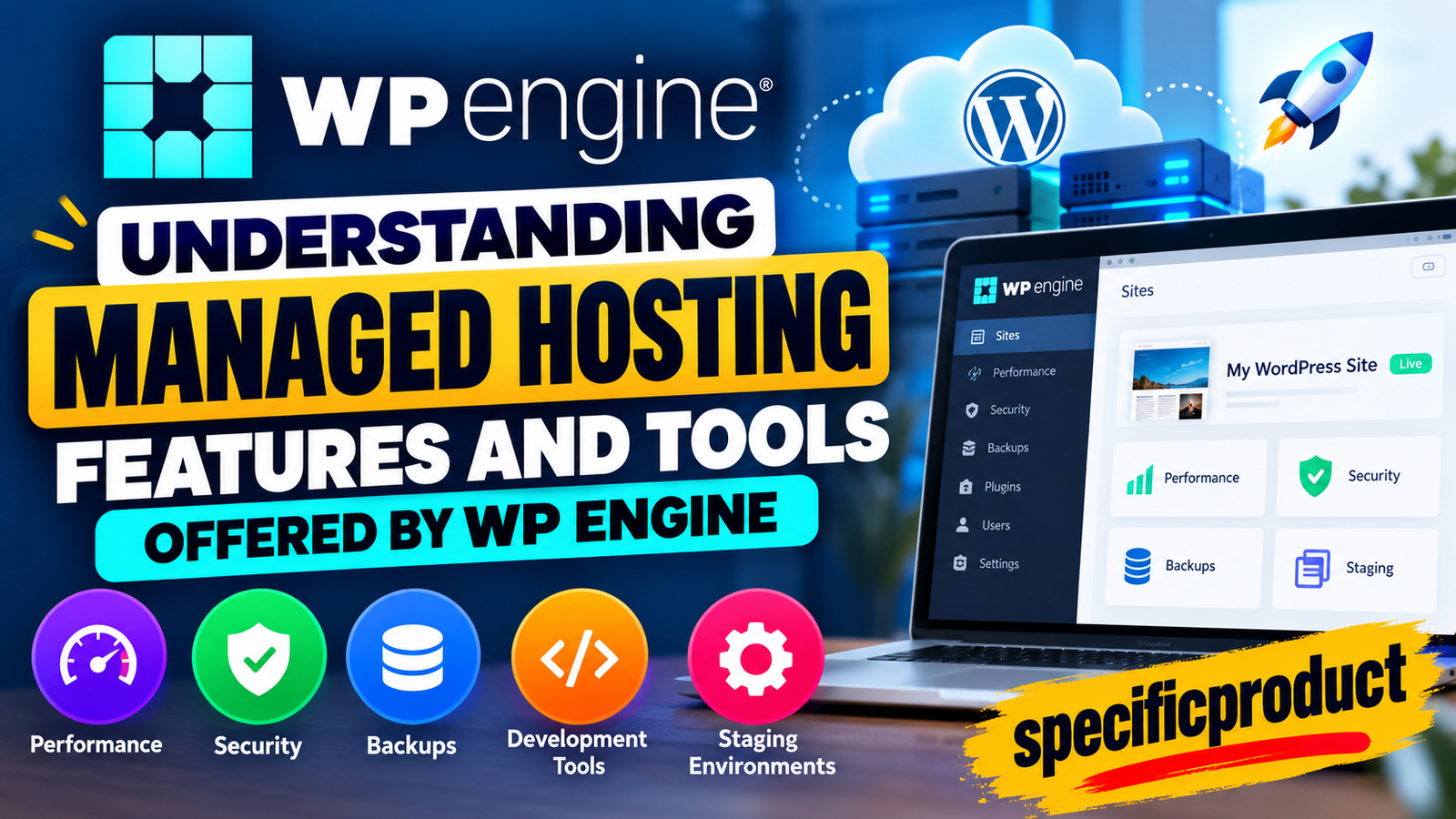

Understanding Managed Hosting Features and Tools Offered by WP Engine
Discover the key features and tools offered by WP Engine managed hosting, including performance optimization, security, backups, staging environments, CDN, developer tools, and WordPress management. Learn how WP Engine can simplify website maintenance, improve performance, and provide a reliable hosting experience for businesses, developers, and WordPress users.
Table of Contents
- 1 What Is WP Engine Managed Hosting?
- 2 How Managed Hosting Works
- 3 Why WordPress Users Choose Managed Hosting
- 4 Website Development and Staging Tools
- 5 Backup and Restore Tools
- 6 Performance Monitoring and Optimization
- 7 WP Engine Performance Features
- 8 WordPress Security Features
- 9 Website Migration and Launch Tools
- 10 WP Engine Support and User Portal
- 11 WP Engine for Business Websites
- 12 Who Should Consider WP Engine Managed Hosting?
- 13 WP Engine for Developers and Agencies
- 14 How WP Engine Helps With Website Maintenance
- 15 Benefits and Limitations of WP Engine
- 16 Conclusion
- 17 Frequently Asked Questions
What Is WP Engine Managed Hosting?
WP Engine is a managed hosting platform designed mainly for WordPress websites. Instead of giving website owners a server and leaving most technical maintenance to them, managed hosting handles many routine hosting responsibilities in the background. This can include performance optimization, caching, backups, security maintenance, WordPress environments, SSL management, and technical support. WP Engine currently promotes its platform around performance, security, development tools, and managed WordPress workflows rather than simply selling server space.
The main idea is simple: you concentrate on building and running your website while the hosting provider handles a larger part of the infrastructure. Think of traditional hosting as renting an empty office where you arrange almost everything yourself. Managed hosting is closer to renting a serviced office where many of the important facilities are already organized and maintained. This approach can be particularly useful for businesses, agencies, publishers, and professional website owners who would rather spend their time on content, marketing, customers, and development instead of constantly troubleshooting hosting issues.
How Managed Hosting Works
Managed hosting combines infrastructure with a collection of services and tools that are designed specifically for WordPress. On WP Engine, users can work with separate Production, Staging, and Development environments, which makes it possible to build and test changes before applying them to a live website. WP Engine’s current documentation describes these as independent WordPress environments, allowing users to separate development work from the live site.
This separation is important because websites rarely stay unchanged. A new plugin may need testing, a theme may require an update, or a developer may want to change a database or template. Making those changes directly on a busy production website can create unnecessary risk. With managed environments, the workflow becomes more controlled: create or test the change, review it, and then move approved work toward production. That does not remove every WordPress risk, but it gives website owners a more structured way to manage those risks.
Why WordPress Users Choose Managed Hosting
One reason users consider WP Engine is the amount of WordPress-specific infrastructure already built into the platform. Its current platform includes tools such as EverCache, CDN services, backup and restore capabilities, Smart Plugin Manager, staging environments, and developer tools. WP Engine also provides documentation covering performance, security, migrations, domains, SSL, caching, and troubleshooting.
For someone running a small personal blog, all of these tools may not be necessary. A growing business website, agency portfolio, membership site, or high-traffic publication can have very different needs. The value of managed hosting often comes from reducing the number of separate services and manual tasks required to keep a WordPress installation healthy. The important question is therefore not simply whether WP Engine has many features, but whether those features match the complexity and workload of the website being managed.
Website Development and Staging Tools
WP Engine is also designed around development workflows, not just hosting a finished WordPress website. Its platform supports multiple environments, allowing teams to work on changes without immediately touching the live version. Current documentation describes Production, Staging, and Development environments as separate WordPress instances within a site.
This can make a big difference for professional websites. Suppose a developer wants to change a theme, update several plugins, or test a new feature. Performing all of that directly on the production website can be risky. A staging environment gives the developer a place to test the work first, identify problems, and decide whether the change is ready for production.
Production, Staging, and Development Environments
WP Engine currently provides three main environment types: Production, Staging, and Development. Production is intended for the live website, while Staging can be used to test changes and Development can support building and development work. WP Engine states that these environments operate independently.
The benefit is a cleaner development process. Content and code can be copied between environments when appropriate, while developers can test updates away from the live audience. For an agency managing client websites, this type of workflow can also make collaboration easier because developers have a defined place for development and testing.
Git, SSH, SFTP, and WP-CLI
WP Engine also supports several tools aimed at developers, including Git, SFTP, SSH, and WP-CLI, according to its current platform and support documentation.
These tools allow technical teams to manage websites using familiar development workflows. Git can support version-controlled code, SFTP can be used for secure file transfers, SSH can provide command-line access where supported, and WP-CLI can make WordPress administration faster for experienced developers.
For a non-technical website owner, these tools may rarely be used directly. For developers, however, they can be extremely useful. They make WP Engine more suitable for teams that want managed infrastructure while still maintaining control over important parts of the WordPress development process.
Backup and Restore Tools
Backups are one of the most important managed hosting features because even a well-maintained website can experience unexpected problems. WP Engine currently provides automated and manual backups for its environments, with backups stored offsite on Amazon S3 according to its support documentation. The company says backup data is encrypted in transit and at rest, and its current documentation states that 30 days of backup checkpoints are maintained.
The ability to create a manual backup checkpoint is especially useful before making a significant change. Imagine you are about to update several plugins at once. Even if the update looks routine, compatibility problems can occur. Creating a checkpoint gives you a known recovery point before making the change.
Performance Monitoring and Optimization
Performance optimization does not end after a website is launched. Images can become larger, plugins can add new scripts, traffic can change, and content can grow over time. WP Engine’s support ecosystem includes performance audits, caching tools, CDN support, and troubleshooting resources intended to help users identify and resolve performance issues.
The platform also promotes performance improvements through its network and caching technologies. WP Engine currently claims that some sites see substantial performance improvements after migration, but such claims should be treated as platform-level marketing figures rather than a guarantee for every website. Actual performance depends on factors such as theme quality, plugins, database structure, media, code, traffic patterns, and third-party services.
For website owners, the practical lesson is simple: hosting provides the foundation, but website optimization still matters. A fast host cannot completely compensate for a poorly optimized theme, enormous images, excessive JavaScript, or badly configured third-party scripts.
WP Engine Performance Features
Website performance is one of the central areas of WP Engine’s managed hosting platform. The company currently highlights EverCache, global CDN capabilities, image optimization, and its network infrastructure as key parts of its performance strategy. WP Engine says its Advanced Network combines Cloudflare-powered services with CDN and image optimization, and its documentation says the network can provide performance improvements of up to 25% in its testing and platform claims.
Performance is more than simply choosing a powerful server. A WordPress page may involve PHP processing, database queries, images, JavaScript, CSS, external resources, and many other elements. If every visitor has to request everything directly from the origin server, response times can increase as traffic grows. Caching and edge delivery reduce some of that work by allowing frequently requested content or static assets to be delivered closer to visitors.
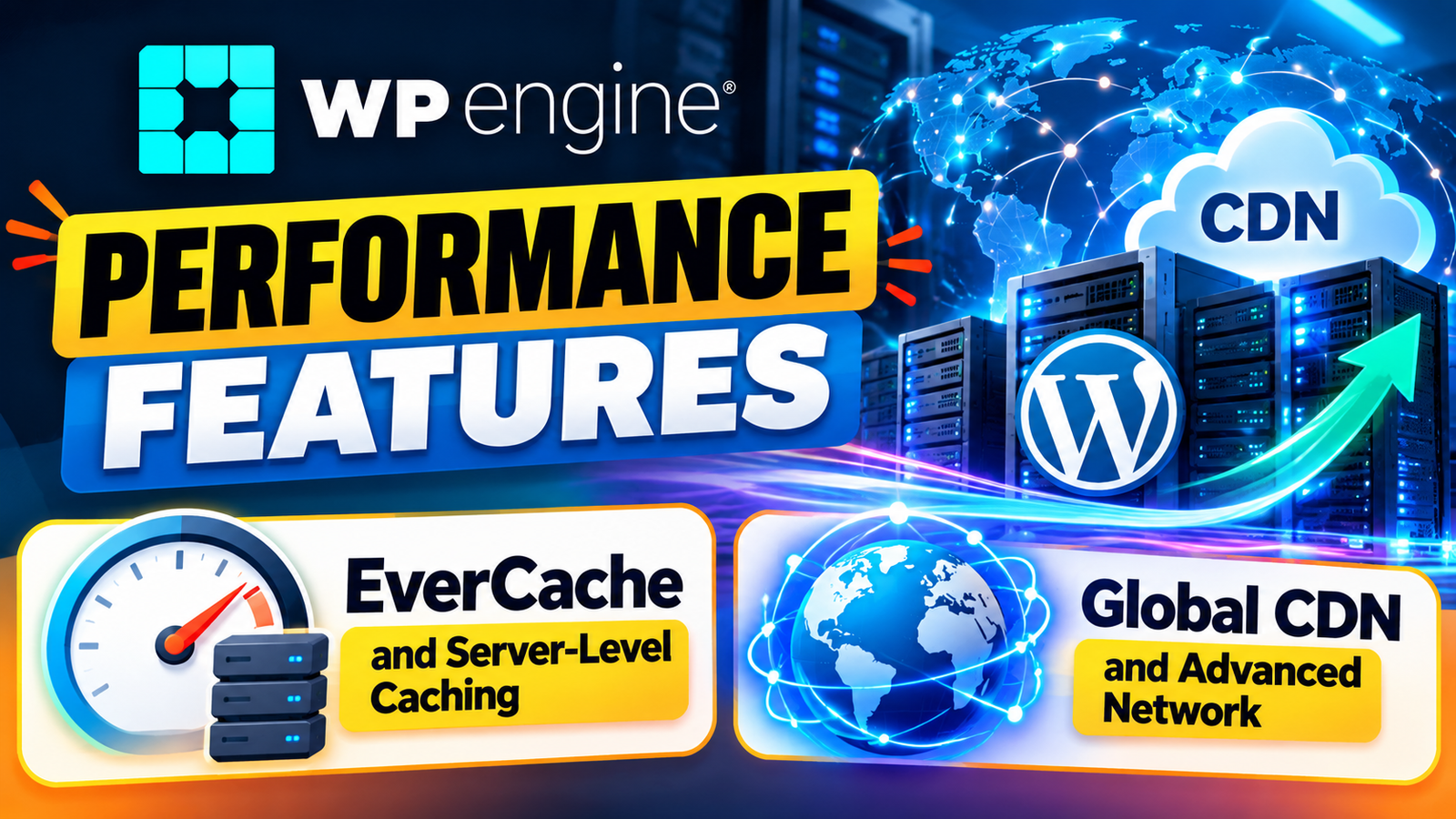
EverCache and Server-Level Caching
EverCache is WP Engine’s proprietary caching technology for WordPress. WP Engine describes it as aggressive server-level caching designed specifically for WordPress websites. The company promotes EverCache as a way to deliver frequently requested content quickly without depending entirely on additional caching plugins.
The practical benefit is that a cached page can often be delivered without repeating every underlying operation for every visitor. Imagine a restaurant preparing the same popular dish hundreds of times during a busy evening. It would be inefficient to start every ingredient from scratch for every customer if some preparation could already be completed. Caching works in a similar way: commonly requested information can be served more efficiently, while the system still needs to account for pages and actions that should remain dynamic.
Global CDN and Advanced Network
WP Engine’s current network uses Cloudflare-powered CDN services to help distribute static website assets. Its documentation explains that the CDN can deliver assets such as images and theme files from locations closer to visitors, while the Advanced Network also provides automatic SSL and other network-level improvements.
The CDN also includes features such as image compression and WebP optimization under the documented network configuration. These features can reduce the amount of data that browsers need to download, which can help improve loading performance. WP Engine says its modern CDN configuration can also automatically secure CDN assets using SSL.
WordPress Security Features
Security is another major component of managed WordPress hosting. WP Engine describes its platform as using multiple layers of protection, including network security, SSL/TLS, automated maintenance, monitoring, and optional security products. Its current platform page also states that its infrastructure maintains SOC 2 Type II and ISO 27001 compliance.
Security is not one feature that can be switched on and forgotten. WordPress websites depend on the core software, themes, plugins, PHP, user accounts, hosting infrastructure, DNS, and third-party integrations. A weakness in any one of these areas can create problems. Managed hosting helps with the hosting side, but website owners still need to use strong passwords, appropriate user permissions, secure plugins, and sensible development practices.
SSL, HTTPS, and Network Protection
WP Engine’s Advanced Network provides automatic SSL through Cloudflare when the domain is correctly configured for the network. Its support documentation explains that SSL certificates are automatically applied in the Advanced Network and Global Edge Security configurations.
WP Engine also offers Global Edge Security, an optional product extension that includes features such as a managed Web Application Firewall, advanced DDoS mitigation, Cloudflare CDN, and automatic SSL installation.
For a typical website, HTTPS protects data transferred between visitors and the site. Network-level security can provide additional protection against certain forms of malicious traffic and attacks. Businesses with larger security requirements may need to examine the available network and security products carefully rather than assuming that every advanced feature is included in every plan.
Smart Plugin Manager and Automatic Updates
One of WP Engine’s more distinctive maintenance tools is Smart Plugin Manager (SPM). Current WP Engine documentation says SPM automatically checks for plugin and theme updates, performs testing, and can use visual regression testing to identify problems after updates. If an update appears to cause an issue, the system can automatically roll back to the previous state.
This can be valuable because plugin updates are one of the routine maintenance tasks that WordPress administrators face. A website can work perfectly on Monday and then encounter a compatibility issue after an update on Tuesday. Automating testing and rollback can reduce the amount of manual monitoring required.
Website Migration and Launch Tools
Moving an existing WordPress website to a new host can sound complicated, especially when the site already has visitors, custom domains, databases, email integrations, and many plugins. WP Engine provides migration resources, including its Site Migration Plugin and manual migration guidance. Its current Support Center lists onboarding and migration as dedicated areas.
The migration process generally involves moving website files and database information, testing the migrated installation, checking URLs and functionality, configuring the domain, and eventually directing traffic to the new environment. The exact process depends on the website’s structure and requirements.
WP Engine’s new-site documentation also outlines a workflow that starts with creating environments, building the site, connecting a custom domain, and completing launch-related steps.
Why Online Shoppers Are Exploring UOOZEE for New Products
How Digital Solutions Are Evolving With CHENGDU OUMEI NETWORK INFORMATION L.T.D
Website Design Trends and the Growing Role of Weblium.com
Modern Outdoor Gear Trends and the Growing Appeal of Noxgear
How Sesame Care Connects Patients With Accessible Healthcare Services
WP Engine Support and User Portal
The WP Engine User Portal acts as a central management area for websites and environments. Depending on permissions, users can manage environments, backups, CDN settings, SSL certificates, SFTP logins, Git keys, users, and other platform functions. WP Engine’s current documentation also shows role-based permissions for different account responsibilities.
This can be useful for teams where different people need different levels of access. A developer may need technical access but not billing permissions, while an account owner may need control over billing and site management. Separating responsibilities can reduce accidental changes and improve administration.
WP Engine also maintains a large Support Center covering areas such as performance, backups, environments, security, domains, migration, caching, and troubleshooting. Its support documentation states that its support scope includes platform features such as EverCache, CDN, SSL, backups, environments, SFTP, Git Push, and performance issues.
WP Engine for Business Websites
For businesses, website reliability can directly affect customer trust and online sales. WP Engine provides managed WordPress hosting features that can help businesses reduce routine technical work while keeping their websites fast, secure, and easier to manage. Businesses can use staging environments to test website updates, backups to recover from unexpected changes, and performance tools to improve the visitor experience.
A managed hosting platform can also be useful when a business website grows. More visitors, additional pages, marketing campaigns, and third-party integrations can increase the technical workload. With WP Engine handling many hosting-level tasks, business teams can spend more time on content, marketing, and customer engagement instead of managing server settings.
Who Should Consider WP Engine Managed Hosting?
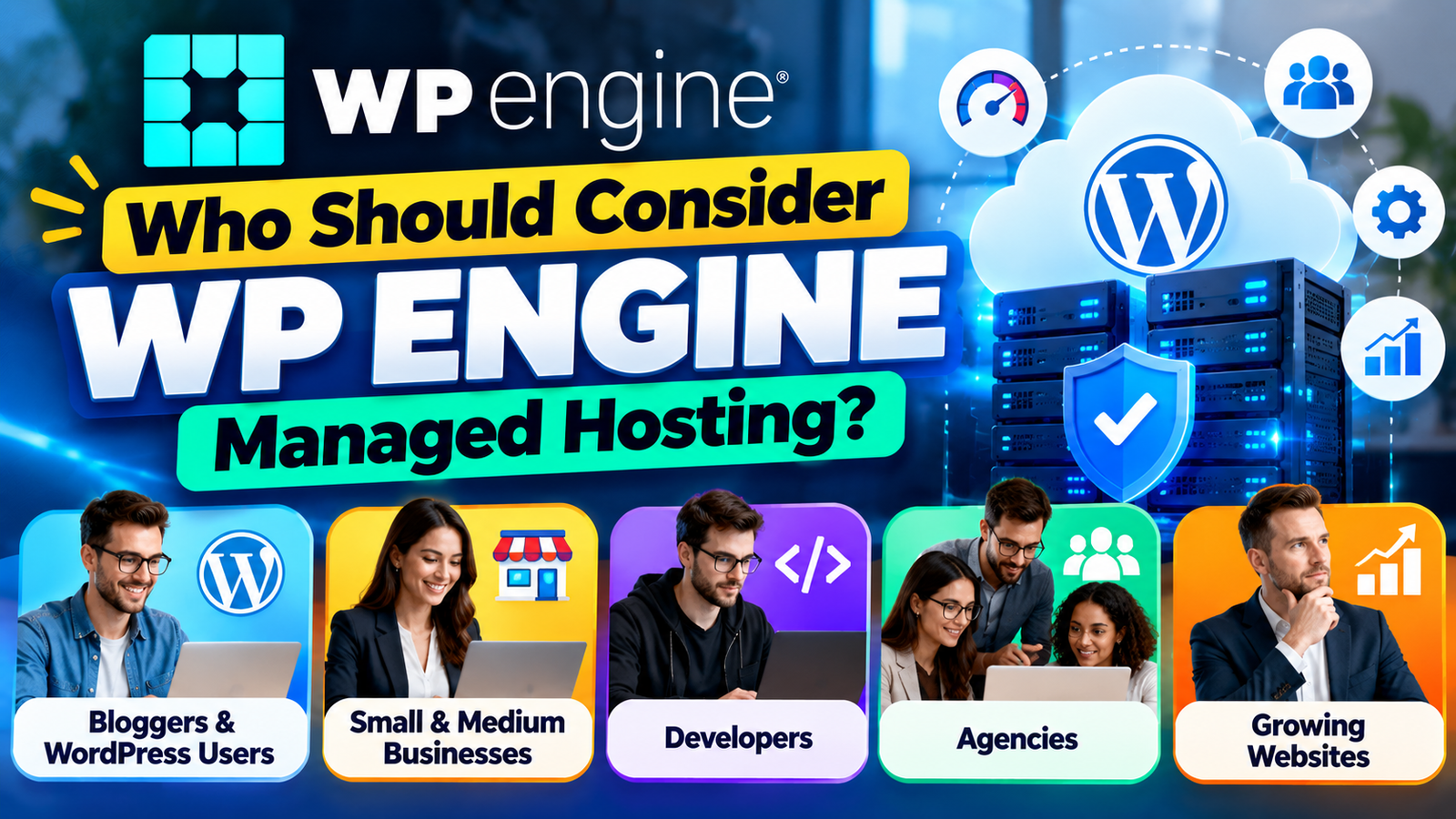
WP Engine can be relevant to businesses, agencies, developers, publishers, and WordPress users who want more managed infrastructure and development tools than basic shared hosting typically provides. A growing website may benefit from having staging environments, automated backups, integrated caching, CDN capabilities, security features, and developer tools in one hosting ecosystem.
Agencies can also benefit from a structured environment for managing multiple client websites. Developers get tools such as Git, SSH, SFTP, and WP-CLI, while non-technical site owners can use managed features without having to configure every server-level component themselves. The result is a platform that attempts to balance technical control with managed infrastructure.
At the same time, WP Engine may be more infrastructure than a very small website needs. If someone operates a simple blog with low traffic and minimal development requirements, a less specialized hosting package may provide enough functionality. The right choice depends on website complexity, traffic, development needs, support expectations, security requirements, and budget.
WP Engine for Developers and Agencies
Developers and agencies can benefit from the development-focused tools available with WP Engine. Separate development and staging environments allow developers to work on new features without immediately changing the live website. Tools such as SFTP, SSH, Git, and WP-CLI can also support more advanced WordPress development workflows.
For agencies managing multiple client websites, a structured hosting environment can make routine maintenance easier to organize. Developers can test updates, review changes, and move approved work toward production. This workflow is especially useful for websites that require frequent design updates, plugin changes, custom code, or new functionality.
How WP Engine Helps With Website Maintenance
egular maintenance is an important part of running a WordPress website. Website owners need to monitor plugins, themes, backups, security, performance, and software updates. Managing all these tasks manually can become time-consuming as a website becomes larger.
WP Engine reduces some of this workload through managed hosting features. Automated backup systems provide recovery points, while tools such as Smart Plugin Manager can assist with plugin and theme updates on supported plans. Caching and CDN technologies can also help reduce the amount of manual performance optimization required.
Benefits and Limitations of WP Engine
One of the major benefits of WP Engine is the integration between its tools. Instead of separately configuring caching, backups, CDN services, staging environments, security tools, and development workflows, many of these functions are available through one managed WordPress platform. This can reduce operational complexity, particularly for businesses that depend on their website every day.
Another benefit is the development workflow. Having Production, Staging, and Development environments creates a clearer separation between experimentation and the live website. Backup checkpoints and restore options add another layer of recovery, while Smart Plugin Manager can automate some plugin and theme maintenance tasks.
There are also limitations to consider. Advanced features may depend on the hosting plan or may be offered as product extensions. Smart Plugin Manager, for example, is included with certain WP Engine plans while being available as an additional purchase for some other plans.
Conclusion
WP Engine managed hosting combines WordPress-focused infrastructure with tools for performance, security, development, backups, and website administration. Features such as EverCache, CDN delivery, Advanced Network, staging environments, automated backups, Smart Plugin Manager, SSL, developer tools, and migration supportcan make the platform attractive to websites that need more than basic hosting. Current WP Engine documentation confirms that these capabilities are integrated into its managed hosting ecosystem, although availability can vary by plan or product extension.
The biggest advantage of a managed platform is the reduction of routine technical work. Instead of treating hosting, caching, backups, security, development environments, and performance as completely separate tasks, WP Engine brings many of them into one WordPress-focused system. For a growing business or professional development team, that can create a smoother workflow and make website maintenance more predictable.
Frequently Asked Questions
Q. What is WP Engine managed hosting?
WP Engine managed hosting is a WordPress-focused hosting service where many infrastructure and maintenance tasks are handled through the platform. It includes tools for caching, CDN delivery, backups, security, staging, development, and WordPress management. The goal is to reduce the amount of server and hosting administration website owners need to perform themselves.
Q. Does WP Engine provide website backups?
Yes. WP Engine provides automated and manual backup checkpoints. Its current documentation states that backups are stored offsite on Amazon S3 and that 30 days of checkpoints are maintained. Users can access, download, and restore backups through the platform, with partial restore options also documented.
Q. What is WP Engine Smart Plugin Manager?
Smart Plugin Manager is a tool that automates WordPress plugin and theme updates. WP Engine says it performs checks after updates, including visual regression testing, and can automatically roll back changes when problems are detected. Availability depends on the WP Engine plan or product configuration.
Q. Does WP Engine offer staging environments?
Yes. WP Engine currently supports Production, Staging, and Development environments. These environments operate independently, allowing users to test website changes before applying them to the live production website.
Q. Is WP Engine suitable for developers?
WP Engine can support professional WordPress development workflows through tools such as Git, SSH, SFTP, WP-CLI, staging, and development environments. These tools provide developers with more control over code, files, deployments, and WordPress administration while the hosting platform manages much of the underlying infrastructure.
Recent Post

A Practical Guide to Making the Most of gymdolphin for Fitness

Discovering Contemporary Men’s Clothing Styles at Incerunmen

Why Online Shoppers Are Exploring UOOZEE for New Products

How Weblium.com Helps Simplify the Website Creation Process

Understanding Supplement Selection and Quality at BulkSupplements.com

How Digital Solutions Are Evolving With CHENGDU OUMEI NETWORK INFORMATION L.T.D

Beauty Trends Worth Exploring With Dominique Cosmetics – 122027

The Growing Role of 3D Scanning and Revopoint 3D Technologies Inc

Why Fitness Fashion Lovers Are Exploring WISKII ACTIVE LIMITED
Releted Post