
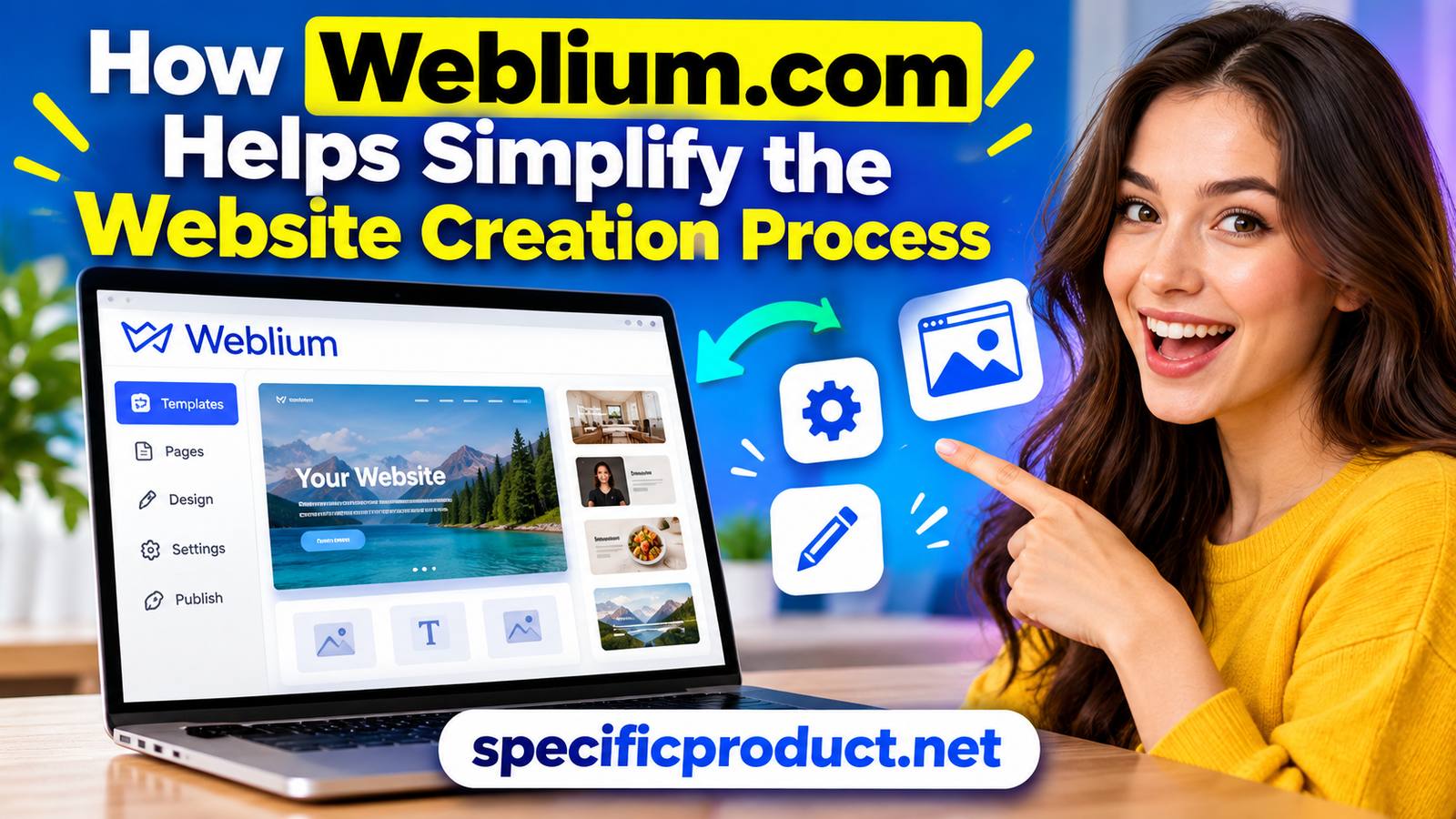


Discover how Weblium.com simplifies website creation with ready-made templates, an easy visual editor, AI-powered tools, responsive designs, and built-in SEO features. Learn how Weblium.com helps beginners, freelancers, and small businesses create professional websites faster without complicated coding.
Table of Contents
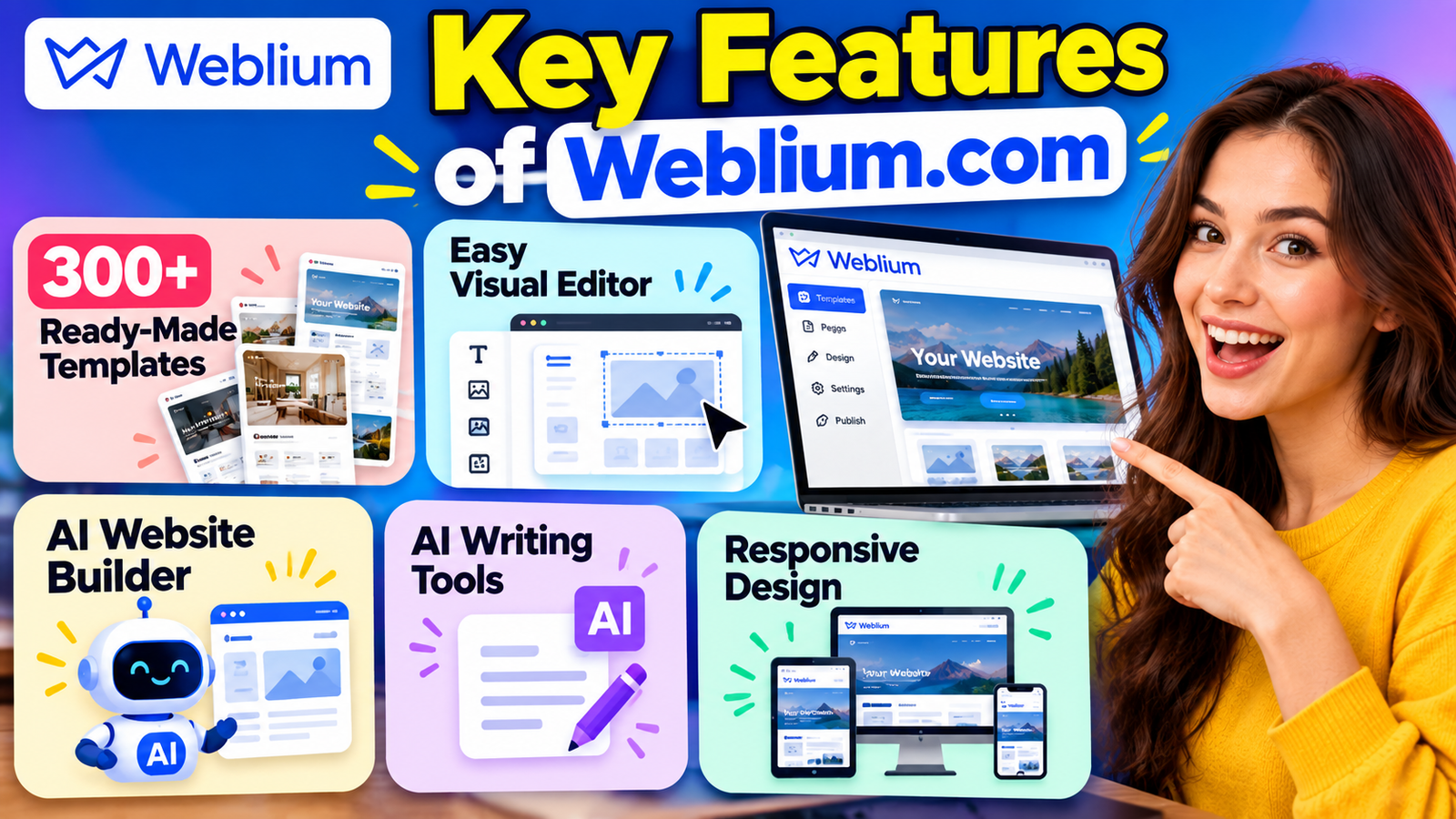
Building a website used to mean dealing with hosting, coding, design software, plugins, databases, and many technical settings. Today, website builders have changed that process by putting most of these tasks into one visual platform. Weblium is a hosted website builder designed to make website creation easier for people who want a professional online presence without spending a lot of time writing code. Its current platform combines templates, ready-made content blocks, responsive design tools, SEO settings, AI features, forms, and other business functions in one environment. Weblium currently promotes more than 300 ready-made templates, while its help center says users can access more than 350 templates in its gallery, depending on the current platform offering.
The basic idea is simple: instead of starting with a completely empty screen, you can begin with a design that already has a useful structure. You can replace the text, images, colors, buttons, and sections with your own content and then publish the website. This can remove much of the early design work that often slows down beginners. Weblium also provides a blank-template option for users who want more control, although the company recommends that approach for people who are already familiar with website development.
A website may look simple when you visit one, but creating one from scratch involves many decisions. You need to think about page structure, navigation, typography, images, mobile layouts, forms, SEO, domain settings, security, and performance. If you are not familiar with these areas, even a small business website can become a surprisingly large project. The difficulty is often not one complicated task but dozens of small decisions that have to work together.
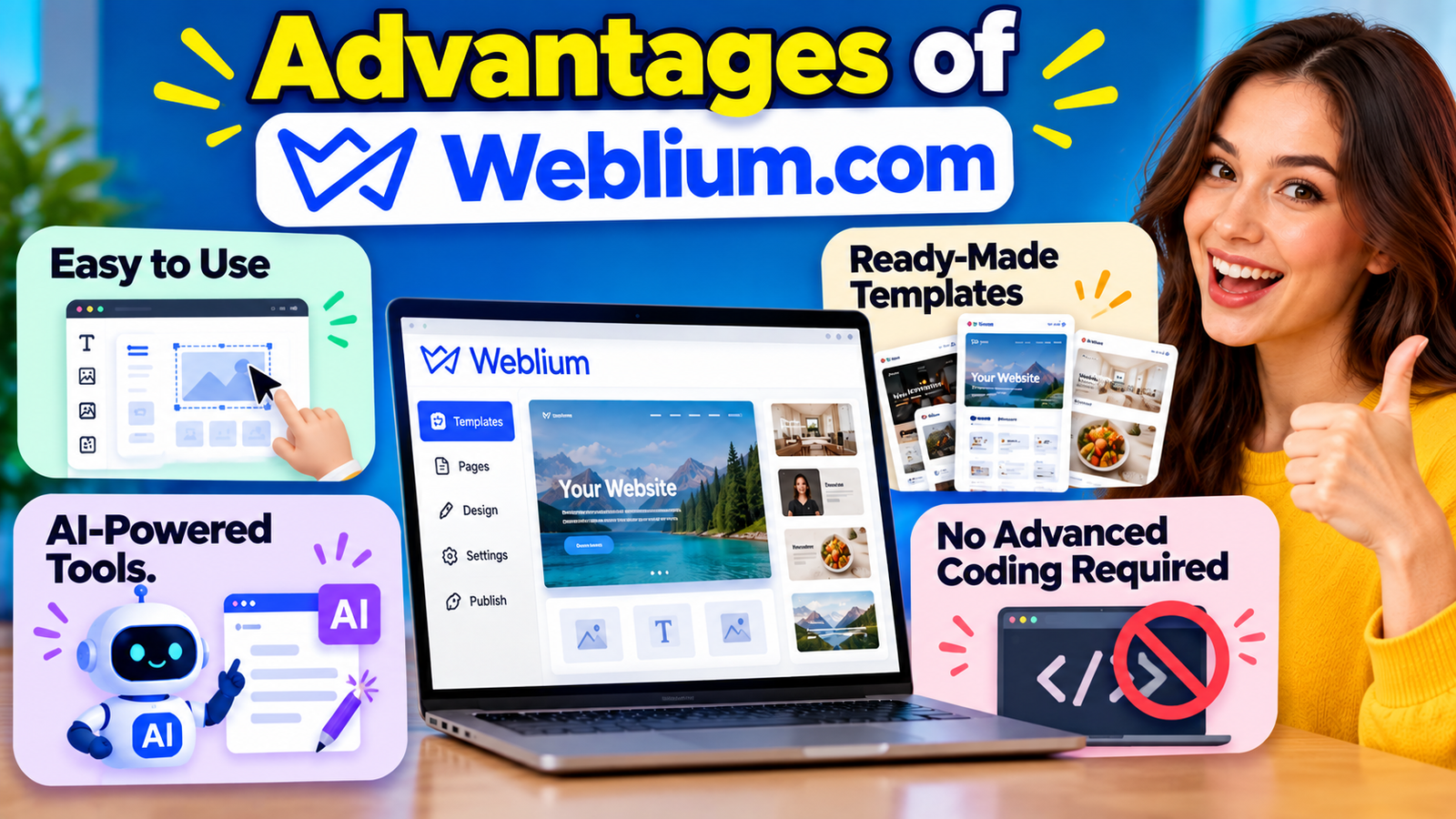
This is where a website builder can save time. Instead of asking, “How do I code this section?” Instead of worrying about how to build a feature from scratch, you can simply choose the section that best fits your website’s needs.” That is a major difference. Weblium provides ready-made blocks for common website needs, such as presenting services, teams, pricing, processes, and other business information. Its global style tools also allow users to manage fonts, buttons, and color choices across a website, helping keep the design consistent.
Weblium simplifies the website-building process by combining design, editing, hosting, responsive layouts, and several business features into a single platform. Instead of switching between separate tools for basic website tasks, users can perform many of them inside the builder. Weblium’s current feature set includes templates, ready-made blocks, a visual editor, mobile optimization, SEO controls, forms, CRM-related features, analytics, integrations, and ecommerce options depending on the plan.
The platform is also designed around visual editing. Users can work directly with page elements instead of needing to understand the underlying HTML and CSS for everyday changes. Weblium describes its editor as using floating controls and direct editing, allowing users to modify content while seeing the result on the page.
This can make the learning process less intimidating. A beginner can concentrate on questions such as “What information should my visitors see first?” or “Where should I place my contact button?” Instead of spending hours trying to understand and create the basic layout of a webpage, you can focus on customizing the content and design. The platform does not remove the need for good content or thoughtful design, but it can reduce the technical work needed to turn those decisions into a functioning website.
One of the biggest time-saving features of Weblium is its collection of ready-made templates. Instead of starting with an empty page, users can select a design that matches the type of website they want to create. Weblium’s template gallery covers areas such as portfolios, restaurants and food, real estate, education, advertising and marketing, and IT and development.
Templates are useful because website design has a basic structure that appears again and again. A business website may need a hero section, services, company information, testimonials, contact details, and a call to action. A portfolio may need projects, an introduction, skills, and contact information. Starting with these structures already arranged can reduce the amount of design planning required.
The templates are also editable, so choosing one does not mean your final website will look exactly like the demonstration. Weblium states that its templates are editable, allowing users to change the content and design according to their needs.
The editor is another important part of the Weblium experience. Traditional website development often requires users to understand code or work with complicated administration panels. Weblium uses a visual editing approach where users can work with page elements directly and see changes while editing. The company says its editor supports direct editing, floating toolbars, ready-made blocks, and immediate changes without reloading the page.
This matters because visual feedback makes website building easier to understand. If you move a button, change an image, or edit a heading, you can immediately see how the page looks. You do not have to imagine what a line of code will produce. For beginners, that can reduce the learning curve and make experimentation more comfortable.
AI is becoming an important part of modern website builders, and Weblium has added AI tools to reduce some of the work involved in creating websites and content. Its AI website builder allows users to enter a company name and describe the business before generating a starting website. Weblium says the AI can produce a functional website from those inputs, after which the user can edit and adapt the result.
This can be useful when you have an idea but do not know where to begin. Imagine a small consulting company that needs a website but has no designer. Instead of staring at a blank page, the owner can provide information about the company and use the generated design as a starting point. The owner can then adjust the wording, images, sections, colors, and other details.
Weblium also offers AI-assisted content features. Its AI website builder page describes AI Writing, which can generate and improve text inside the website builder, and AI Visual, which can generate images for website use.
These features can help when the technical website structure is not the only challenge. Many people can build a page but struggle to write a strong headline, service description, or supporting copy. Having writing assistance inside the website workflow means the user does not necessarily need to move between several applications.
Weblium also provides an AI Block feature that can generate website sections from a text description. According to its help documentation, users can describe what a block should contain and how it should look, and the system can create a starting block. There are limitations, including the inability to generate functional contact forms or online-store functionality directly inside the AI-generated block.
A website needs to work on more than a desktop computer. Visitors may arrive using phones, tablets, laptops, or larger screens. If a website looks good on one device but becomes difficult to read on another, visitors may leave before taking action.
Weblium addresses this with responsive design tools. The company says its editor adapts websites for desktop, mobile, and tablet screens, while its feature documentation describes an adaptive system that allows users to work on the desktop version while the layout adjusts for other devices.
This reduces the amount of separate design work required. Instead of creating completely different versions of a page for every device, the builder handles much of the responsive structure. Users can also preview how the website looks on different screen sizes before publishing.
A website is more than a collection of attractive pages. A business site may need contact forms, lead collection, analytics, integrations, booking functions, ecommerce, or other tools. Weblium includes many of these features within its platform, although availability depends on the subscription level. Its current Business plan, for example, includes online-store functionality, blogging, multilingual websites, and up to 500 pages per site.
Lead generation is one of the main reasons businesses create websites. A visitor may want to ask a question, request a quote, schedule a service, or leave contact details. Weblium’s paid plans include lead-capture tools, and its current plan information lists contact forms, CRM lead tracking, analytics, and integrations among its available capabilities.
This means the website can become part of a wider business workflow rather than simply acting as an online brochure. A visitor arrives through search or another marketing channel, reads the information, submits a form, and the business can manage the resulting lead.
For a small business, keeping these functions close to the website can reduce tool overload. Instead of managing one application for pages, another for forms, and another for basic lead tracking, some of those functions can be handled through the same ecosystem.
Beauty Trends Worth Exploring With Dominique Cosmetics – 122027
Improving Website Performance and User Experience With Strategy11
The Ultimate Guide to Rachael Ray Kitchen and Lifestyle Essentials
Exploring Convenient Shopping Options With Walmart Online Grocery
A Complete Guide to Building Better Websites With MH Themes
Creating a website is only the first step. If people cannot find it through search engines, the website may receive little organic traffic. Weblium includes SEO controls designed to help users manage important on-page and technical settings.
Its current plan comparison lists features such as meta tags, H1-H3 headings, image alt text, redirects, canonical links, custom 404 pages, Schema.org markup, robots.txt, XML sitemap generation, and nofollow tags.
These tools do not guarantee high Google rankings. SEO depends on many factors, including content quality, relevance, competition, technical performance, links, user behavior, and search intent. Still, having access to basic SEO controls is useful because website owners can manage important page information without needing to edit the site’s underlying code.
For someone building a business website, this creates a more complete workflow. You can create the page, write the content, add relevant headings, optimize images, manage metadata, and publish from the same platform.
Weblium currently offers Free, Starter, and Business options on its pricing page. The listed annual prices are $11 per month for Starter when billed annually and $17.50 per month for Business when billed annually, while monthly billing is listed at $16 for Starter and $25 for Business. Weblium also states that annual billing can save up to 30%, and paid plans include a 14-day trial. Pricing and plan features can change, so checking the official pricing page before purchasing is sensible.
Plan | Current listed annual price | Main use |
Free | $0 | Basic websites and landing pages |
Starter | $11/month | Business websites and lead generation |
Business | $17.50/month | Online sales and larger projects |
The Free option currently includes the visual editor, templates, mobile optimization, free icons and photos, and the Evo AI assistant, with a limit of up to three pages per site according to the pricing page. Starter adds features such as advanced SEO settings, lead capture, integrations, custom code, and more storage. Business adds features including an online store, blog, multilingual website support, and a much larger page limit.
This tiered approach lets users start small and upgrade when their requirements increase. A basic landing page does not need the same features as an ecommerce website. The important point is to compare the current plan limits with the functions your website actually requires.
Weblium can be useful for people who want a professional website without managing a traditional development stack. Small businesses, freelancers, consultants, agencies, startups, portfolio owners, and local service providers can all benefit from a visual website builder when their requirements fit the platform.
For a small business, speed is often important. A restaurant may need a simple website with menus and contact information. A freelancer may need a portfolio and inquiry form. A consultant may need service pages, testimonials, and a lead-generation form. These projects do not always require a complex custom development system.
Weblium’s templates and blocks can provide a starting structure for these common needs. The platform also supports more advanced functions as requirements grow, including ecommerce and multilingual websites on the Business plan.
Agencies and freelancers can also use the platform for multiple client projects. Weblium currently promotes a white-label offering designed for agencies, web studios, SaaS companies, and freelancers who regularly create websites for clients.
Traditional website development can require several separate steps, including choosing hosting, designing page layouts, writing code, installing tools, and maintaining the website. For someone without technical experience, this process can feel complicated and time-consuming. Weblium.com brings many of these basic website-building tasks into one platform, allowing users to work through a visual interface instead of managing everything manually.
This difference can be especially useful for small businesses and individuals who need a website quickly. Rather than hiring a developer for every small change, website owners can update text, images, buttons, and sections themselves. This gives users more control over everyday website management while reducing dependence on technical assistance.
For many small businesses, the main requirement is a professional website that explains their services, provides contact information, and helps potential customers take action. They may not need a highly complex website with extensive custom programming.
Weblium.com can fit this type of requirement because it combines templates, visual editing, responsive design, SEO tools, forms, and other website features in one platform. A business owner can start with a basic website and customize it as the business grows. This makes the platform worth considering for businesses that prioritize simplicity and ease of management.
Weblium simplifies website creation by bringing design, templates, responsive editing, AI assistance, SEO controls, hosting, and business tools into one platform. Instead of beginning with code or an empty canvas, users can start with a ready-made template, select blocks, customize content, and publish a responsive website. Its AI tools can also help with the initial design and content process, while built-in SEO and lead-generation features support the next stage after the website goes live.
The biggest advantage is the reduction in technical friction. You still need a clear business message, useful content, good images, and a thoughtful user experience, but you do not necessarily need to become a developer to put those pieces together. For people who want to create and manage a professional website with a simpler workflow, Weblium offers a practical no-code approach.
Yes. Weblium is designed around visual editing, ready-made templates, and reusable blocks, so beginners can create websites without needing traditional programming skills.
Yes. Weblium provides an AI website builder that can create a starting website based on information about the business. It also offers AI-assisted writing and visual tools.
Yes. Ecommerce functionality is available on the Business plan, which currently supports up to 10,000 products according to Weblium's pricing information.
Yes. Weblium provides SEO-related settings including meta tags, heading controls, image alt text, redirects, canonical links, Schema.org markup, robots.txt, and sitemap features.
Weblium currently lists a Free option, while annual billing starts at $11 per month for Starter and $17.50 per month for Business. Monthly prices are currently listed as $16 and $25 respectively. Because pricing can change, check the official pricing page before subscribing.
Recent Post
How Weblium.com Helps Simplify the Website Creation Process

Understanding Supplement Selection and Quality at BulkSupplements.com

How Digital Solutions Are Evolving With CHENGDU OUMEI NETWORK INFORMATION L.T.D

Beauty Trends Worth Exploring With Dominique Cosmetics – 122027

The Growing Role of 3D Scanning and Revopoint 3D Technologies Inc

Why Fitness Fashion Lovers Are Exploring WISKII ACTIVE LIMITED
Improving Website Performance and User Experience With Strategy11

Website Design Trends and the Growing Role of Weblium.com

Photography Styling Trends and the Role of KATE BACKDROP INC
A Guide to Finding Everyday Fashion Inspiration on rihoas.com
Releted Post