


ActivTrak Review 2026: Best Employee Monitoring Tool?
Explore our detailed ActivTrak review 2026 to see if it’s the best employee monitoring tool for your business. Learn about ActivTrak features, pricing, pros and cons, and how it helps improve productivity with smart workforce analytics.
Table of Contents
- 1 What is ActivTrak?
- 2 How ActivTrak Works
- 3 Key Features of ActivTrak
- 4 ActivTrak Pricing 2026
- 5 Pros and Cons of ActivTrak
- 6 User Experience & Interface
- 7 ActivTrak vs Competitors
- 8 Is ActivTrak Safe and Legal?
- 9 Who Should Use ActivTrak?
- 10 ActivTrak Alternatives 2026: Top Competitors Compared
- 11 How to Use ActivTrak to Improve Employee Productivity (Step-by-Step Guide)
- 12 Is Employee Monitoring Legal in 2026? Laws, Ethics & Best Practices
- 13 Conclusion
- 14 Frequently Asked Questions
What is ActivTrak?
Overview of Workforce Analytics
Let’s be honest—managing a team in 2026 isn’t just about assigning tasks anymore. It’s about understanding how work actually gets done. That’s where ActivTrak comes in. It’s not just another employee monitoring tool; it’s a workforce analytics platform designed to help businesses decode productivity patterns and improve performance.
Instead of spying on employees in a creepy way, ActivTrak focuses more on insights. Think of it like a fitness tracker—but for your team’s workflow. It tracks activities, analyzes time spent on apps, and highlights inefficiencies so managers can make smarter decisions.
According to official data, workforce analytics tools like ActivTrak help organizations identify productivity trends, reduce bottlenecks, and improve engagement . That means you’re not just monitoring—you’re optimizing.
How ActivTrak Works
At its core, ActivTrak uses a lightweight agent installed on employee devices. This agent runs silently in the background, collecting data like:
- Active applications
- Website usage
- Time spent working vs idle
- Productivity scoring
Interestingly, ActivTrak avoids invasive tracking methods. It does not use keystroke logging, camera access, or email monitoring . That’s a big deal in today’s privacy-conscious world.
Once data is collected, it’s processed using AI and analytics to generate reports, dashboards, and insights. Managers can then see who’s productive, who’s struggling, and where improvements are needed.
Key Features of ActivTrak
Employee Activity Monitoring
The backbone of ActivTrak is its ability to track employee activity in real time. It monitors which apps and websites employees use and categorizes them as productive or unproductive automatically.
Here’s the interesting part: the system already comes pre-configured with 90–95% of activity classifications, saving you tons of setup time . You can tweak it, of course, but the heavy lifting is already done.
For distant teams with limited visibility, this functionality is very helpful. Instead of guessing what your team is doing, you get clear, actionable data.
Productivity Analytics
Now this is where ActivTrak really shines. It doesn’t just track—it analyzes. You get:
- Productivity scores
- Focus time vs distraction time
- Team performance comparisons
- Workload balance insights
Imagine being able to see which employees are overloaded and which ones have spare capacity. That’s powerful. It helps managers distribute work more efficiently and avoid burnout.
AI-Powered Insights
In 2026, AI is everywhere—and ActivTrak uses it smartly. The platform offers:
- AI-driven coaching suggestions
- Behavioral insights
- Burnout detection
For example, if an employee is working long hours with decreasing productivity, ActivTrak can flag it. That’s not surveillance—that’s proactive management.
Real-Time Monitoring & Alerts
Need instant updates? ActivTrak has real-time dashboards and alerts. You can set triggers for:
- Suspicious activity
- Productivity drops
- Policy violations
Slack, Microsoft Teams, or email can all be used to send notifications. It’s like having a digital assistant watching over your operations.
ActivTrak Pricing 2026
Free Plan Overview
One of the biggest advantages of ActivTrak is its free plan. It supports up to 3 users and includes:
- Activity tracking
- Real-time reporting
- Basic analytics
This makes it perfect for freelancers or small startups testing the waters.
Paid Plans Breakdown
Here’s a simple breakdown of ActivTrak pricing:
Plan | Price (Per User/Month) | Key Features |
Free | $0 | Basic tracking, 3 users |
Essentials | $10 | Alerts, integrations, dashboards |
Essentials Plus | $15 | Advanced analytics, goal tracking |
Professional | $19 | AI insights, workforce planning |
These prices are based on annual billing and usually require a minimum of 5 users .
Add-ons and Hidden Costs
Here’s where things get interesting—and slightly tricky.
Add-ons include:
- Screen monitoring: +$2/user/month
- API & integrations: +$3/user/month
- Extra data storage: +$1/user/month
So while the base price looks affordable, costs can quickly add up.
Pros and Cons of ActivTrak
Advantages
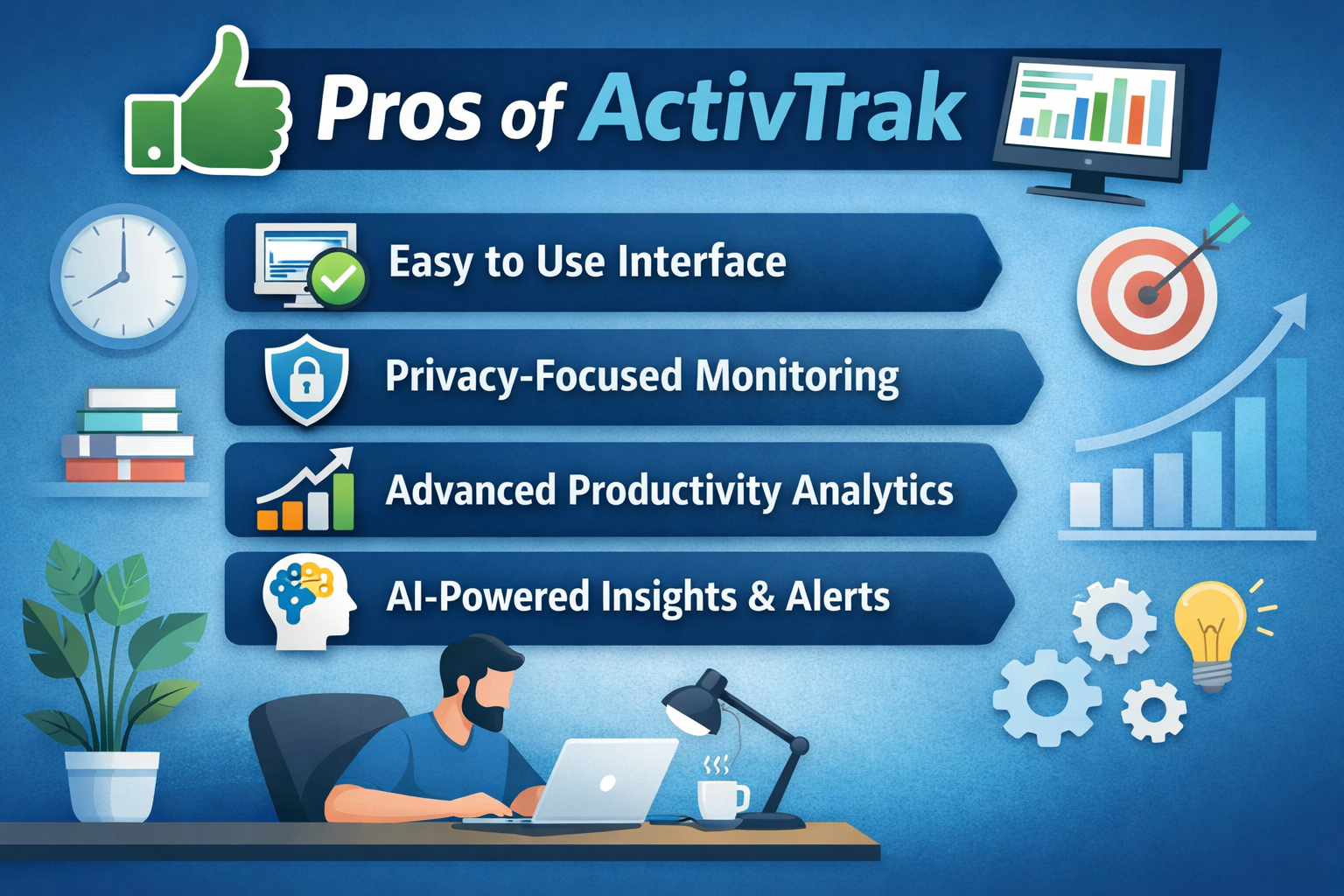
ActivTrak has a lot going for it. First, it’s incredibly easy to use. The interface is simple, easy to use, and suitable for beginners. Even non-technical managers can navigate it without headaches.
Another big plus is its privacy-first approach. Unlike some competitors, ActivTrak avoids invasive tracking methods, making it more acceptable for employees.
Then there’s the analytics power. Few tools offer this level of insight into productivity, workload balance, and team performance.
Limitations
But it’s not perfect.
One common complaint is pricing scalability. As your team grows, costs can increase significantly due to per-user pricing .
Also, some advanced features require add-ons, which can feel like “hidden costs.” And if you’re looking for heavy surveillance features like keystroke logging, ActivTrak intentionally doesn’t offer them.
User Experience & Interface
Dashboard & Ease of Use
Using ActivTrak feels surprisingly smooth. The dashboard is visually appealing and packed with insights. You don’t have to dig through complex menus—everything is right there.
Charts, graphs, and summaries make it easy to understand data at a glance. It’s like having a productivity control center.
Setup & Installation
Getting started is quick. The platform offers a remote installer, allowing you to deploy the tracking agent in just one step .
Within minutes, you can start collecting data and generating reports. That’s a huge advantage for businesses that don’t want long onboarding processes.
ActivTrak vs Competitors
ActivTrak vs Hubstaff
Hubstaff is more focused on time tracking and GPS monitoring. ActivTrak, on the other hand, is all about analytics and insights.
If you want deep productivity analysis, ActivTrak wins. If you just need basic tracking, Hubstaff might be enough.
ActivTrak vs Teramind
Teramind is more advanced in surveillance features. It includes keystroke logging and detailed monitoring.
ActivTrak takes a softer approach—less surveillance, more analytics. It’s better for companies that prioritize employee trust.
Is ActivTrak Safe and Legal?
Privacy & Compliance
ActivTrak is compliant with major regulations like GDPR, HIPAA, and SOC 2 . That means your data is secure and handled responsibly.
Ethical Considerations
Here’s the thing—employee monitoring can feel intrusive. But ActivTrak’s approach is more transparent and ethical. It focuses on insights rather than spying, which helps build trust.
Who Should Use ActivTrak?
Best Use Cases
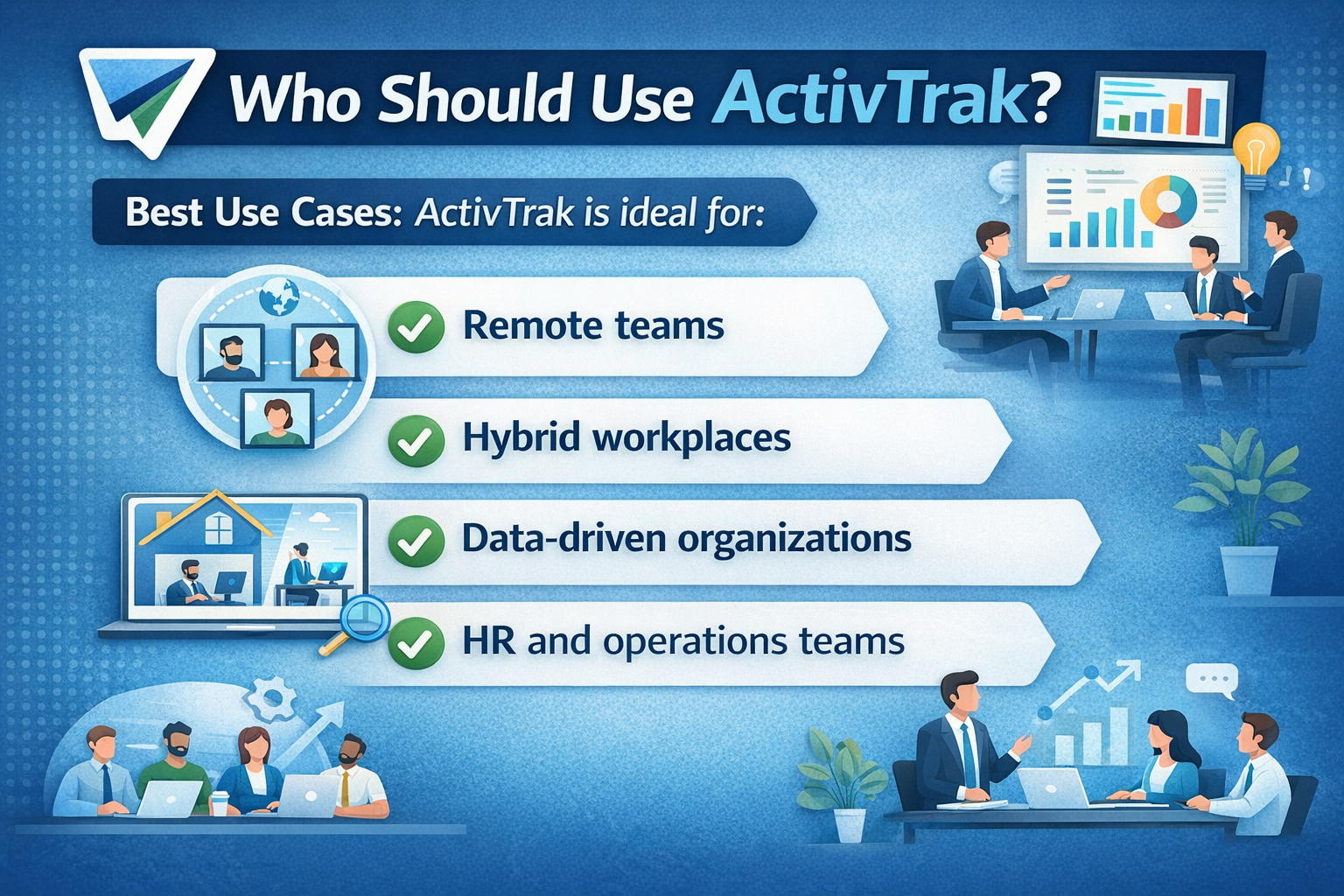
ActivTrak is ideal for:
- Remote teams
- Hybrid workplaces
- Data-driven organizations
- HR and operations teams
It’s especially useful if you want to improve productivity without micromanaging.
Who Should Avoid It
If you’re looking for hardcore surveillance or extremely cheap scaling for large teams, ActivTrak might not be the best fit.
ActivTrak Alternatives 2026: Top Competitors Compared
Write a detailed comparison post covering tools like Hubstaff, Teramind, Time Doctor, and DeskTime. You can explain which tool is best for different use cases (remote teams, freelancers, enterprises).
Focus points:
- Feature comparison (tracking, analytics, AI insights)
- Pricing comparison table
- Pros and cons of each tool
- Which tool is best for small vs large teams
How to Use ActivTrak to Improve Employee Productivity (Step-by-Step Guide)
Create a practical, actionable guide showing how businesses can actually use ActivTrak.
Include:
- Setup process (installation, dashboard overview)
- How to track productivity effectively
- Best practices for ethical monitoring
- Tips to avoid micromanagement
- Real-world examples or scenarios
Is Employee Monitoring Legal in 2026? Laws, Ethics & Best Practices
This is a highly valuable informational post that complements your review.
Cover:
- Legal rules (GDPR, workplace laws, consent requirements)
- Ethical concerns of monitoring employees
- How ActivTrak handles privacy
- Do’s and Don’ts for employers
- Transparency policies
Conclusion
So, is ActivTrak the best employee monitoring tool in 2026?
Honestly—it depends on what you’re looking for.
If you want a modern, analytics-driven platform that helps improve productivity without invading privacy, ActivTrak is one of the best options available. Its AI insights, clean interface, and strong feature set make it stand out.
But if you need deep surveillance or are on a tight budget with a large team, you might want to explore alternatives.
Overall, ActivTrak strikes a smart balance between performance, privacy, and usability—and that’s exactly what modern businesses need.
Frequently Asked Questions
Q. Is ActivTrak free to use?
Yes, ActivTrak offers a free plan for up to 3 users with basic features like activity tracking and reporting.
Q. Does ActivTrak record keystrokes?
No, ActivTrak does not use keystroke logging, making it more privacy-friendly.
Q. Is ActivTrak suitable for remote teams?
Absolutely. It’s designed specifically for remote and hybrid work environments.
Q. Can employees see their own data?
Yes, some plans include personal insights so employees can track their own productivity.
Q. Is ActivTrak worth the price?
For small to mid-sized teams focused on productivity insights, it offers excellent value. For large teams, costs may add up.
Recent Post
Understanding Managed Hosting Features and Tools Offered by WP Engine

A Practical Guide to Making the Most of gymdolphin for Fitness

Discovering Contemporary Men’s Clothing Styles at Incerunmen

Why Online Shoppers Are Exploring UOOZEE for New Products

How Weblium.com Helps Simplify the Website Creation Process

Understanding Supplement Selection and Quality at BulkSupplements.com

How Digital Solutions Are Evolving With CHENGDU OUMEI NETWORK INFORMATION L.T.D

Beauty Trends Worth Exploring With Dominique Cosmetics – 122027
The Growing Role of 3D Scanning and Revopoint 3D Technologies Inc
Releted Post




