Todoist: The Ultimate Task Management Tool for Busy Teams
Todoist: The Ultimate Task Management Tool for Busy Teams is a practical guide that explores how Todoist helps teams stay organized, collaborate efficiently, and manage tasks with ease. The post highlights key features, productivity benefits, and real-world use cases, showing why Todoist is an ideal task management solution for fast-paced teams and modern work environments.
Let’s be honest—keeping everything in your head doesn’t work anymore. Between meetings, deadlines, emails, and personal responsibilities, things slip through the cracks. Task management isn’t a “nice-to-have” now; it’s survival gear for modern teams.
The Rise of Digital Productivity Tools
As work becomes faster and more collaborative, digital task management tools have stepped in like traffic signals for chaos. They bring order, clarity, and structure—and Todoist is one of the strongest names in this space.
What Is Todoist?
A Brief Overview of Todoist
Todoist is a powerful yet simple task management tool designed to help individuals and teams organize work, track progress, and stay focused. It strips productivity down to what actually matters: knowing what to do next.
Who Is Todoist Best For?
Whether you’re a solo freelancer, a startup founder, or part of a large distributed team, Todoist adapts to your workflow. Busy teams, in particular, love it for its balance of simplicity and advanced features.
Core Features of Todoist
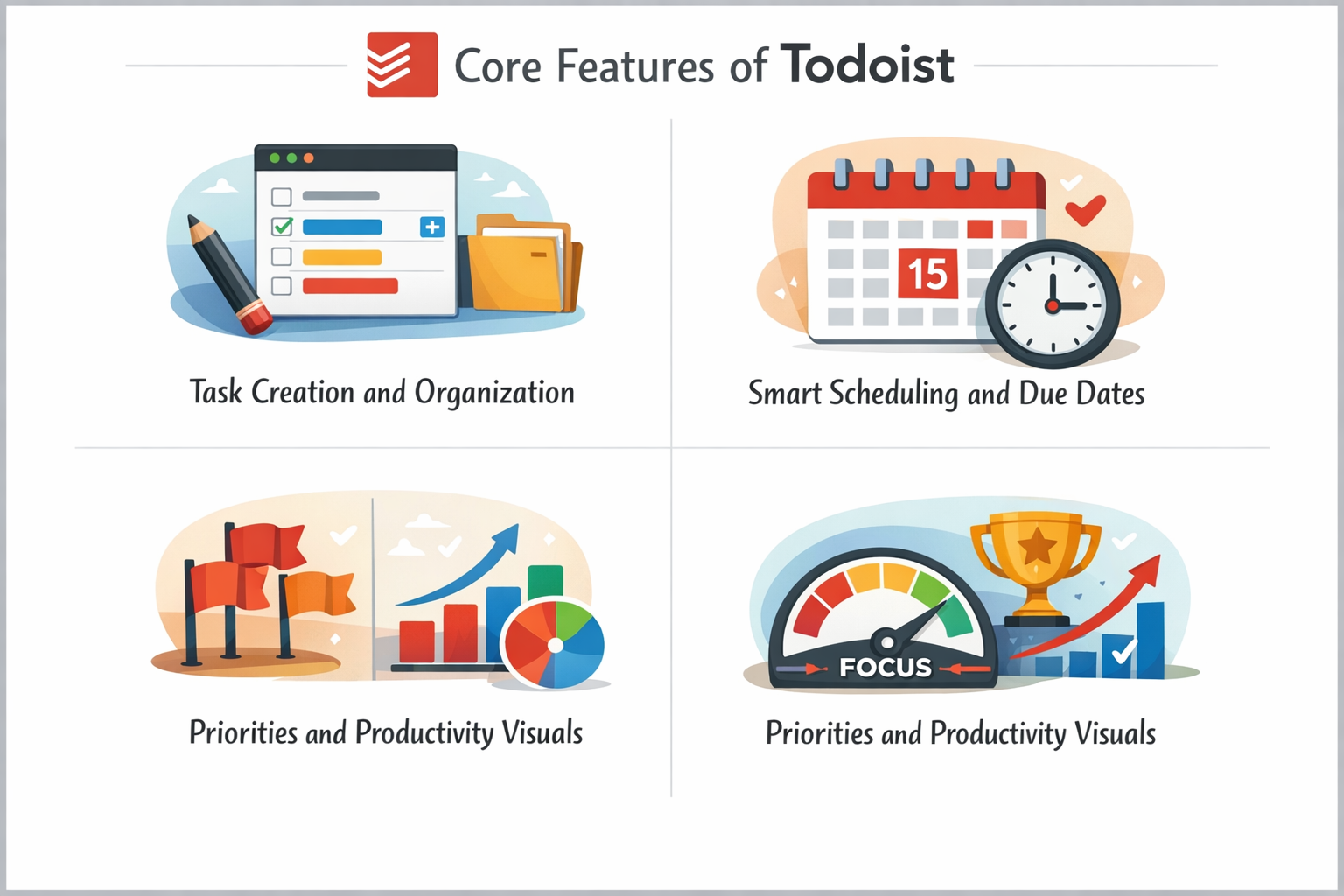
Task Creation and Organization
Projects, Sections, and Labels
Tasks in Todoist aren’t just checkboxes. You can group them into projects, divide projects into sections, and tag tasks with labels. Think of it like organizing your wardrobe—you know exactly where everything belongs.
Smart Scheduling and Due Dates
Todoist understands natural language. Type “Submit report tomorrow at 5pm,” and it just gets it. No dropdowns. No friction. Just speed.
Priorities and Productivity Visuals
Color-coded priorities and productivity charts help you see what truly matters. It’s like having a fitness tracker—but for your work habits.
Todoist for Busy Teams
Team Collaboration Features
Todoist isn’t built only for individuals. Teams can collaborate seamlessly without feeling overwhelmed by complexity.
Shared Projects and Task Assignment
Assign tasks, set deadlines, and track progress in shared projects. Everyone knows who’s doing what, and when it’s due—no awkward follow-ups needed.
Comments, File Sharing, and Updates
Each task becomes a mini workspace. Team members can comment, upload files, and keep discussions exactly where the work happens.
The free plan is generous, but paid plans unlock advanced features like reminders, productivity insights, and team tools.
Is Todoist Worth the Price?
For busy teams, absolutely. The time saved alone often outweighs the cost.
Security and Data Privacy
How Todoist Protects Your Data
Todoist uses industry-standard encryption and security practices to keep your data safe.
Reliability and Uptime
With strong uptime and regular updates, Todoist is dependable—something teams truly value.
Pros and Cons of Todoist
Key Advantages
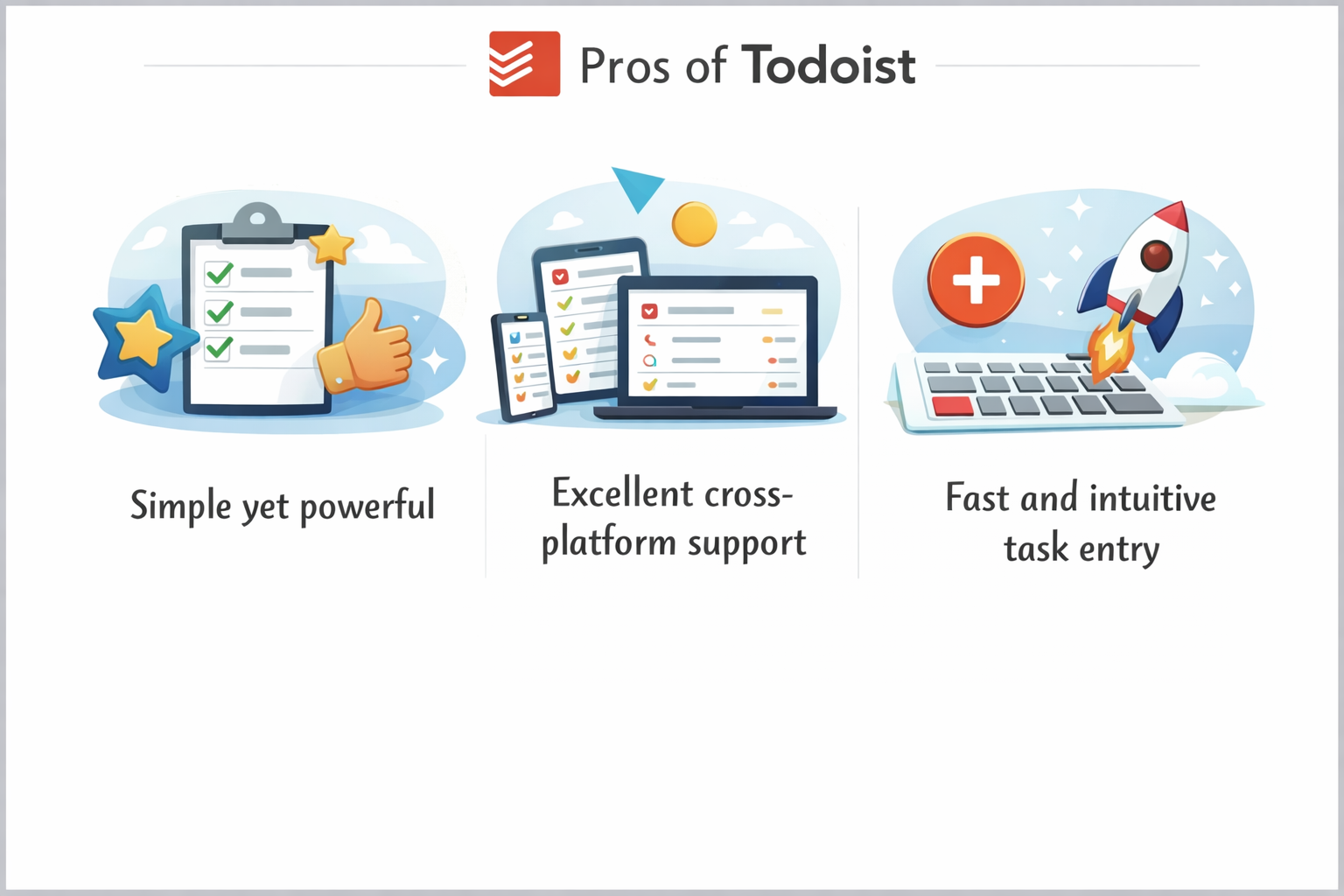
Simple yet powerful
Excellent cross-platform support
Fast and intuitive task entry
Potential Limitations
Limited native reporting
Advanced features require paid plans
Todoist vs Other Task Management Tools
Todoist vs Trello
Trello is visual-first, while Todoist is task-first. If speed and clarity matter, Todoist often wins.
Todoist vs Asana
Asana is feature-heavy; Todoist is lightweight. Teams wanting less complexity often prefer Todoist.
Real-World Use Cases
Startups and Small Teams
Quick setup and flexibility make Todoist ideal for fast-moving startups.
Remote Teams and Freelancers
Clear task ownership and deadlines keep remote teams aligned across time zones.
Enterprises and Growing Businesses
As teams grow, Todoist scales without becoming bloated.
Tips to Get the Most Out of Todoist
Best Practices for Teams
Use clear task names
Assign realistic deadlines
Review projects weekly
Common Mistakes to Avoid
Overloading tasks with too many labels or skipping regular reviews can reduce effectiveness.
Future of Task Management with Todoist
AI and Smart Productivity Trends
With smarter suggestions and automation on the horizon, Todoist continues to evolve alongside how teams work.
Conclusion
Todoist isn’t just another task manager—it’s a productivity companion for busy teams. By combining simplicity, flexibility, and powerful collaboration features, it helps teams focus on what truly matters: getting things done without burning out.
Frequently Asked Questions
Q. Is Todoist suitable for large teams?
Yes, Todoist scales well and supports collaboration features ideal for growing teams.
Q. Can Todoist replace project management tools?
For many teams, yes—especially those who prefer simplicity over complexity.
Q. Does Todoist work offline?
Yes, tasks sync automatically once you’re back online.
Q. Is Todoist secure for business use?
Absolutely. It uses strong encryption and reliable infrastructure.
Q. What makes Todoist different from other tools?
Its balance of simplicity, speed, and flexibility sets it apart.