Renderforest: How Businesses Create Videos Without Designers
This blog post explains how Renderforest helps businesses create professional videos without hiring designers or video editors. It covers key features, use cases, pricing, and real-world benefits, showing how Renderforest makes video creation fast, affordable, and accessible for startups, marketers, and small businesses.
Video marketing is everywhere. From Instagram ads to website hero sections, video has become the language of modern business. But here’s the problem—professional video design is expensive, time-consuming, and often out of reach for small teams.
Why Video Marketing Is No Longer Optional
People scroll fast. Text gets skipped. Images get ignored. Video? Video stops the scroll. Businesses that use video consistently see higher engagement, better conversions, and stronger brand recall.
The Challenge of Hiring Designers and Editors
Hiring designers sounds great—until you see the cost, delays, and endless revision cycles. That’s exactly why DIY platforms like Renderforest are gaining massive popularity.
What Is Renderforest
Renderforest is an all-in-one online platform that allows businesses to create professional-quality videos, logos, websites, and mockups—without hiring designers or video editors.
Overview of the Renderforest Platform
It’s cloud-based, template-driven, and built for speed. You choose a template, customize it, and export your video—all from your browser.
Who Renderforest Is Built For
Small businesses, startups, marketers, agencies, YouTubers, and even solo founders who want high-quality visuals without technical complexity.
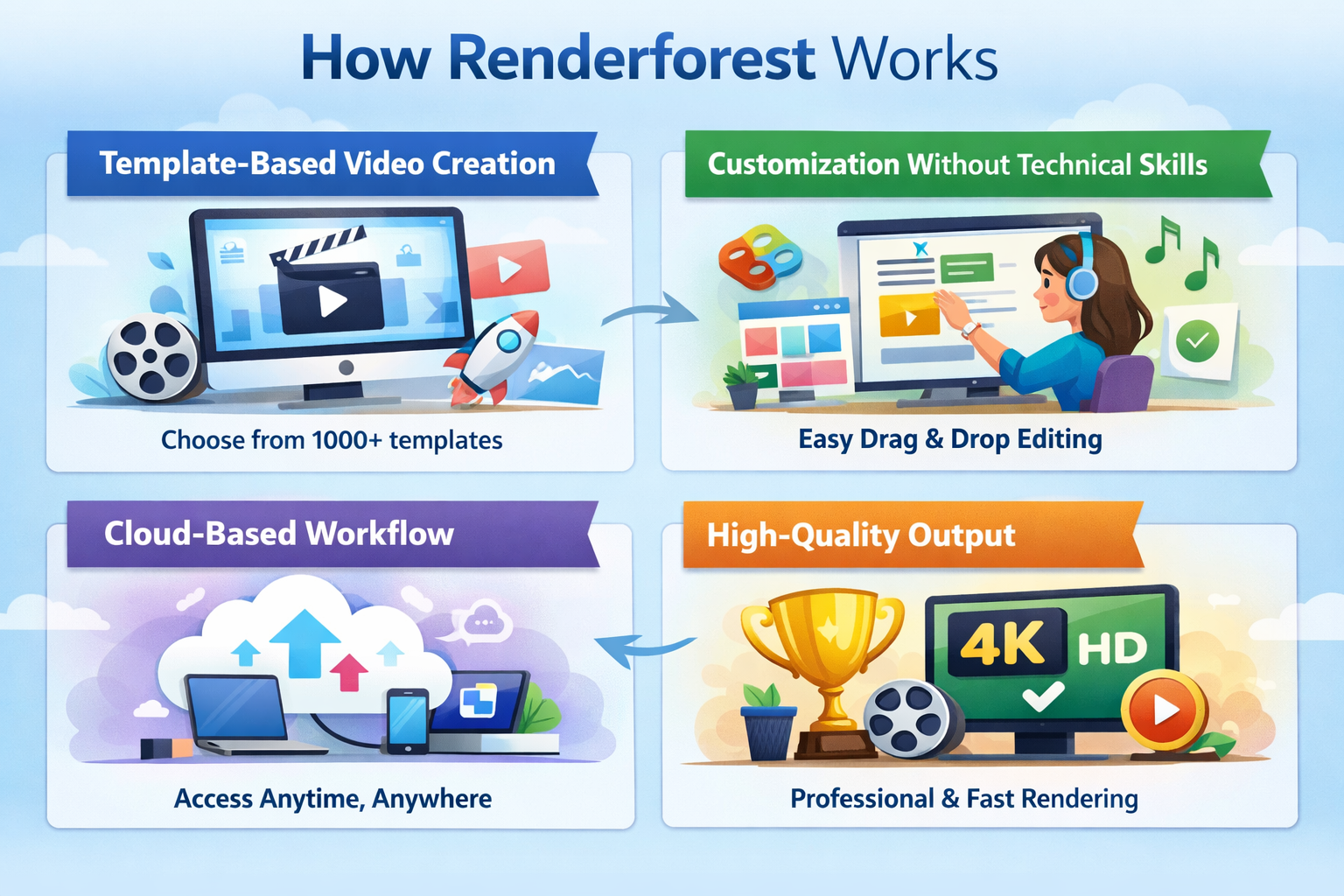
How Renderforest Works
Template-Based Video Creation
Renderforest offers hundreds of pre-designed video templates for different industries and use cases.
Customization Without Technical Skills
You can change text, colors, music, images, and logos with simple clicks—no timelines or keyframes required.
Cloud-Based Workflow
No downloads. No heavy software. Everything runs online, saving time and system resources.
Types of Videos Businesses Can Create
Promotional and Marketing Videos
Perfect for ads, campaigns, and product launches.
Explainer and Product Videos
Explain complex ideas in a simple, visual way.
Logo Animations
Brand Intros and Outros: Animated logos instantly elevate brand perception.
Social Media Videos: Short, punchy videos optimized for Instagram, Facebook, and YouTube.
Perfect for non-designers who still want professional results.
Pricing Plans and Value for Money
Free vs Paid Plans
Free plans allow basic testing; paid plans unlock HD exports and branding control.
What You Get at Each Pricing Tier
Higher tiers offer watermark-free videos, more storage, and priority rendering.
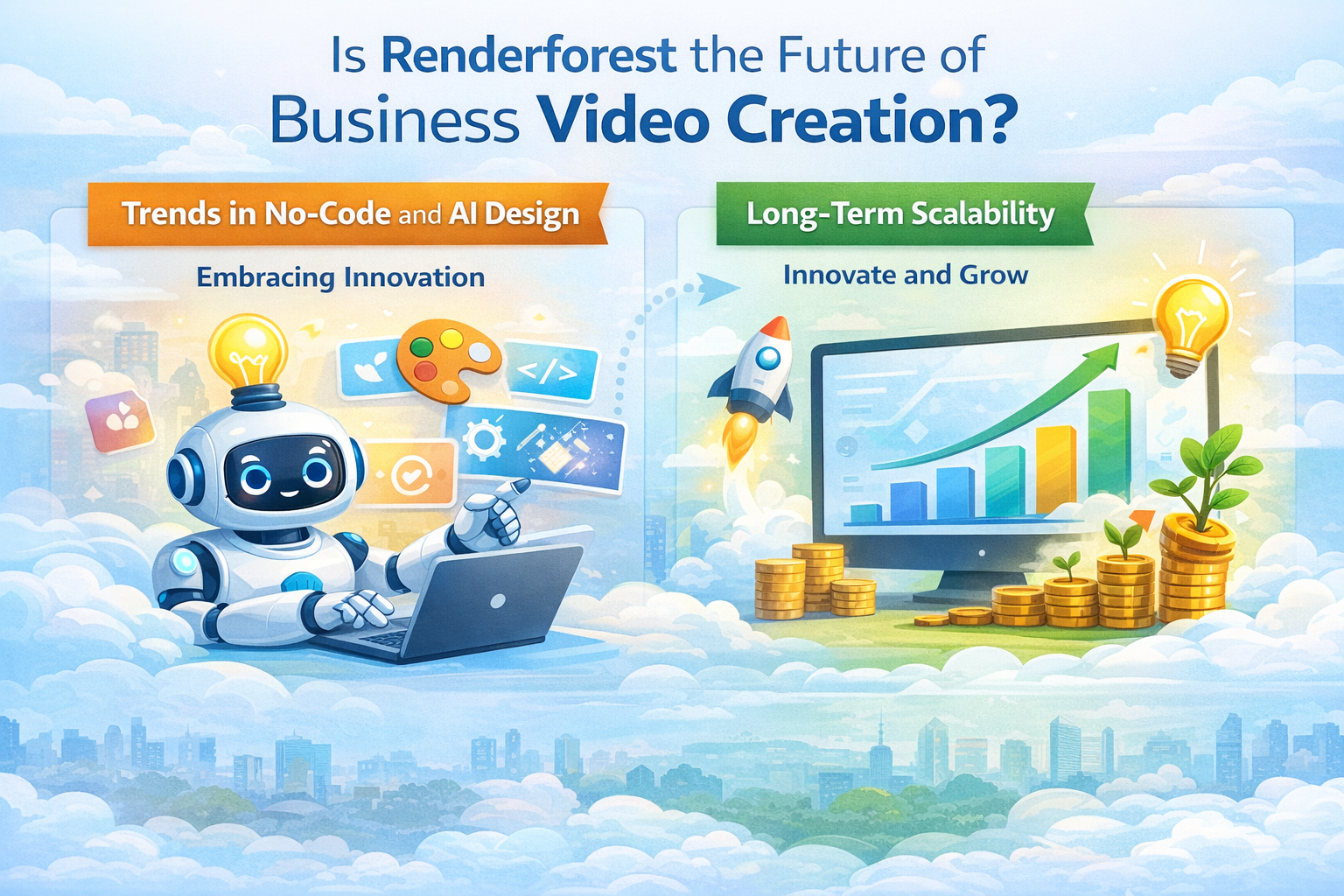
Is Renderforest the Future of Business Video Creation?
Trends in No-Code and AI Design
No-code tools are redefining creative workflows—and Renderforest is leading the way.
Long-Term Scalability
As businesses grow, Renderforest scales with them.
Renderforest vs Traditional Video Design
Cost Comparison
Traditional design can cost hundreds per video. Renderforest costs a small monthly fee.
Speed and Flexibility
Instant edits beat long revision cycles every time.
Creative Control
You stay in control—no back-and-forth emails.
Pros and Cons of Using Renderforest
Major Advantages
No design skills required
Affordable pricing
Fast production
Professional results
Limitations
Templates limit full creative freedom
Advanced editors may want deeper control
Real-World Use Cases
Social Media Marketing
High-performing videos without an agency.
Website and Landing Page Videos
Boost conversions with explainer videos.
YouTube and Ads
Create consistent content at scale.
Conclusion
Renderforest proves that you don’t need a designer or a massive budget to create stunning videos. By combining professional templates, AI tools, and an easy-to-use interface, it empowers businesses to communicate visually with confidence. If speed, affordability, and simplicity matter to you, Renderforest is a game-changer.
Frequently Asked Questions
Q. Is Renderforest good for beginners?
Yes, it’s designed specifically for non-designers.
Q. Can I use Renderforest for commercial projects?
Yes, paid plans allow full commercial use.
Q. Does Renderforest support social media formats?
Absolutely, templates are optimized for social platforms.
Q. Is Renderforest better than hiring a designer?
For speed and cost, yes. For custom animation, designers still win.