Todoist Review: Task Management for Marketing Teams
Managing a marketing team today feels a lot like juggling flaming torches while riding a unicycle. Campaign deadlines, content calendars, client approvals, ad optimizations, SEO audits—everything moves fast, and one missed task can ripple across the entire strategy. That’s where Todoist steps in.
But is Todoist really good enough for marketing teams, or is it just another personal to-do list with fancy labels? In this in-depth review, we’ll break down how Todoist performs in real-world marketing workflows—covering features, collaboration, integrations, pricing, and whether it can truly keep your team aligned and productive.
Todoist is a cloud-based task management tool designed to help individuals and teams organize work, set priorities, and stay focused. At its core, it’s built around simplicity—clean interface, quick task creation, and flexible organization.
Unlike bulky project management tools that feel like cockpit dashboards, Todoist feels more like a smart notebook that actually reminds you what matters. For marketing teams dealing with dozens of micro-tasks every day, that simplicity is a serious advantage.
Why Marketing Teams Need Specialized Task Management
Marketing isn’t linear. A single blog post might involve:
Keyword research
Content briefing
Writing
Editing
SEO optimization
Publishing
Promotion
Performance tracking
Without a structured task system, things fall through the cracks. Marketing teams need:
Clear ownership
Recurring tasks
Deadlines with reminders
Cross-team visibility
Todoist may not brand itself as a “marketing tool,” but its flexibility makes it surprisingly effective for marketing workflows.
Core Features of Todoist Explained
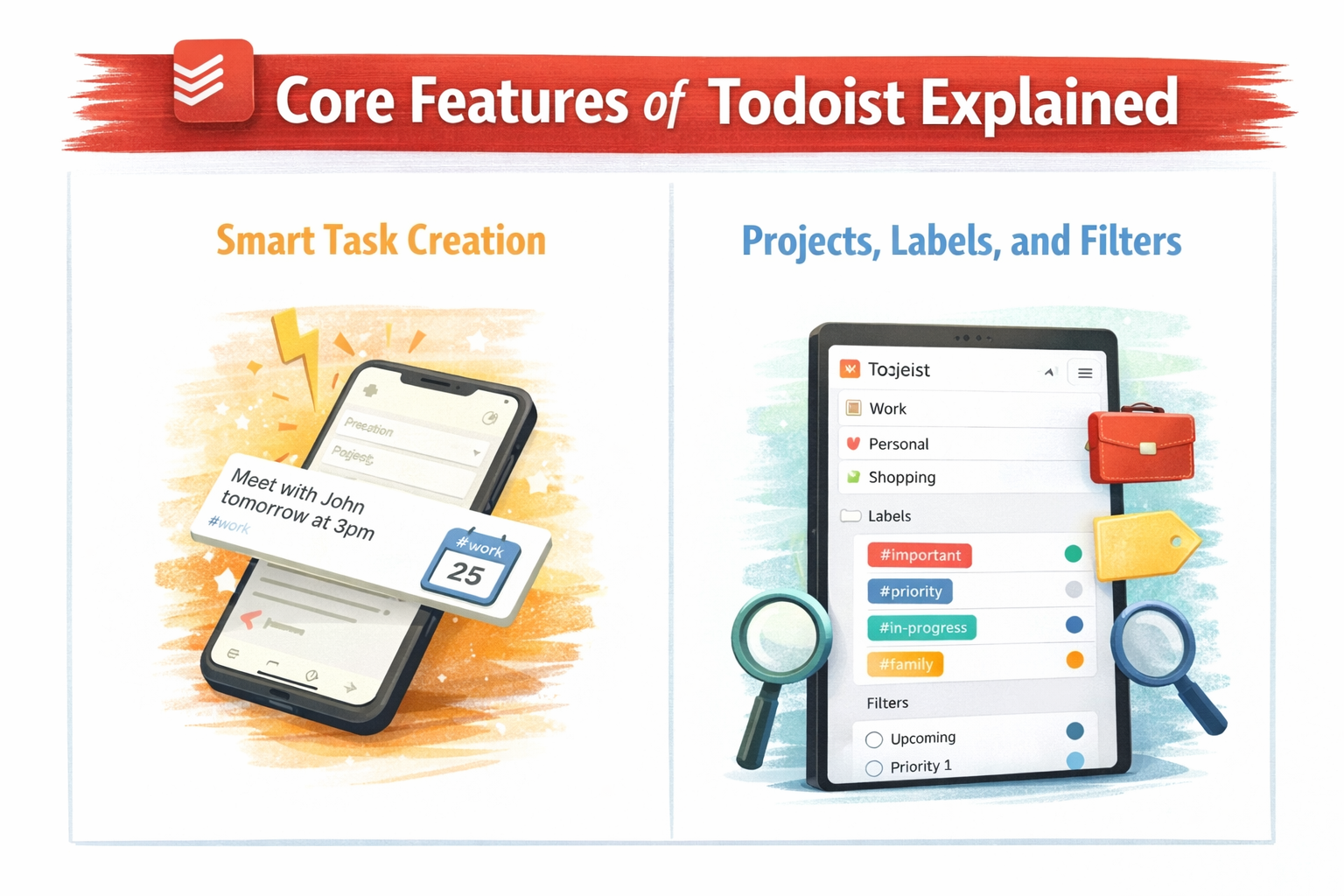
Smart Task Creation
Type tasks naturally like:
“Submit Facebook ad copy tomorrow at 10am #Ads p1”
Todoist understands it instantly. For marketers, this saves time and mental energy—no digging through menus.
Projects, Labels, and Filters
Projects = campaigns, clients, or channels
Labels = task type (SEO, Content, Ads, Design)
Filters = custom dashboards for roles or priorities
This layered structure works beautifully for marketing teams juggling multiple campaigns at once.
Task Organization for Marketing Campaigns
Todoist lets you break campaigns into manageable steps using:
Sections (e.g., Planning, Execution, Review)
Sub-tasks (perfect for content workflows)
Due dates and recurring schedules
For example, a monthly SEO audit can be automated as a recurring task—no more relying on memory or sticky notes.
Invite teammates, assign tasks, and track progress in real time. Each task clearly shows ownership, eliminating the classic “Who was supposed to do this?” problem.
Comments and File Sharing
Discuss tasks directly inside Todoist. Attach Google Docs, briefs, or design files so everything stays contextually connected.
Todoist for Content Marketing Teams
Content teams thrive on repeatable workflows—and Todoist nails this.
If your team values clarity over complexity, Todoist often feels refreshing.
Who Should Use Todoist (And Who Shouldn’t)?
Perfect For
Small to mid-sized marketing teams
Content creators and SEO teams
Agencies managing multiple clients
Marketers who hate cluttered tools
Not Ideal For
Enterprise-level campaign management
Teams needing deep dependency tracking
Conclusion
Todoist may not scream “marketing software,” but that’s exactly why it works so well. It strips away unnecessary complexity and focuses on what marketing teams actually need: clarity, accountability, and momentum.
If your team is drowning in tasks, missing deadlines, or bouncing between tools, Todoist can act like a calm, reliable project anchor—keeping everyone aligned without slowing creativity.
Simple? Yes. Powerful? Absolutely.
Frequently Asked Questions
Q. Is Todoist good for marketing teams?
Yes, especially for teams that value simplicity, speed, and recurring workflows over complex project charts.
Q. Can Todoist replace project management tools like Asana?
For small to mid-sized marketing teams, yes. For enterprise-level needs, it may work better alongside other tools.
Q. Does Todoist support collaboration?
Yes, with shared projects, task assignments, comments, and file attachments.
Q. Is Todoist suitable for content marketing calendars?
Absolutely. Its recurring tasks and due dates make editorial planning smooth and reliable.
Q. Which Todoist plan is best for marketing teams?
The Business plan offers the best balance of collaboration, control, and value.