


Teamwork Project Management Review for Agencies
Teamwork Project Management Review for Agencies explores how Teamwork helps agencies manage projects, track billable time, collaborate with clients, and improve overall profitability. This review breaks down key features, pricing, pros and cons, and real-world use cases to help agencies decide if Teamwork is the right project management solution for their workflow.
Table of Contents
- 1 Introduction
- 2 What Is Teamwork Project Management?
- 3 Why Agencies Need Specialized Project Management Tools
- 4 How Teamwork Is Built Specifically for Agencies
- 5 Core Features of Teamwork
- 6 Resource and Workload Management
- 7 Advanced Agency-Focused Capabilities
- 8 Invoicing and Integrations
- 9 Teamwork User Interface and Ease of Use
- 10 Collaboration Experience for Internal Teams
- 11 Client Experience: Transparency Without Chaos
- 12 Reporting and Analytics for Agency Owners
- 13 Automation and Workflow Customization
- 14 Integrations With Other Tools Agencies Use
- 15 Security, Permissions, and Data Control
- 16 Pricing Plans: Is Teamwork Worth the Cost for Agencies?
- 17 Pros and Cons of Teamwork for Agencies
- 18 Teamwork vs Other Project Management Tools
- 19 Who Should Use Teamwork?
- 20 Real-World Use Cases for Agencies
- 21 Conclusion
- 22 Frequently Asked Questions
Introduction
Running an agency without a solid project management system is like trying to conduct an orchestra without a conductor—no matter how talented the players are, things fall apart fast. This is where Teamwork steps in. Designed with agencies in mind, Teamwork promises to bring structure, visibility, and profitability into your daily operations.
But does it really deliver? Let’s break it down—honestly, practically, and from an agency-first perspective.
What Is Teamwork Project Management?
Teamwork is a project management platform created specifically for client-service businesses. Unlike generic task tools, it focuses heavily on billable work, deadlines, client communication, and profitability. That’s a big deal for agencies juggling multiple clients, timelines, and team members at once.
Think of Teamwork as your agency’s central command center—projects, people, time, and money all visible in one place.
Why Agencies Need Specialized Project Management Tools
Agencies don’t work like internal corporate teams. You deal with:
- Multiple clients at the same time
- Fixed budgets and retainers
- Billable vs non-billable hours
- External collaboration and approvals
Generic tools struggle here. They track tasks but ignore revenue, margins, and client transparency. Teamwork flips that script by building everything around agency workflows.
How Teamwork Is Built Specifically for Agencies
Teamwork isn’t just “agency-friendly”—it’s agency-first. From time tracking tied directly to projects, to client permissions that keep things clean and professional, every feature feels intentional.
It’s less about ticking off tasks and more about delivering projects profitably and on time.
Core Features of Teamwork
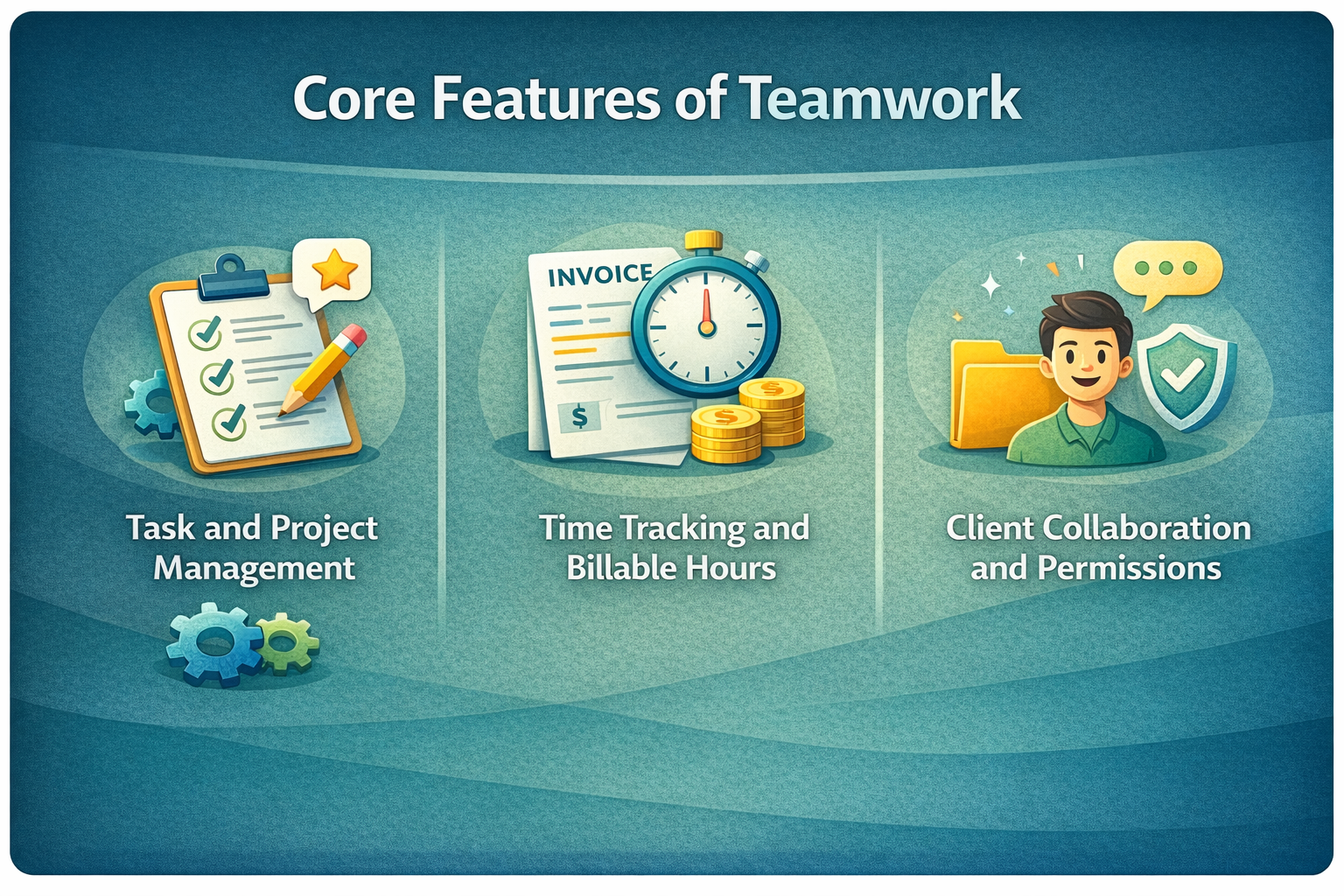
Task and Project Management
At its core, Teamwork offers robust task management. You can:
- Create projects for each client
- Break work into tasks and subtasks
- Assign owners, deadlines, and priorities
The layout is clean and flexible. Whether you prefer lists, boards, or timelines, Teamwork adapts to how your agency works.
Time Tracking and Billable Hours
This is where Teamwork shines for agencies.
You can:
- Track time per task or project
- Mark hours as billable or non-billable
- Set hourly rates per user or project
No more guessing where time went. You’ll know exactly which clients are profitable—and which ones quietly drain resources.
Client Collaboration and Permissions
Clients need visibility, but not control. Teamwork handles this perfectly.
You can:
- Invite clients as collaborators
- Control what they see and edit
- Share files, comments, and milestones
It’s like giving clients a window into progress without handing them the steering wheel.
Resource and Workload Management
Ever overloaded your best designer while someone else sat idle? Teamwork’s workload view fixes that.
You can:
- See who’s overbooked
- Balance work across the team
- Plan future capacity realistically
This alone can prevent burnout and missed deadlines.
Advanced Agency-Focused Capabilities
Profitability and Budget Tracking
Teamwork lets you set project budgets based on hours or money. As work progresses, you can see:
- Budget used vs remaining
- Actual cost vs expected revenue
It’s like having a financial dashboard baked directly into project management.
Retainers and Recurring Projects
For agencies working on monthly retainers, this is gold.
You can:
- Clone recurring projects
- Track monthly usage
- Ensure retainers don’t spiral out of control
No more manual resets or messy spreadsheets.
Invoicing and Integrations
Teamwork integrates smoothly with invoicing tools, allowing time tracked to flow directly into billing. Less admin work, fewer mistakes, faster payments.
Teamwork User Interface and Ease of Use
Despite its depth, Teamwork doesn’t feel overwhelming. The interface is clean, modern, and logical. New users might need a short onboarding phase, but once familiar, navigation feels natural.
It’s powerful without being intimidating—a rare balance.
Collaboration Experience for Internal Teams
Teamwork keeps conversations where they belong: inside tasks.
Comments, file sharing, and mentions reduce the need for endless email threads. Everyone stays aligned, and nothing gets lost in inbox chaos.
Client Experience: Transparency Without Chaos
Clients love visibility—but hate confusion. Teamwork offers just enough transparency to build trust while keeping workflows tidy.
Milestones, updates, and shared files make clients feel involved without overwhelming them.
Reporting and Analytics for Agency Owners
Agency owners need answers fast. Teamwork delivers with reports on:
- Time usage
- Project profitability
- Team performance
These insights help you make smarter decisions—pricing, staffing, and client selection included.
Wrike Review: Project Management for Marketing Agencies
Renderforest Review: Video Marketing Made Easy for Agencies
How Lightinthebox Helps Agencies Drive Global E-Commerce Sales
PADI and Adventure Tourism: Marketing the Underwater Experience
How italki Connects Learners Worldwide Through Smart Marketing
Automation and Workflow Customization
Automations reduce repetitive work. You can trigger actions like:
- Task assignments
- Status changes
- Notifications
It’s like setting up guardrails that keep projects moving smoothly.
Integrations With Other Tools Agencies Use
Teamwork connects with popular tools agencies already rely on—CRMs, accounting software, file storage, and communication apps. This keeps your tech stack streamlined instead of scattered.
Security, Permissions, and Data Control
Security matters when client data is involved. Teamwork offers:
- Role-based permissions
- Secure data handling
- Controlled access levels
You decide who sees what—internally and externally.
Pricing Plans: Is Teamwork Worth the Cost for Agencies?
Teamwork isn’t the cheapest option on the market, but it’s priced for professional agencies—not hobby projects.
When you factor in:
- Improved efficiency
- Better profitability tracking
- Reduced admin overhead
…it often pays for itself quickly.
Pros and Cons of Teamwork for Agencies
Pros
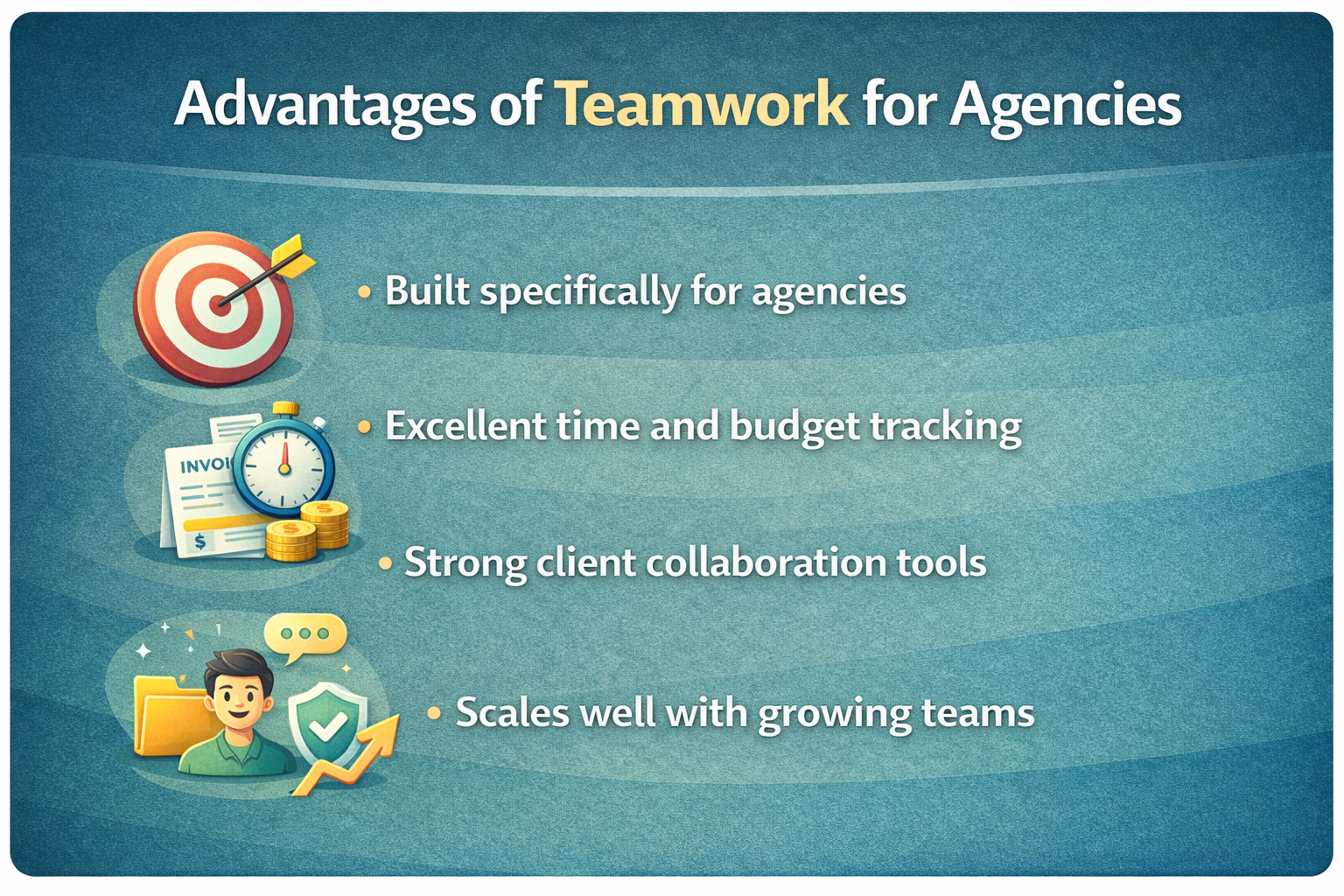
- Built specifically for agencies
- Excellent time and budget tracking
- Strong client collaboration tools
- Scales well with growing teams
Cons
- Slight learning curve for beginners
- Higher cost than basic task tools
Teamwork vs Other Project Management Tools
Compared to generic tools, Teamwork feels purpose-built. While others focus on tasks alone, Teamwork connects tasks to time, money, and clients—three things agencies can’t ignore.
Who Should Use Teamwork?
Teamwork is ideal for:
- Digital marketing agencies
- Web design and development teams
- Creative studios
- Consulting firms
If client work and billable time are your bread and butter, Teamwork fits naturally.
Real-World Use Cases for Agencies
Agencies use Teamwork to:
- Manage multi-client campaigns
- Track billable design and development hours
- Coordinate remote teams
- Improve client transparency
It adapts well whether you’re a 5-person boutique agency or a 100+ member operation.
Conclusion
Teamwork project management stands out as a thoughtfully designed platform for agencies that need more than simple task tracking. By combining project planning, time tracking, budgeting, and client collaboration into one cohesive system, it removes friction from daily operations. If your agency wants clarity, control, and consistent delivery, Teamwork is well worth considering.
Frequently Asked Questions
Q. Is Teamwork suitable for small agencies?
Yes, especially small agencies planning to scale and needing better control over time and budgets.
Q. Can clients see project progress in Teamwork?
Yes, with customizable permissions so clients only see what you choose.
Q. Does Teamwork support billable time tracking?
Absolutely. Time tracking is one of its strongest features.
Q. Is Teamwork difficult to learn?
There’s a short learning curve, but the interface is intuitive once set up.
Q. Can Teamwork replace multiple agency tools?
For many agencies, yes. It often replaces separate tools for tasks, time tracking, and basic reporting.

Recent Post

Maxaroma: A Complete Guide to Luxury Fragrances Online

Holiday Autos: A Complete Guide to Car Rental Services

WA Production INT: A Complete Guide to Its Business Model

Content Development Pros: A Complete Review for Businesses

HireWriters.com: A Complete Guide for Content Buyers

How CorpNet, Incorporated Helps Entrepreneurs Succeed Faster

Espresso Parts LLC: A Complete Guide to Its Market Leadership

Medical Guardian: How It’s Transforming Personal Safety Solutions

Georgie and Tom’s: A Complete Guide to Their Brand Growth Strategy
Releted Post




