How Notion Helps Marketers Organize Campaigns and Content
This blog post explains how Notion helps marketers organize campaigns and content more efficiently. It covers Notion’s flexible workspace, customizable templates, collaboration features, and powerful content planning tools—making it an essential platform for marketing teams looking to streamline workflows and stay organized.
Managing multiple campaigns, content plans, and marketing tasks can feel like juggling too many balls at once. That’s exactly why marketers today need a flexible, all-in-one workspace. And this is where Notion shines. It’s not just a productivity app—it’s a customizable system that adapts perfectly to the way your marketing team works.
What Makes Notion a Powerful Tool for Marketers
Flexible Workspace
Notion gives you complete freedom to structure your workspace. Whether you’re building a content calendar, planning campaigns, or storing brand assets, everything can be organized your way.
Customizable Templates
Marketers can create templates for campaign briefs, monthly strategies, or social media calendars—making repetitive tasks effortless.
Centralized Information Hub
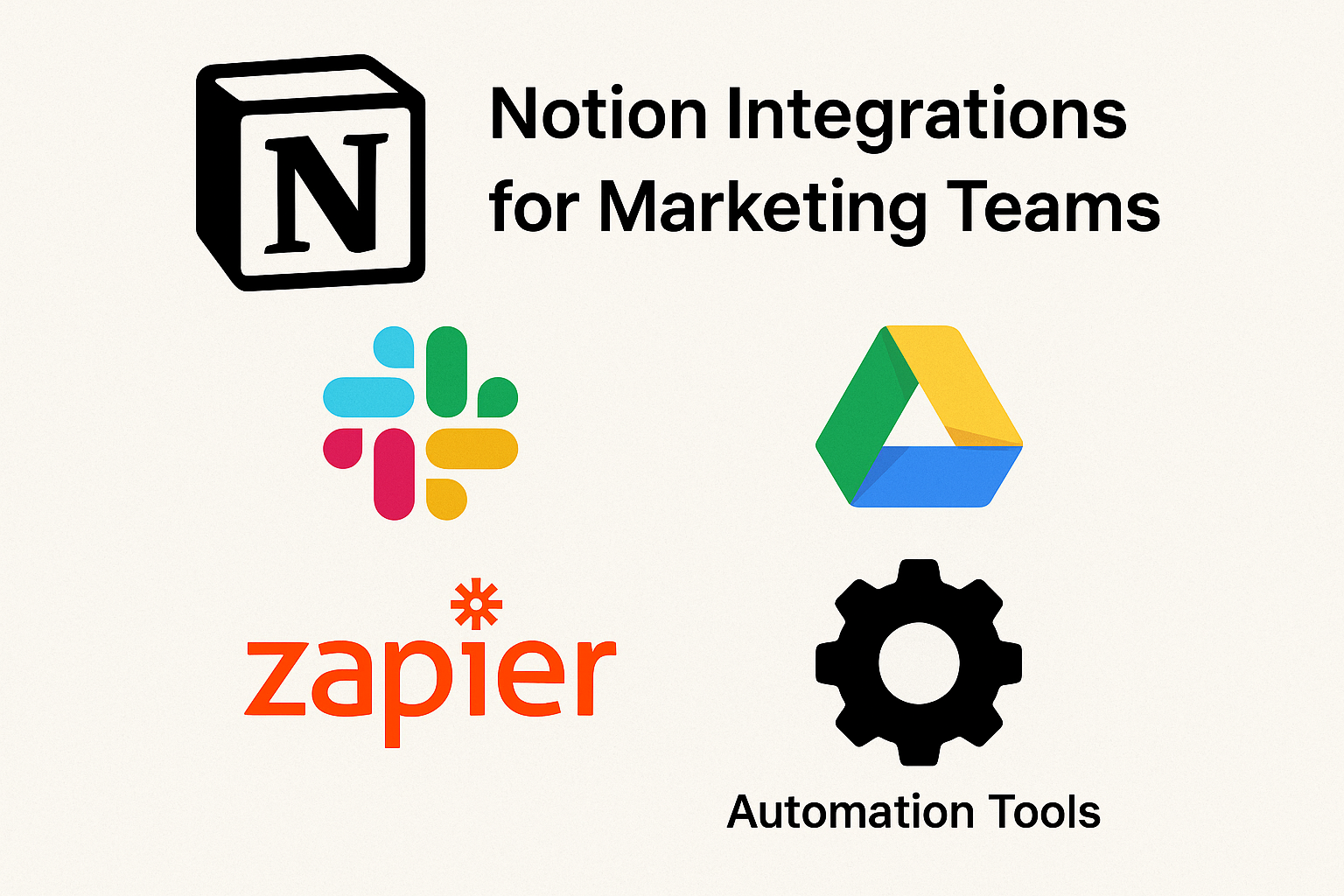
Instead of jumping between Google Docs, Excel sheets, Trello, and Slack, Notionhttps://www.notion.com/ keeps everything in one place, ensuring consistency and visibility for the whole team.
Organizing Marketing Campaigns in Notion
Campaign Planning Dashboard
Marketers can create a master dashboard that holds campaign timelines, goals, tasks, budgets, and creative assets.
Timeline View
Visualize campaigns across months or quarters.
Kanban Board
Track production stages—from “Ideas” to “Live.”
Calendar Scheduling
See deadlines and publish dates in an easy, scrollable view.
Assigning Tasks & Collaborating
You can assign tasks to team members, set due dates, track progress, and leave comments—all without switching tools.
Managing Content Creation
Content Calendar
Notion’s calendar view makes it simple to plan blog posts, emails, social posts, and ads.
Editorial Workflow
Create status stages like Draft → Review → Approved → Published to streamline your team’s workflow.
Version Control & Notes
Keep all content history, references, keyword research, and notes together.
Beginners may feel overwhelmed by Notion’s flexibility.
Over-Customization Risk
Too many tweaks may slow down workflow instead of helping.
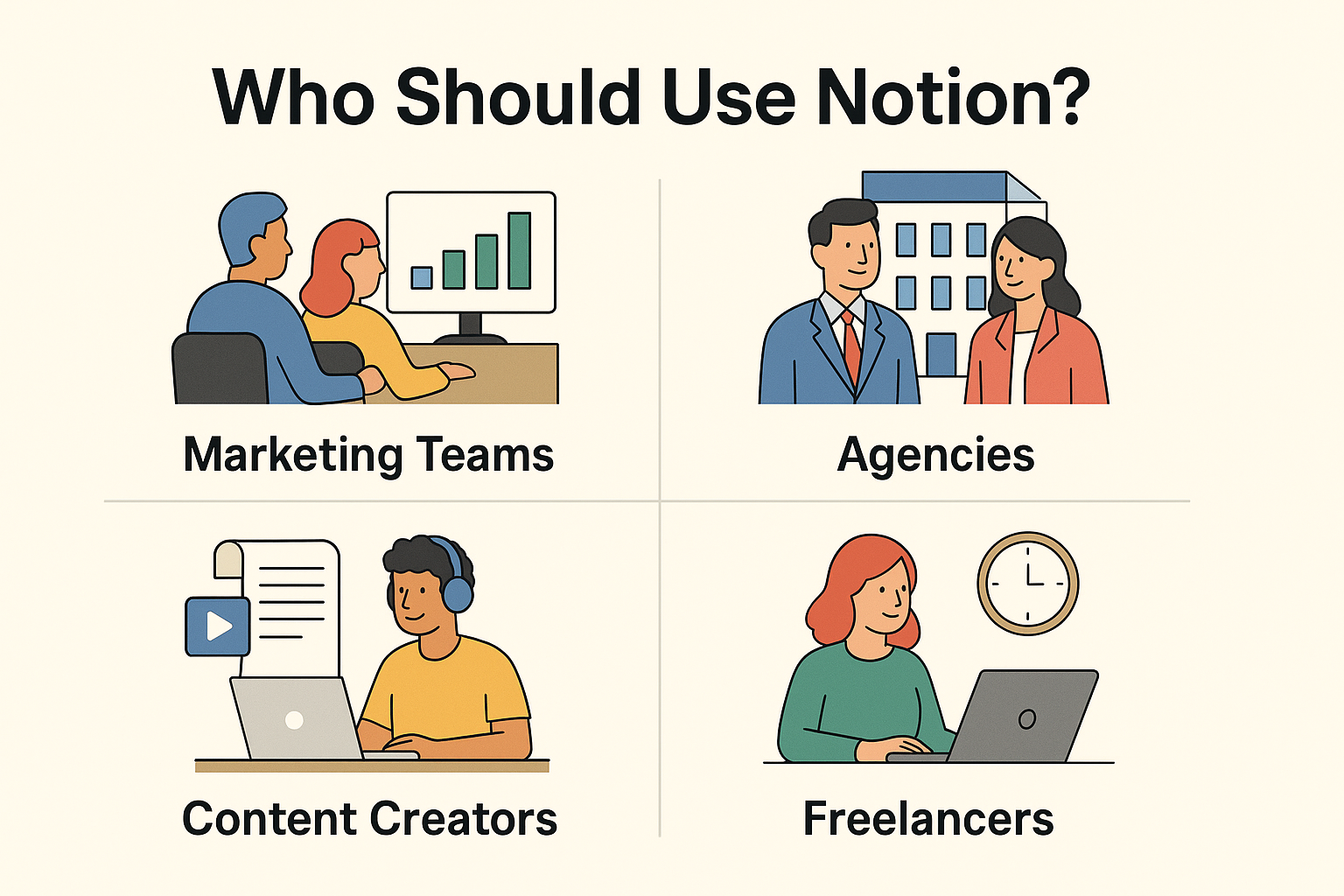
Who Should Use Notion?
Marketing Teams
Perfect for content planning, collaboration, and reporting.
Agencies
Centralize client work, timelines, and assets.
Content Creators
Organize topics, scripts, ideas, and posts
Freelancers
Manage clients, deadlines, and personal workflows efficiently.
Tips for Choosing CORSAIR Products
Selecting the right CORSAIR products depends on your needs. Gamers might prioritize keyboards and mice, while content creators may focus on audio equipment. Balancing budget with desired features ensures the best choice.
Sustainability and Environmental Initiatives
CORSAIR is also committed to sustainability. Energy-efficient products, recycling programs, and environmentally conscious practices reflect the company’s dedication to a greener future.
Comparing CORSAIR with Competitors
When compared with other brands, CORSAIR consistently offers superior performance, robust software integration, and long-term reliability. While slightly premium in price, the value delivered justifies the investment.
Future of CORSAIR Innovation
With emerging technologies like AI-assisted peripherals and enhanced RGB integration on the horizon, CORSAIR continues to push boundaries. The brand’s commitment to innovation suggests exciting developments for both gaming and creative industries.
Conclusion
Notion is one of the most powerful organizational tools available today for marketers. Its flexibility, collaboration features, and customizable templates make it ideal for managing everything from campaigns to content strategies. If you’re looking for a single platform to streamline your marketing operations, Notion is absolutely worth trying.
Frequently Asked Questions
Q. Can Notion replace other marketing tools?
Not completely, but it can combine planning, collaboration, and content management in one place.
Q. Do I need a paid Notion plan for marketing?
The free version works great for individuals, but teams benefit from premium features.
Q. Is Notion good for social media planning?
Yes—its content calendar and templates make scheduling social posts easy.
Q. Can I integrate analytics tools with Notion?
You can embed dashboards, reports, and external analytics tools directly.
Q. Is Notion easy for teams to adopt?
Yes, once the basic structure is set, teams find it intuitive and collaborative.