Marketing today isn’t just about creativity—it’s about coordination. Campaigns span emails, social media, ads, content, SEO, and analytics. Without the right system, things fall apart fast. That’s where monday.com steps in.
In this detailed review, we’ll explore how monday.com simplifies marketing workflows, improves collaboration, and helps teams move faster without chaos. If you’re tired of juggling spreadsheets, Slack messages, and missed deadlines, this guide is for you.
monday.com is more than a project management tool—it’s a Work OS designed to adapt to how teams actually work.
Instead of forcing marketers into rigid structures, monday.com lets you build workflows around your process. Whether you’re planning a product launch or managing 50 content pieces at once, it gives you clarity without complexity.
Think of it as your marketing command center.
Why Marketing Teams Need Workflow Tools
Marketing teams deal with:
Multiple stakeholders
Tight deadlines
Frequent changes
Cross-functional dependencies
Without a central system, tasks slip, approvals stall, and performance drops. monday.com solves this by giving everyone a single source of truth.
The Core Philosophy Behind monday.com
At its heart, monday.com is built on three ideas:
Visual clarity beats complexity
Flexibility matters more than features
Automation should feel human, not technical
That philosophy makes it especially attractive to non-technical marketing teams.
How monday.com Differs from Traditional PM Tools
Unlike rigid tools that feel built for engineers, monday.com:
Uses color-coded visual boards
Allows full customization
Requires zero coding knowledge
It feels closer to a digital whiteboard than a corporate system.
Key Features of monday.com for Marketing Teams
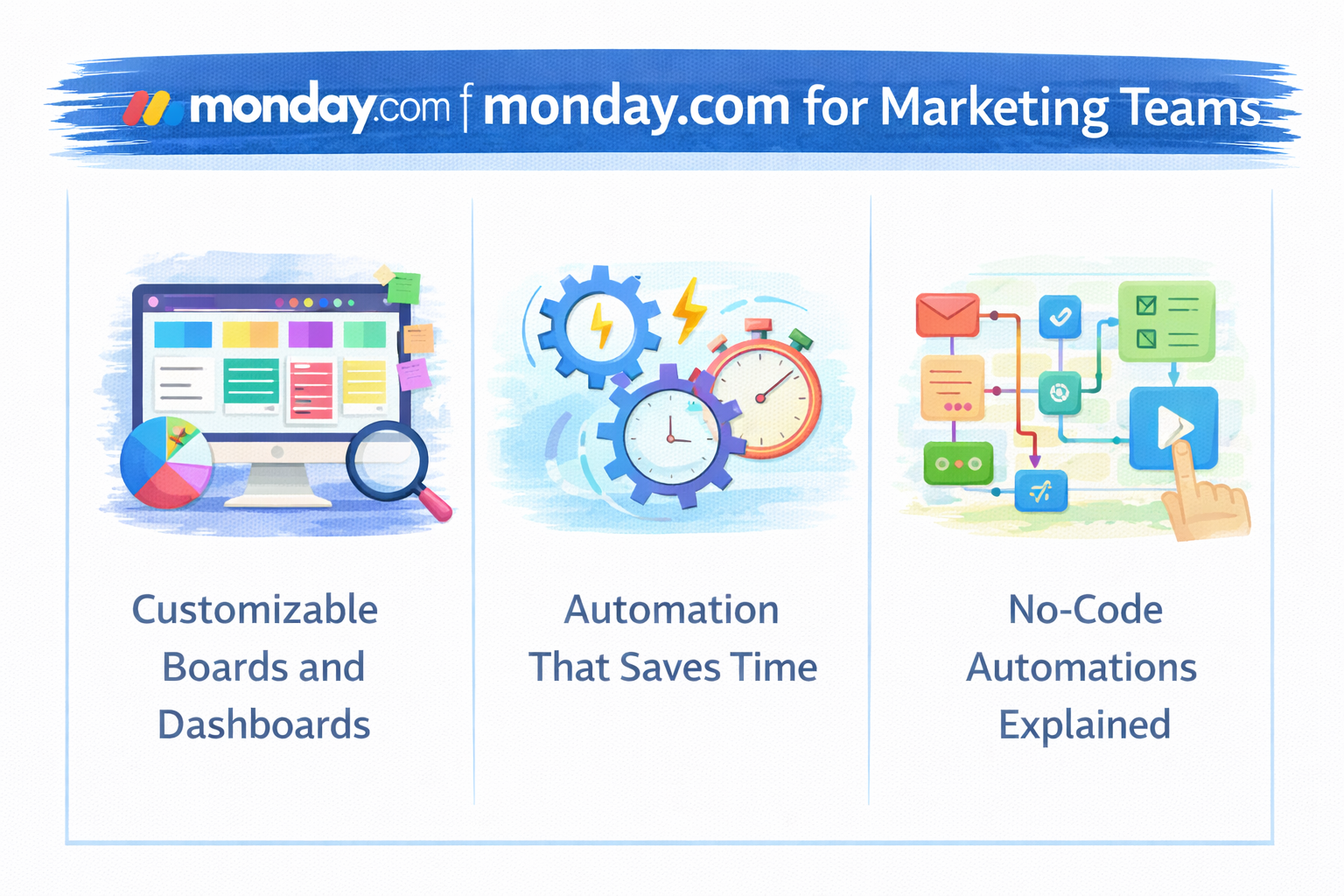
Customizable Boards and Dashboards
Boards are the backbone of monday.com. You can create boards for:
Campaign planning
Content calendars
Lead tracking
SEO roadmaps
Dashboards then pull everything together into a bird’s-eye view.
Automation That Saves Time
Automation eliminates repetitive work like:
Assigning tasks
Updating statuses
Sending notifications
Once set, it quietly works in the background—like a reliable assistant.
No-Code Automations Explained
You don’t need a developer. Just simple “when-this-happens, do-that” rules:
monday.com offers tiered pricing based on features and team size. While it’s not the cheapest option, the ROI in time saved often justifies the cost for marketing teams.
Pros and Cons of monday.com
Pros
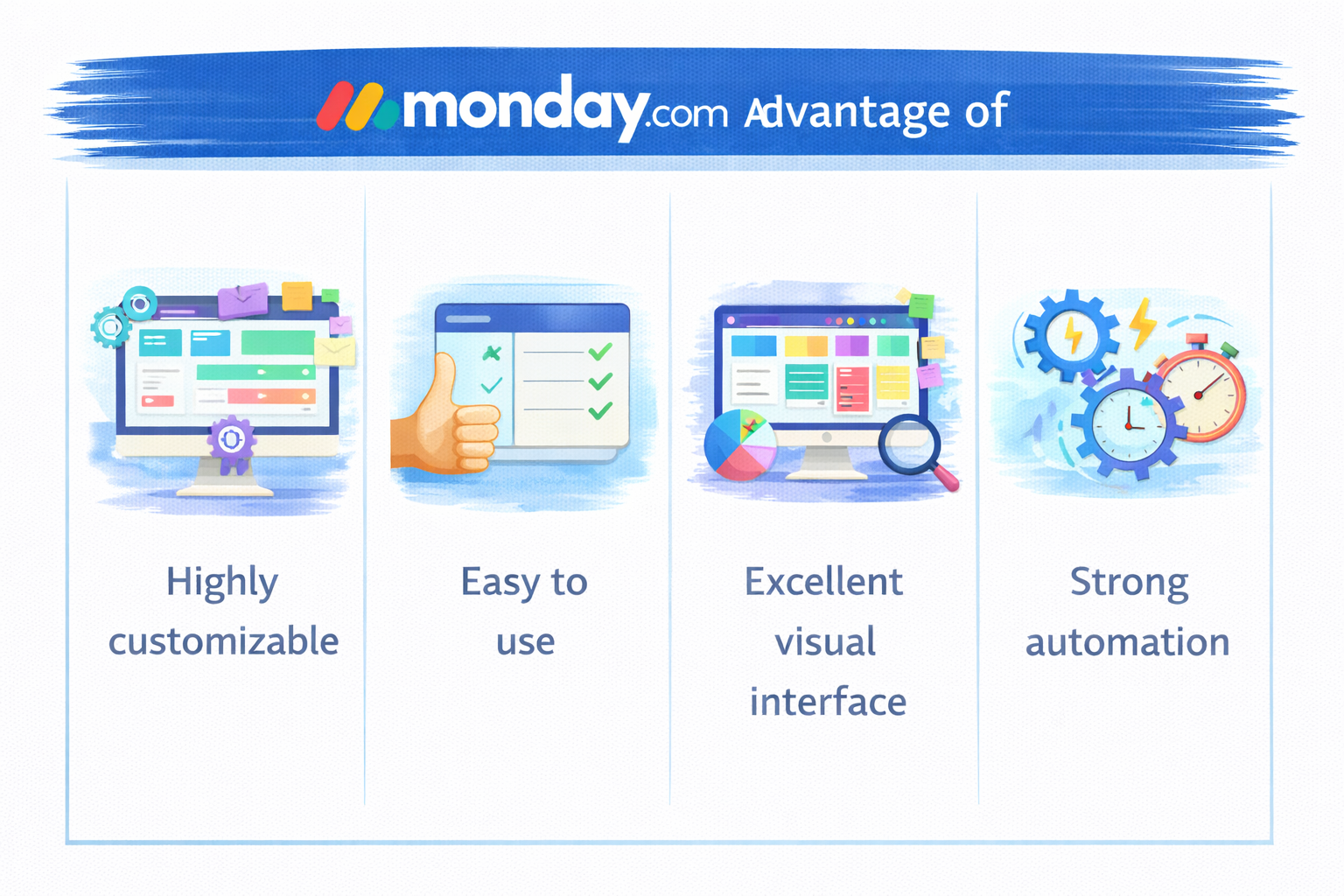
Highly customizable
Easy to use
Excellent visual interface
Strong automation
Cons
Pricing can increase with team size
Requires setup time to unlock full value
monday.com vs Other Marketing Tools
Compared to rigid project management tools, monday.com wins on flexibility. Compared to simple task managers, it offers far deeper workflow control.
As your team grows, monday.com grows with you. New boards, automations, and dashboards can be added without rebuilding your system from scratch.
That scalability makes it a long-term solution, not a temporary fix.
Conclusion
Marketing success depends on speed, clarity, and collaboration. monday.com delivers all three in a way that feels intuitive, not overwhelming. By turning complex workflows into visual, manageable systems, it helps teams focus on what matters most—results.
If you want marketing workflow made simple, monday.com is absolutely worth considering.
Frequently Asked Questions
Q. Is monday.com good for marketing teams?
Yes, it’s one of the most flexible tools available for marketing workflows.
Q. Can monday.com handle content calendars?
Absolutely. Editorial and content planning is one of its strongest use cases.
Q. Does monday.com require technical skills?
No, it’s designed for non-technical users.
Q. Is monday.com suitable for small teams?
Yes, small teams benefit just as much as large ones.
Q. Can monday.com replace multiple tools?
In many cases, yes—it can replace spreadsheets, basic PM tools, and manual trackers.