How Glide Helps Businesses Build Apps Without Coding
Discover how Glide helps businesses build powerful apps without coding. Learn how no-code app development with Glide saves time, reduces costs, and empowers teams to create custom mobile and web apps quickly and efficiently.
Building an app used to feel like climbing a mountain in flip-flops. You needed developers, long timelines, and a budget that made your finance team sweat. Today, no-code platforms have flipped the script—and businesses are loving it.
What Is No-Code Development?
No-code development allows you to build functional applications without writing a single line of code. Think of it like assembling LEGO blocks instead of forging parts from raw metal. You focus on what the app should do, not how the code works behind the scenes.
Why Businesses Are Moving Away from Traditional Coding
Speed, cost, and flexibility. Businesses want solutions now, not six months later. No-code tools empower teams to build, test, and deploy apps quickly—often without involving IT at all.
What Is Glide?
Glide is one of the most popular no-code platforms, designed to help businesses turn their data into powerful mobile and web apps—fast.
Overview of Glide as a No-Code Platform
Glide transforms spreadsheets and databases into clean, modern apps. If you can manage data in rows and columns, you can build an app with Glide. Simple as that.
Who Is Glide Designed For?
Glide is perfect for:
Small business owners
Startups
Operations managers
Educators
Enterprises building internal tools
Basically, anyone who has an idea and data but doesn’t want to wrestle with code.
How Glide Works
At its core, Glide connects your data to a visual app builder.
Turning Spreadsheets into Apps
You start with data—Google Sheets, Excel, or Glide’s own database.
Google Sheets and Glide Tables Explained
Google Sheets is great for quick setups. Glide Tables offer more power, better performance, and advanced relationships between data. Pick what suits your workflow.
Drag-and-Drop Interface Simplified
You add screens, buttons, lists, and forms using a drag-and-drop editor. No syntax errors. No debugging nightmares.
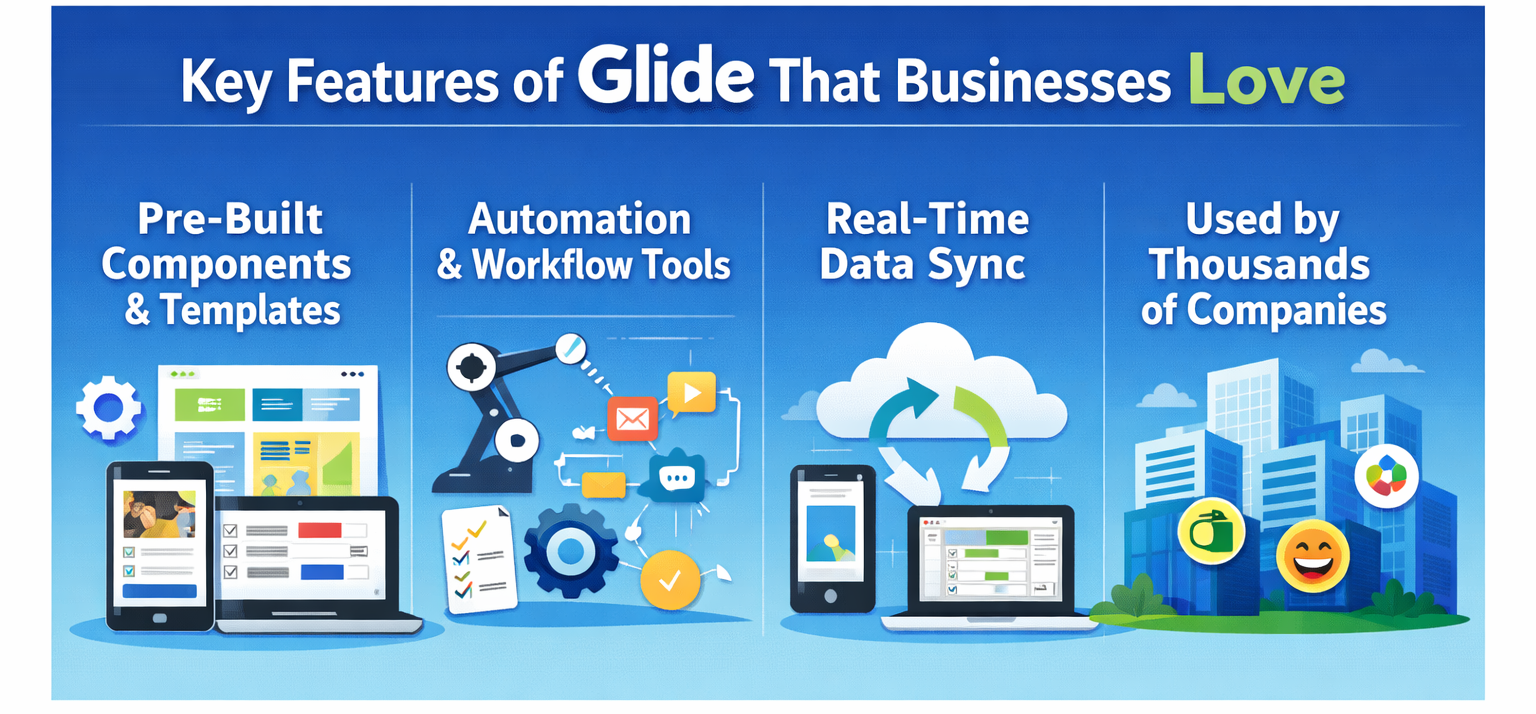
Key Features of Glide That Businesses Love
Pre-Built Components and Templates
From forms and charts to maps and user profiles, Glide offers ready-made components that speed things up.
Automation and Workflow Tools
Need to send a notification when data changes? Or trigger actions based on user input? Glide handles that with built-in logic.
Real-Time Data Sync
Update your data once, and it reflects instantly across the app. It’s like magic—minus the wand.
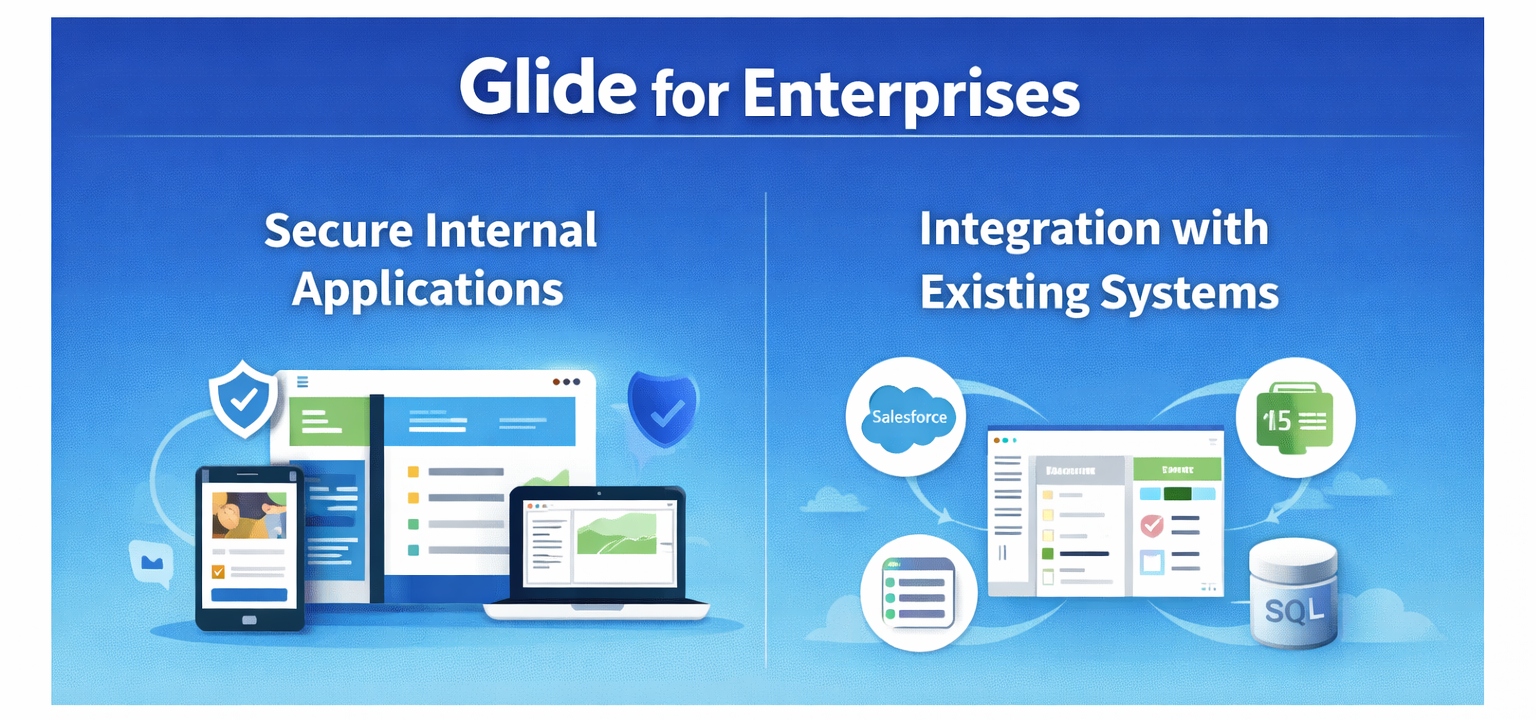
Enterprises use Glide to build secure tools for internal teams without exposing sensitive data.
Integration with Existing Systems
Glide integrates with tools businesses already use, making adoption smoother.
Customization and Design Flexibility
Branding and UI Customization
Colors, fonts, layouts—you can match your brand perfectly.
Creating a Professional App Look
Glide apps don’t scream “no-code.” They look polished, modern, and professional.
Security and Data Control
User Authentication
Control who can access what with role-based permissions.
Data Permissions and Privacy
Sensitive data stays protected, with granular access controls.
Glide Pricing and Plans
Free vs Paid Plans
The free plan is great for testing. Paid plans unlock advanced features, higher limits, and business-level controls.
Choosing the Right Plan for Your Business
Small teams can start lean, while growing businesses can upgrade as needs expand.
Glide vs Traditional App Development
Time, Cost, and Complexity Comparison
Traditional development is powerful but slow and costly. Glide is fast, affordable, and flexible.
When Glide Is the Better Choice
If you need speed, iteration, and internal tools—Glide wins hands down.
Limitations of Glide
What Glide Can’t Do (Yet)
Highly complex custom logic or heavy animations may be limited.
When You May Need Custom Code
For large-scale consumer apps or deep backend control, traditional coding still has its place.
Getting Started with Glide
Step-by-Step Beginner Workflow
Prepare your data
Connect it to Glide
Choose a layout
Customize components
Publish your app
The Future of No-Code with Glide
Trends in No-Code Development
No-code is becoming mainstream, not a shortcut.
How Glide Is Evolving
Glide continues to add more power, performance, and enterprise-ready features.
Conclusion
Glide removes the biggest barrier in app development: coding. It empowers businesses to move faster, spend less, and innovate more. Whether you’re a startup testing ideas or an enterprise streamlining operations, Glide makes app building feel less like engineering—and more like common sense.
Frequently Asked Questions
Q. Can I build a mobile app with Glide without coding?
Yes, Glide allows you to build fully functional mobile and web apps without writing code.
Q. Is Glide suitable for large businesses?
Absolutely. Many enterprises use Glide for secure internal tools and workflows.
Q. What kind of apps can I build with Glide?
You can build internal tools, dashboards, CRMs, booking apps, and more.
Q. Do Glide apps work offline?
Some functionality is available offline, but full features require internet access.
Q. Is Glide better than hiring developers?
For many business use cases, Glide is faster, cheaper, and easier than traditional development.