


Bookemon Review: The Best Platform to Create Your Own Book?
Discover whether Bookemon is the best platform to create and publish your own book. This detailed Bookemon reviewexplores its features, pricing, ease of use, and pros and cons to help authors, educators, and creators decide if Bookemon is the right self-publishing tool for turning their ideas into professionally printed books.
Table of Contents
- 1 What Is Bookemon?
- 2 How Bookemon Works
- 3 Key Features of Bookemon
- 4 Collaboration and Educational Tools
- 5 Types of Books You Can Create on Bookemon
- 6 Bookemon Pricing Explained
- 7 Pros and Cons of Bookemon
- 8 Bookemon vs Other Self-Publishing Platforms
- 9 Bookemon vs Blurb
- 10 Who Should Use Bookemon?
- 11 Step-by-Step Guide to Publishing a Book on Bookemon
- 12 Real User Reviews and Experiences
- 13 Is Bookemon Safe and Legit?
- 14 Tips to Create a Better Book on Bookemon
- 15 Conclusion
- 16 Frequently Asked Questions
What Is Bookemon?
Bookemon is an online self-publishing platform that allows users to create, publish, and print custom books without requiring traditional publishing approval. It provides a browser-based editor where you can design pages, upload files, and convert digital content into printed books or eBooks.
The platform focuses on simplicity. Instead of forcing authors to learn complicated design software, Bookemon provides templates and straightforward editing tools so users can assemble a book page by page. According to the platform’s documentation, you can upload Word, PDF, or PowerPoint files and convert them directly into printable books, making the process much faster than traditional layout methods.
One interesting aspect of Bookemon is its versatility. The platform isn’t just for novelists or professional writers. It’s widely used for:
- Children’s books
- Photo books
- Educational projects
- Poetry collections
- Family history books
- Cookbooks
- Business manuals
Because of this flexibility, the platform attracts students, teachers, hobbyists, and independent authors alike.
Another appealing factor is accessibility. You can start using Bookemon without paying upfront, which lowers the barrier for beginners who want to experiment with self-publishing.
In simple terms, if self-publishing platforms were tools in a toolbox, Bookemon would be the easy-to-use multi-tool — not the most advanced option, but incredibly practical for everyday projects.
How Bookemon Works
Understanding how Bookemon works helps explain why so many beginners choose it for their first publishing project. The platform simplifies what used to be a complex process into just a few steps: create, publish, and print.
Creating a Book with Templates
One of Bookemon’s biggest strengths is its template system. When you start a new project, the platform provides a selection of pre-designed layouts that help structure your book pages.
Instead of worrying about margins, formatting, or design rules, you simply add your text, images, and titles into the template structure. The editor lets you customize:
- Page layouts
- Font styles
- Image placement
- Cover design
This approach is perfect for beginners because it removes the technical side of book formatting. Even someone with no design experience can produce a professional-looking book.
Think of it like building furniture with instructions — the framework is already there, and you simply fill in the pieces.
Uploading Documents to Convert into Books
For people who already have written content, Bookemon offers an even easier method: document upload.
Instead of recreating your book inside the editor, you can upload files such as:
- .docx files
- PDF documents
- PowerPoint presentations
The platform automatically converts these files into book pages ready for printing.
This feature is especially useful for businesses and educators who want to convert reports, manuals, or course materials into printed books quickly.
In fact, many users say this is the fastest way to create a physical book from existing digital content.
Key Features of Bookemon
What makes Bookemon stand out among self-publishing platforms? Let’s break down the core features that attract thousands of creators.
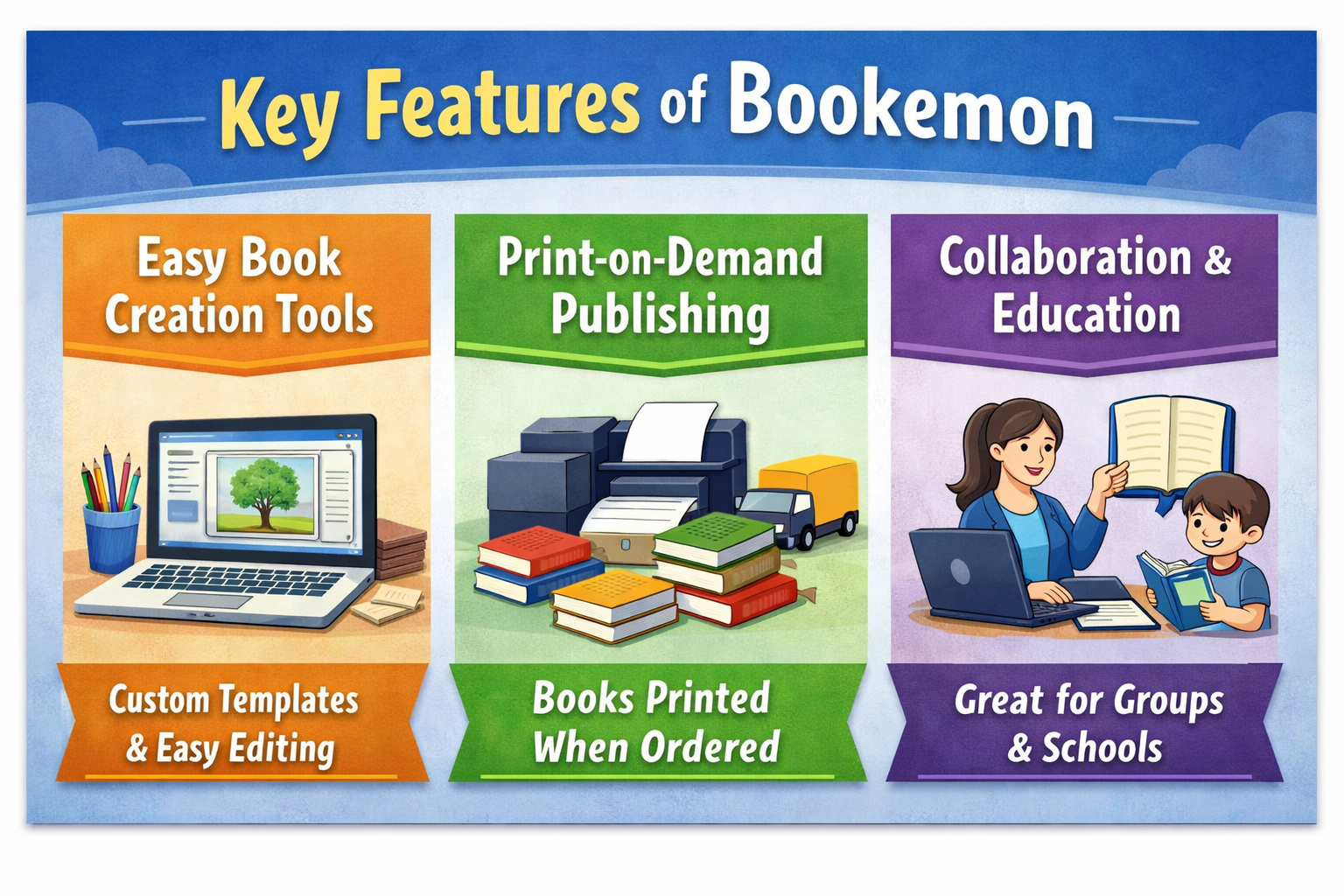
Easy Book Creation Tools
The heart of Bookemon is its web-based editor. This tool allows users to design books directly inside the browser without installing any software.
Key capabilities include:
- Page-by-page editing
- Image and text placement
- Custom cover design
- Template customization
Because everything happens online, users can work on their books from any device with internet access.
Print-on-Demand Publishing
Bookemon uses a print-on-demand model, meaning books are printed only when someone orders them.
This eliminates a major risk for authors — the need to print hundreds of copies upfront. Instead, you can order a single copy or allow readers to purchase copies directly.
Print options include:
- Softcover books
- Hardcover books
- Color printing
- Black-and-white printing
Print-on-demand has become the backbone of modern self-publishing because it reduces financial risk for creators.
Collaboration and Educational Tools
Another unique aspect of Bookemon is its focus on educational use.
Teachers and students often use the platform for collaborative book projects, such as classroom magazines or research collections. The platform even offers special educational environments where multiple users can contribute to the same project.
This collaborative feature makes Bookemon particularly popular in schools and universities.
Digital and Physical Book Formats
Bookemon supports both printed books and digital eBooks. When you publish a book on the platform, it can automatically generate an eBook version alongside the print edition.
This dual-format approach allows authors to reach readers in different ways.
Types of Books You Can Create on Bookemon
One of the reasons Bookemon has grown in popularity is its versatility. The platform isn’t limited to novels or professional publications.
You can create many different types of books, including:
- Children’s storybooks
- Comics and illustrated books
- Photo albums
- Poetry collections
- Cookbooks
- Memoirs
- Yearbooks
- Travel journals
- Educational textbooks
Some users even create family memory books or gift books for special occasions.
This flexibility makes Bookemon feel less like a traditional publishing platform and more like a creative storytelling studio.
Bookemon Pricing Explained
Pricing is one of the most important factors when choosing a self-publishing platform.
Bookemon uses a freemium model, meaning basic tools are free, while advanced features and printed books cost money.
Free Plan
The free plan allows users to:
- Create books online
- Use templates and design tools
- Publish books digitally
- Share books online
This makes Bookemon an attractive option for beginners who want to experiment without financial risk.
Printing Costs and Premium Services
Printing costs vary depending on:
- Page count
- Color vs black-and-white printing
- Hardcover vs softcover
Some basic printed books can start around $6–$7 for a 20-page softcover book, though prices increase for larger projects.
Premium services may include:
- ISBN assignment
- Advanced printing options
- Professional book formats
Pros and Cons of Bookemon
Every publishing platform has strengths and weaknesses. Bookemon is no exception.
Pros | Cons |
Easy-to-use interface | Limited distribution compared to Amazon |
Free basic account | Printing costs can increase for large books |
Supports many book types | Few professional editing services |
Print-on-demand reduces risk | Royalties may be lower than other platforms |
Educational collaboration tools | Some advanced publishing features missing |
Overall, the platform focuses more on ease of use than professional publishing power.
Bookemon vs Other Self-Publishing Platforms
Bookemon vs Amazon KDP
Amazon Kindle Direct Publishing (KDP) dominates the self-publishing market.
Feature | Bookemon | Amazon KDP |
Ease of Use | Very beginner friendly | Moderate |
Distribution | Limited marketplace | Global Amazon reach |
Printing | Print-on-demand | Print-on-demand |
eBook Support | Yes | Yes |
Royalties | Lower | Higher |
Bookemon is easier for beginners, while KDP is stronger for professional authors who want wide distribution.
KnowledgeHut Solutions Pvt. Ltd. Review: Is It the Best Certification Platform?
Tai Lopez Business Model Explained: How His Online Empire Works
VGO LLC Affiliate Program Review: Commission & Industrial Gear Insights
Lasting Dynamics Affiliate Program Review: Commission & Tech Services Insights
How to Promote Ranowear, Inc. Affiliate Program Successfully
Bookemon vs Blurb
Blurb is another popular book creation platform focused on photography books.
Feature | Bookemon | Blurb |
Ease of Use | Very easy | Moderate |
Photo Books | Good | Excellent |
Price | Lower | Higher |
Editing Tools | Simple | Advanced |
Blurb is often preferred by professional photographers, while Bookemon is better for casual creators.
Who Should Use Bookemon?
Bookemon isn’t designed exclusively for professional writers. Its real strength lies in accessibility.
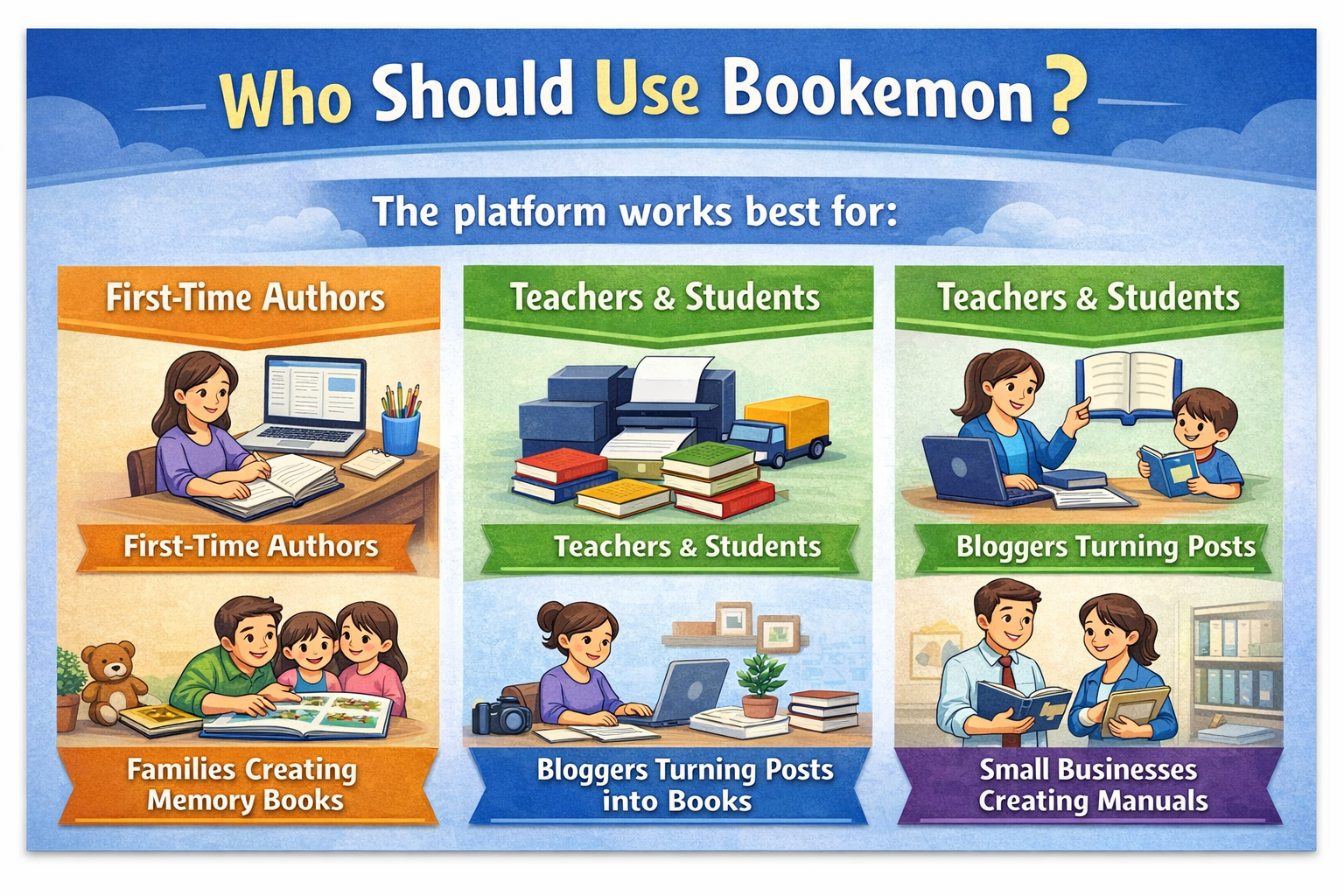
The platform works best for:
- First-time authors
- Teachers and students
- Families creating memory books
- Bloggers turning posts into books
- Small businesses creating manuals
If you want global book distribution and major royalties, you may prefer other platforms.
But if your goal is to quickly turn ideas into a printed book, Bookemon is one of the easiest tools available.
Step-by-Step Guide to Publishing a Book on Bookemon
Creating a book on Bookemon usually follows these steps:
- Sign up for a free account
- Choose a book template or upload a document
- Design your pages and cover
- Preview your book
- Add publishing details and copyright information
- Approve the book for print production
Once the process is complete, the book becomes available for printing or digital sharing.
Real User Reviews and Experiences
User feedback is mixed but generally positive.
Many users praise the platform for its simplicity and quality printing. One long-time customer noted that creating books on the platform is intuitive and the final product quality is excellent.
Another reviewer mentioned that uploading a PDF file allowed them to create a printed book within minutes, highlighting the efficiency of the system.
However, some users have reported issues such as color accuracy in printed photos or occasional quality concerns.
Overall, the majority of reviews highlight ease of use and good customer service.
Is Bookemon Safe and Legit?
Yes, Bookemon appears to be a legitimate self-publishing platform.
The service has been around for many years and is widely used by educators, hobbyists, and independent authors. Many customers report positive experiences with the platform’s printing quality and customer support.
The ability to order only the number of copies you need also reduces financial risk.
Tips to Create a Better Book on Bookemon
If you plan to publish a book on Bookemon, these tips can improve the final result:
- Use high-resolution images for print quality
- Carefully check margins and layout
- Order a proof copy before selling your book
- Use consistent fonts and styles
- Write a compelling book description
These small details can make a huge difference in how professional your book looks.
Conclusion
Bookemon is one of the most beginner-friendly self-publishing platforms available today. Its simple interface, template-based editor, and print-on-demand system make it easy for anyone to turn an idea into a real book.
While it may not offer the global distribution or high royalties of larger platforms like Amazon KDP, it excels in simplicity, creativity, and accessibility.
For teachers, students, families, and first-time authors, Bookemon provides an excellent starting point in the world of publishing.
If your goal is to create a personalized book quickly without complicated tools, Bookemon is definitely worth exploring.
Frequently Asked Questions
Q. Is Bookemon free to use?
Yes. Bookemon offers a free account that allows users to create and publish books online. Printing physical copies requires payment.
Q. Can I sell books created with Bookemon?
Yes. Books can be sold through Bookemon’s marketplace, and some premium packages allow distribution with ISBN numbers.
Q. Does Bookemon provide eBooks?
Yes. When you publish a book, the platform can generate a digital eBook version automatically.
Q. What types of books can I create?
You can create photo books, storybooks, poetry collections, cookbooks, educational materials, and more.
Q. Is Bookemon good for beginners?
Absolutely. Its template-based editor and simple publishing process make it ideal for first-time authors.
Recent Post

McKissock, LLC Online Learning for Real Estate Professionals
Bookemon Review: The Best Platform to Create Your Own Book?

KnowledgeHut Solutions Pvt. Ltd. Review: Is It the Best Certification Platform?

English4Today Review: Is This Platform Good for Learning English?

Tai Lopez Business Model Explained: How His Online Empire Works

Top Benefits of Using Heyup for Product Discovery & Reviews

Why SmallRig Technology (HK) Limited Is a Leader in Camera Accessories

VGO LLC Affiliate Program Review: Commission & Industrial Gear Insights

How to Promote SainSmart Affiliate Program Successfully
Releted Post




