The Complete Beginner’s Guide to Apollo.io: From Setup to Sales Success
“The Complete Beginner’s Guide to Apollo.io: From Setup to Sales Success” is a detailed, easy-to-follow guide designed to help new users understand how to set up, navigate, and fully leverage Apollo.io for smarter prospecting, streamlined outreach, and improved sales performance. This post covers everything from account setup and list building to advanced email sequences and analytics—perfect for anyone looking to turn Apollo.io into a powerful sales growth engine.
Apollo.io is an all-in-one sales intelligence and engagement platform designed to help businesses find prospects, enrich contact data, and automate outreach. Think of it as your ultimate sales sidekick — one that helps you build lists, send emails, make calls, track performance, and close more deals with less effort.
Why Apollo.io is a game-changer for sales teams
Apollo.io stands out because it combines a massive B2B database with powerful outreach tools. Instead of jumping between multiple apps, users can handle prospecting, emailing, calling, and reporting from one place. It saves time, boosts productivity, and gives sales reps everything needed for smarter decision-making.
Getting Started With Apollo.io
Creating your Apollo.io account
Getting started is simple. Sign up using your work email, choose your plan, and verify your account. Once logged in, Apollo prompts you to set up your preferences.
Setting up your workspace
You’ll be asked to configure:
Your role (sales, marketing, founder)
Target industries
Company size preferences This helps Apollo tailor suggestions and workflows.
Connecting email and CRM tools
To send emails directly from Apollo, connect Gmail, Outlook, or any SMTP/IMAP email. If you use CRM tools like HubSpot or Salesforce, integrate them early to sync all activity seamlessly.
Navigating the Apollo.io Dashboard
Overview of features
The dashboard gives you quick access to:
Prospects
Sequences
Emails
Calls
Analytics
Integrations
Understanding navigation menus
Apollo’s left sidebar is your main control panel. You can jump to lists, find contacts, manage sequences, or track outreach.
Customizing your interface
You can pin your most-used tools, rearrange dashboard widgets, and create shortcuts to streamline workflow.
Building and Managing Prospect Lists
Using Apollo’s database
Apollo.io provides over 270+ million contacts and 60+ million companies. Search using keywords, titles, industries, or locations.
Advanced filters and segmentation
Use filters like:
Job titles
Revenue
Technologies used
Hiring triggers
Funding rounds These help you build hyper-targeted lists.
Saving, exporting, and managing lists
Once your list is ready, save it inside Apollo or export it as a CSV for external use.
Get a bird’s-eye view of how your outreach strategies are performing.
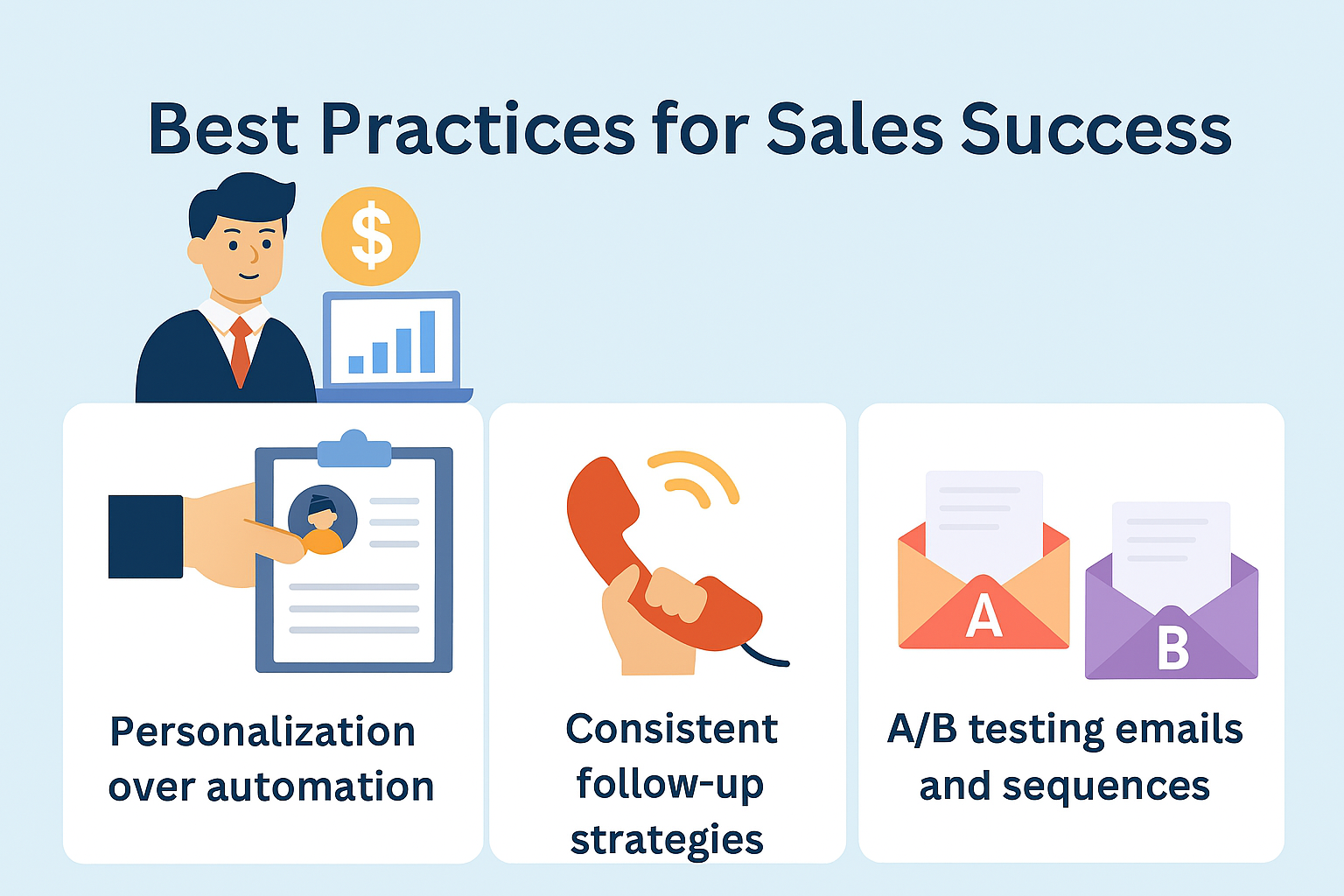
Best Practices for Sales Success
Personalization over automation
Automate tasks—yes. Automate relationships—never. Personalize every message you can.
Consistent follow-up strategies
Most deals close after 5+ touchpoints. Sequences help you stay persistent without being pushy.
A/B testing emails and sequences
Try different:
Subject lines
CTAs
Email styles To find what resonates best.
Common Mistakes Beginners Make
Overusing automation
Sending too many automated emails can hurt your domain and reputation.
Ignoring data hygiene
Clean your lists often to remove invalid or irrelevant contacts.
Not analyzing performance metrics
If you’re not reviewing your analytics, you’re guessing—not improving.
Tips to Maximize Your Apollo.io ROI
Leverage Apollo’s Chrome extension
Find contacts directly from LinkedIn and websites.
Keep your sequences fresh
Update your templates monthly to avoid repetition.
Regularly clean and update lists
Better list quality = higher conversions and lower email bounce rates.
Conclusion
Apollo.io is a powerful tool that helps beginners and experienced sales professionals streamline their outreach, automate workflows, and close more deals. With smart prospecting, personalized outreach, and consistent performance tracking, you can turn Apollo.io into your ultimate sales engine. Whether you’re a startup, freelancer, or large sales team, mastering Apollo leads directly to sales success.
Frequently Asked Questions
Q. Is Apollo.io good for beginners?
Yes! Apollo.io is designed with simple navigation and ready-to-use tools perfect for new users.
Q. Can I use Apollo.io for free?
Apollo offers a free plan with limited credits, ideal for testing basic features.
Q. Does Apollo.io work with Gmail and Outlook?
Yes, Apollo integrates seamlessly with both.
Q. How accurate is Apollo.io data?
Apollo updates data regularly, making it one of the most reliable sources for B2B contacts.
Q. Can Apollo.io replace my CRM?
Not exactly — but it works perfectly with popular CRMs to enhance your workflow.