Ayoa Review: Why It’s the Best Tool for Collaborative Work
Ayoa is a powerful all-in-one collaboration tool that combines task management, mind mapping, and visual teamwork. This Ayoa review explores its key features, benefits, pricing, and why Ayoa stands out as the best solution for productive and creative collaborative work.
Let’s be honest—teamwork can get messy. One tool for tasks, another for brainstorming, a third for communication… before you know it, productivity slips through the cracks. That’s where Ayoa steps in.
Ayoa isn’t just another project management tool. It’s a smart blend of task management, mind mapping, and visual collaboration, all wrapped into one intuitive platform. Whether you’re managing a remote team, running creative projects, or juggling deadlines solo, Ayoa promises to bring everything under one roof.
What Makes Ayoa Different from Other Collaboration Tools?
Most collaboration tools focus on what needs to be done. Ayoa focuses on how people think while doing it.
Instead of forcing users into rigid workflows, Ayoa adapts to different working styles—visual thinkers, logical planners, creative brainstormers, and deadline-driven managers. Think of it like a Swiss Army knife for productivity: flexible, powerful, and surprisingly simple.
Understanding Ayoa as an All-in-One Platform
Task Management Simplified
At its core, Ayoa offers robust task management. You can:
Create tasks in seconds
Assign them to team members
Set priorities, due dates, and dependencies
Track progress visually
Unlike traditional to-do lists, Ayoa lets you view tasks as lists, boards, timelines, or mind maps, depending on how your brain prefers to work.
Organic Mind Maps Perfect for brainstorming, organic mind maps allow ideas to flow freely—no rigid structure, no pressure. It feels like thinking out loud on a digital canvas.
Radial Mind Maps Need structure? Radial maps help you organize thoughts logically, making them ideal for planning projects, strategies, or content outlines.
The beauty is that ideas from mind maps can be converted directly into tasks. No rework. No lost ideas.
Whiteboards and Visual Collaboration
Ayoa’s whiteboards are great for workshops, planning sessions, and team discussions. Sticky notes, drawings, shapes, and comments—all updated in real time. It’s like standing around a physical whiteboard, minus the awkward markers.
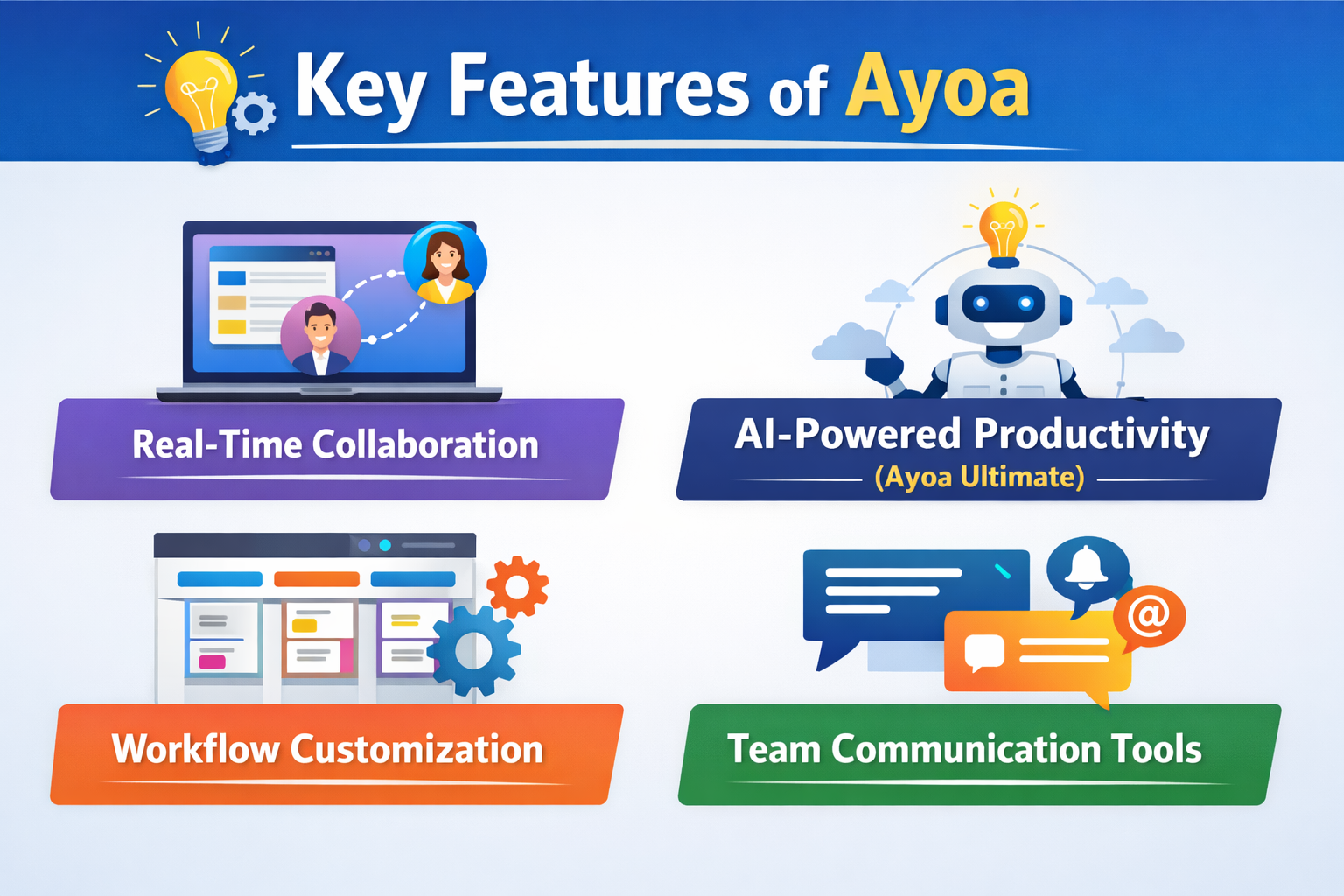
Key Features of Ayoa
Real-Time Collaboration
Team members can collaborate live on tasks, mind maps, and whiteboards. You see changes instantly, which keeps everyone aligned and reduces back-and-forth messages.
With real-time updates and visual planning, remote teams stay connected and aligned—even across time zones.
Creative Teams
Designers, writers, and marketers love Ayoa for mind mapping and whiteboards. It supports ideation without killing creativity.
Agile and Project-Based Teams
Sprint planning, backlog management, and task tracking become easier with flexible boards and timelines.
Students and Educators
From planning assignments to group projects, Ayoa helps students organize thoughts and deadlines in one place.
User Interface and Ease of Use
Ayoa strikes a rare balance: powerful yet beginner-friendly. The interface is clean, colorful, and intuitive. You don’t need a manual to get started—and that’s a big win.
Trello is great for boards, but lacks mind mapping and deep creative tools. Ayoa wins for idea-driven teams.
Ayoa vs Asana
Asana excels at structured project management. Ayoa offers more flexibility and visual thinking.
Ayoa vs Notion
Notion is powerful but complex. Ayoa is easier to use and faster to adopt for teams.
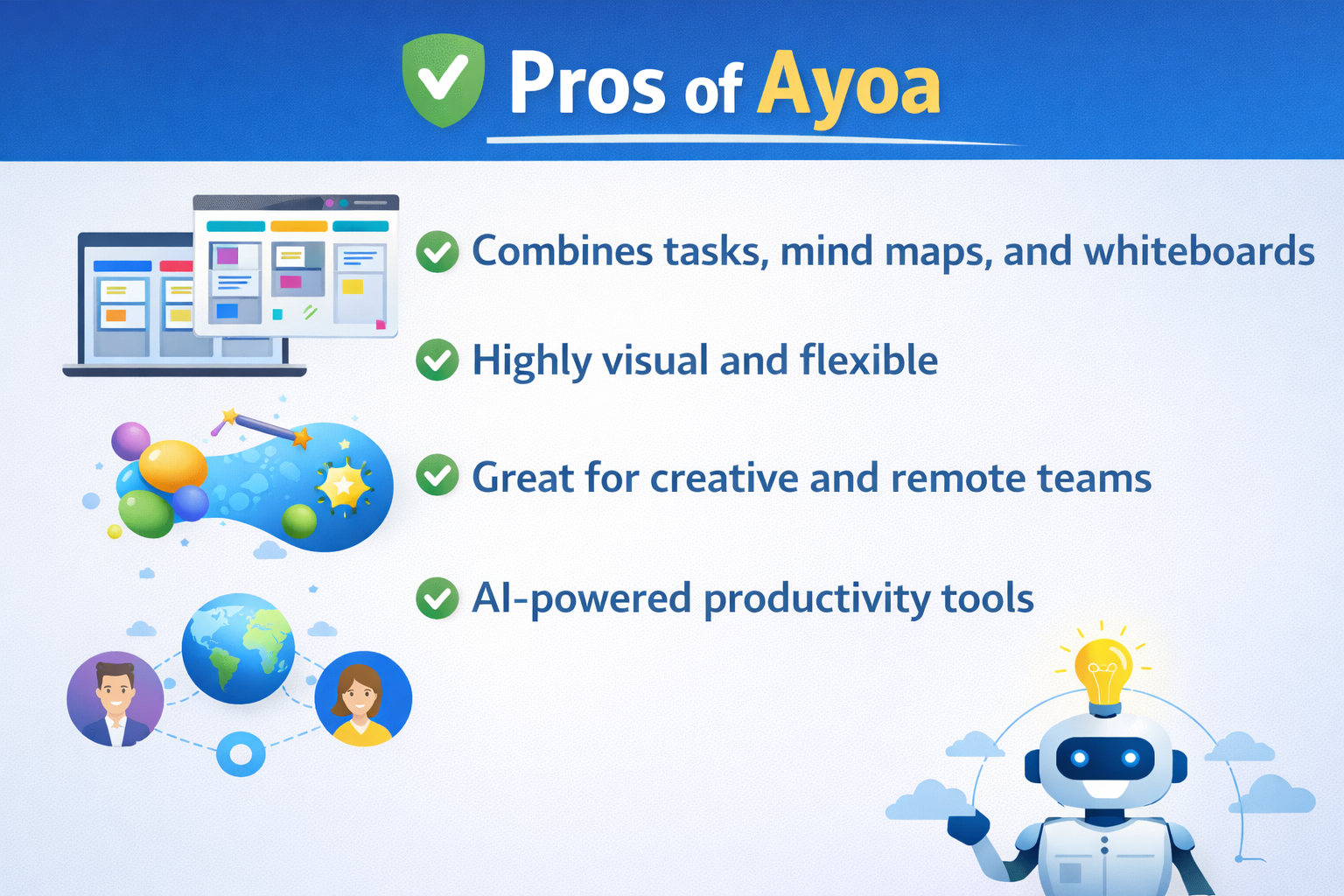
Pros and Cons of Ayoa
Pros
Combines tasks, mind maps, and whiteboards
Highly visual and flexible
Great for creative and remote teams
AI-powered productivity tools
Cons
Advanced features require paid plans
Might feel “too visual” for very traditional users
Security and Data Protection
Ayoa uses industry-standard security measures, ensuring your data stays safe and private—crucial for businesses and educators alike.
Customer Support and Learning Resources
From tutorials to webinars and responsive support, Ayoa makes onboarding smooth—even for non-tech users.
Who Should Use Ayoa?
Remote teams
Creative professionals
Startups and agencies
Students and educators
Who Might Not Need Ayoa?
If you only need a basic to-do list with zero collaboration, Ayoa might be more than you need.
Final Verdict: Is Ayoa Worth It?
Absolutely. If collaboration, creativity, and clarity matter to your work, Ayoa delivers. It doesn’t just manage tasks—it connects ideas to action.
Conclusion
Ayoa redefines what a collaboration tool should be. By blending visual thinking with structured task management, it helps teams work smarter, not harder. Whether you’re brainstorming big ideas or managing daily tasks, Ayoa keeps everything connected, clear, and collaborative.
Frequently Asked Questions
Q. Is Ayoa suitable for large teams?
Yes, Ayoa scales well with advanced collaboration and task management features.
Q. Can Ayoa replace multiple tools?
Absolutely. It can replace task managers, brainstorming tools, and whiteboards.
Q. Does Ayoa work for solo users?
Yes, freelancers and individuals benefit greatly from its visual planning.
Q. Is there a learning curve?
Minimal. Most users get comfortable within a day.
Q. Does Ayoa support remote collaboration?
Yes, real-time collaboration is one of its strongest features.