Teamwork Project Management: Features, Benefits, and Use Cases
Discover how Teamwork project management helps teams plan, collaborate, and deliver projects efficiently. This article explores key features, real-world benefits, and practical use cases to show how Teamwork improves productivity, transparency, and collaboration for modern teams.
Have you ever thought that overseeing a project is similar to herding cats? Tasks flying everywhere, emails getting lost, deadlines sneaking up unannounced. That’s exactly where Teamwork Project Management steps in. It brings structure, clarity, and collaboration into what would otherwise be chaos.
In today’s fast-moving work culture, teamwork isn’t optional—it’s survival. And managing that teamwork effectively? That’s where the right project management approach makes all the difference.
What Is Teamwork Project Management Software?
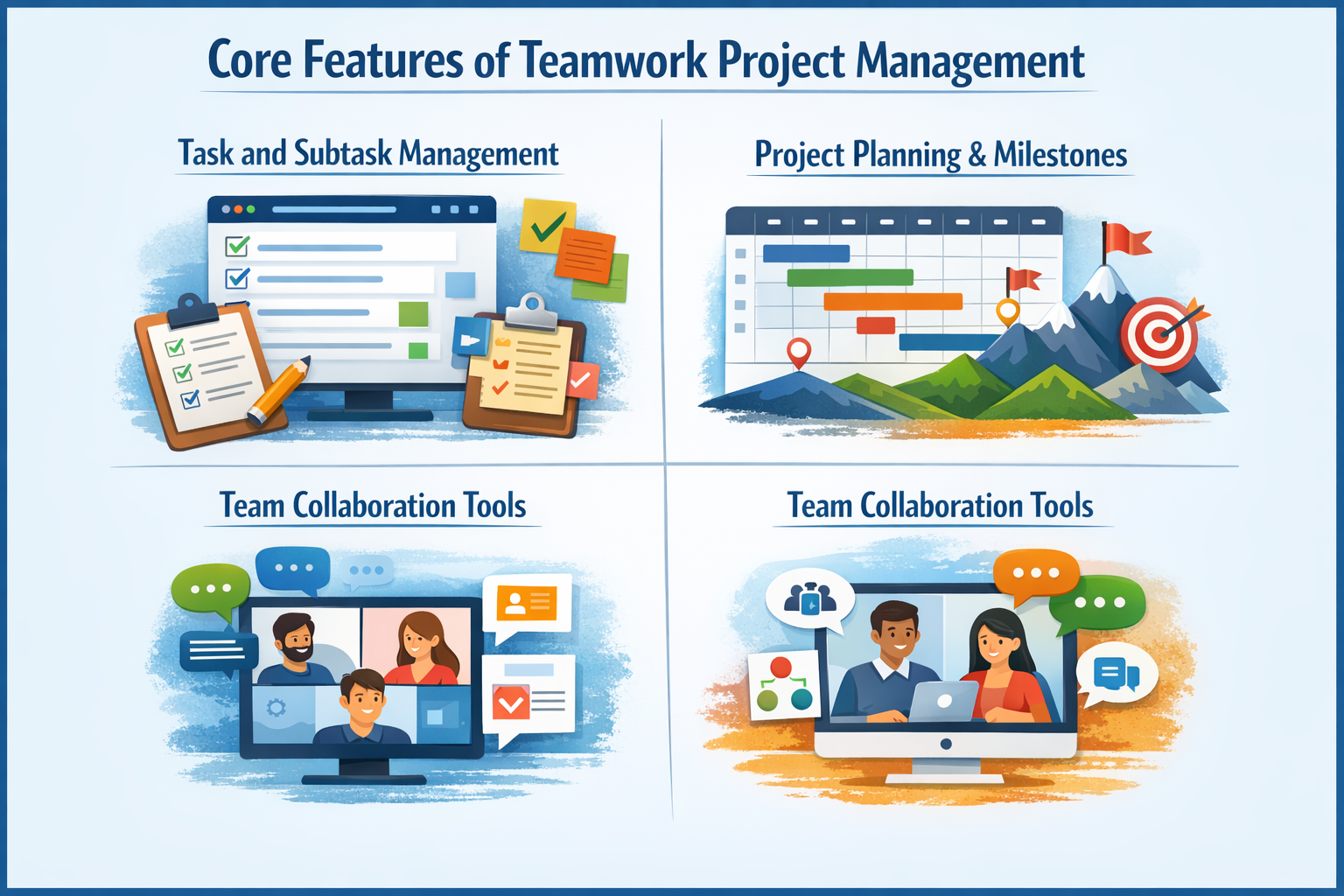
Teamwork project management software is a collaborative platform designed to help teams plan, track, manage, and deliver projects efficiently. It acts as a digital command center where tasks, people, timelines, and communication all live under one roof.
Instead of juggling tools, spreadsheets, and endless email threads, everything is organized in one place. Think of it as a shared workspace where everyone knows what to do, by when, and why it matters.
Why Project Management Tools Matter Today
Work today is faster, more digital, and often remote. Without proper systems, even talented teams struggle. Project management tools:
Reduce confusion
Improve accountability
Keep projects on schedule
Make collaboration smoother
They’re no longer “nice to have.” They’re mission-critical.
The Shift from Traditional to Collaborative Workflows
Traditional project management relied heavily on rigid plans and top-down control. Modern teamwork-based systems are different. They emphasize flexibility, transparency, and collaboration.
Instead of one person holding all the information, the entire team stays aligned in real time. It’s less like a rigid train schedule and more like GPS navigation—adjusting as conditions change.
Agencies juggle multiple clients and deadlines. Teamwork tools help manage:
Client projects
Billable hours
Deliverables
Communication
Software Development Teams
From sprint planning to bug tracking, teamwork-based management keeps development organized and agile.
Marketing and Content Teams
Campaigns, content calendars, approvals, and deadlines—everything stays aligned and visible.
Remote and Distributed Teams
When teams work across locations and time zones, clear systems replace hallway conversations.
Small Businesses and Startups
Limited resources demand efficiency. Teamwork tools help small teams punch above their weight.
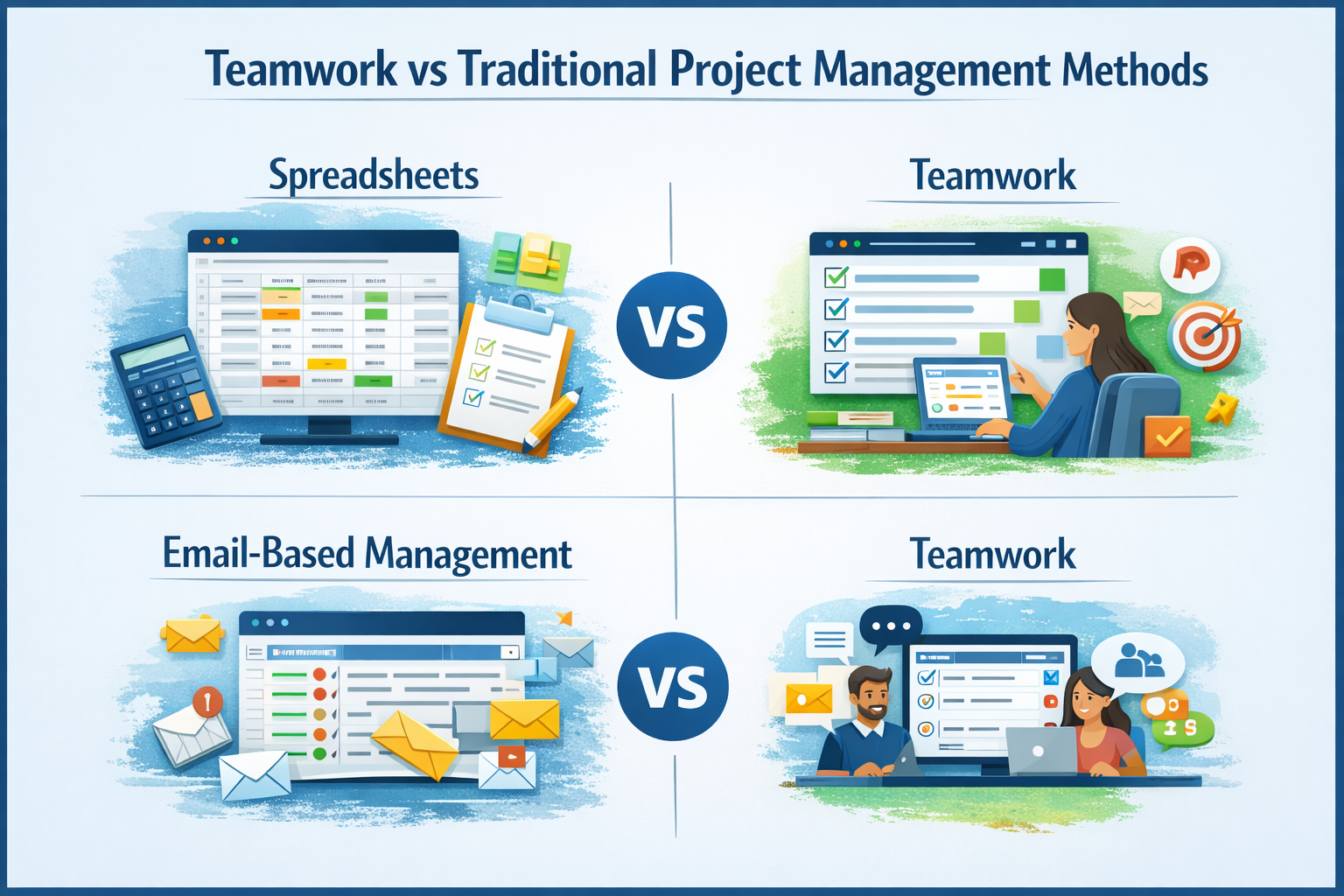
Teamwork vs Traditional Project Management Methods
Spreadsheets vs Teamwork
Spreadsheets are static. Teamwork tools are dynamic, collaborative, and real-time.
Email-Based Management vs Teamwork
Emails scatter information. Teamwork centralizes it.
Best Practices for Using Teamwork Project Management
Start with clear project goals
Break work into manageable tasks
Assign clear owners
Keep communication within the tool
Review reports regularly
Common Challenges and How to Overcome Them
Resistance to change: Provide training and show quick wins
Overcomplication: Keep workflows simple
Poor adoption: Lead by example
Future of Teamwork Project Management Tools
The future points toward smarter tools with automation, AI insights, and deeper integrations. Project management will become less about tracking work and more about enabling better work.
Conclusion
Teamwork project management isn’t just about software—it’s about how people work together. With the right features, clear benefits, and flexible use cases, it transforms chaos into clarity. Whether you’re running a startup, agency, or global team, embracing teamwork-based project management is like upgrading from a paper map to real-time navigation. You’ll move faster, smarter, and with fewer wrong turns.
Frequently Asked Questions
Q. What is teamwork project management in simple terms?
It’s a way to manage projects where tasks, communication, and collaboration happen in one shared system.
Q. Is teamwork project management suitable for small teams?
Absolutely. Small teams benefit greatly from clarity, structure, and better collaboration.
Q. How does teamwork project management improve productivity?
By clarifying responsibilities, reducing confusion, and keeping everyone aligned in real time.
Q. Can teamwork project management be used for remote teams?
Yes, it’s especially effective for remote and distributed teams.
Q. What industries benefit most from teamwork project management?
Agencies, IT, marketing, startups, and any team managing multiple projects benefit significantly.