


Wrike Review: Project Management for Marketing Agencies explores how Wrike helps marketing agencies streamline workflows, manage campaigns, collaborate with clients, and deliver projects on time. This review breaks down Wrike’s key features, benefits, pricing, and real-world use cases to help agencies decide if Wrike is the right project management solution for scaling their operations efficiently.
Table of Contents
Running a marketing agency is a bit like juggling flaming torches while riding a unicycle. You’re managing multiple clients, overlapping campaigns, tight deadlines, creative feedback, revisions, and internal coordination—all at the same time. Spreadsheets break. Email threads get messy. WhatsApp messages vanish into thin air.
This is exactly where a dedicated project management tool steps in. And among the many options available today, Wrikehas carved out a strong reputation, especially for marketing agencies.
In this detailed Wrike review, we’ll explore whether it truly lives up to the hype and if it’s the right fit for agencies that want clarity, control, and collaboration—without chaos.
Wrike is a cloud-based project management and collaboration platform designed to help teams plan, execute, and track work in one centralized workspace. While it serves multiple industries, its feature set is particularly attractive to marketing agencies dealing with complex workflows and client approvals.
Think of Wrike as your agency’s command center—where tasks, files, conversations, timelines, and reports all live under one roof.
Marketing agencies don’t just manage tasks; they manage creative processes. Wrike understands this difference.
Here’s why agencies gravitate toward it:
In short, Wrike adapts to how agencies work instead of forcing agencies to adapt to the tool.
At its core, Wrike excels at task management—but with an agency-friendly twist.
You can break down large campaigns into projects, tasks, and subtasks. Each task can include:
This is where Wrike really shines. You can create custom workflows like:
This mirrors real agency processes and eliminates confusion about task status.
Wrike reduces the need for endless meetings and email chains.
You can:
Real-Time Updates and Proofing
Wrike’s built-in proofing tools allow designers, writers, and clients to leave feedback directly on images, PDFs, and videos. No more “Version_Final_Final2.pdf” nightmares.
Deadlines are sacred in marketing. Wrike helps you respect them.
Gantt Charts and Timelines
Wrike’s interactive Gantt charts let you:
This is incredibly helpful when multiple campaigns overlap.
Data-driven agencies need visibility.
Performance Tracking for Agencies
Wrike offers customizable dashboards and reports to track:
These insights help agency leaders make smarter decisions—and justify timelines to clients.
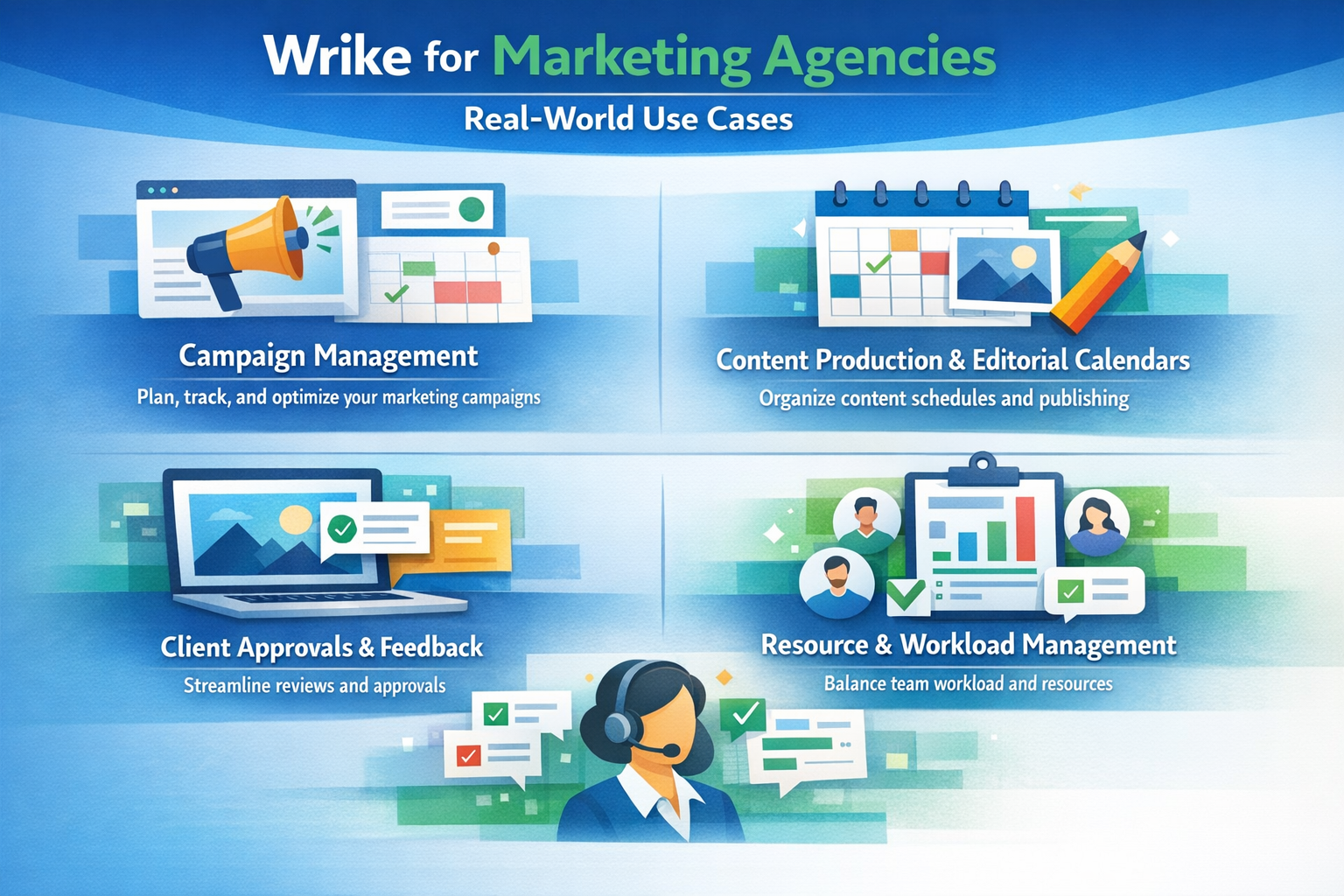
From ideation to launch, Wrike keeps campaigns organized. Each campaign can have its own folder, timeline, and workflow.
Editorial calendars become dynamic and collaborative. Writers, editors, designers, and SEO teams stay aligned without chasing updates.
Client access can be controlled, allowing them to review and approve work without touching internal discussions.
Wrike’s workload view helps managers see who’s overloaded and who has capacity—critical for avoiding burnout.
Wrike is powerful, but with power comes complexity. New users may feel overwhelmed at first.
The good news?
Most teams become comfortable within a week or two.
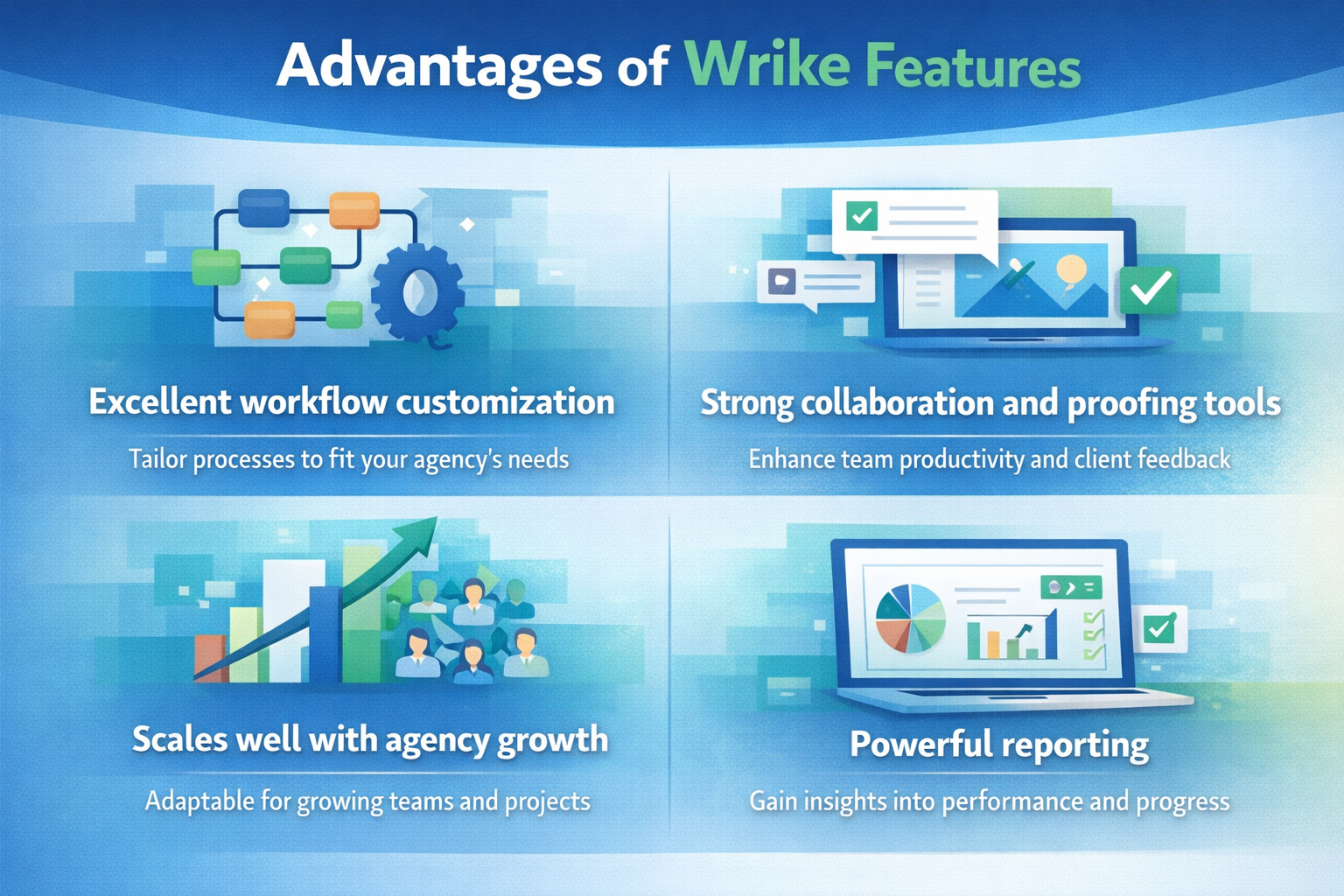
Wrike is not a rigid tool. You can customize:
This flexibility makes it suitable for both small boutique agencies and large marketing firms.
Wrike integrates smoothly with tools agencies already use:
This keeps your tech stack connected instead of fragmented.
Wrike offers multiple pricing tiers:
For marketing agencies, the Business plan usually hits the sweet spot, offering advanced workflows, automation, and reporting.
While it’s not the cheapest tool, the efficiency gains often justify the investment.
Renderforest Review: Video Marketing Made Easy for Agencies
Anker au: Premium Charging Solutions for Modern Devices
IObit: How PC Optimization Software Boosts System Performance
Top InVideo Features Marketers Can Use to Boost Engagement
How GoMoWorld Revolutionizes Global Connectivity: Marketing Insights
Top SEO Strategies to Promote edX Courses Effectively
One of the biggest pain points for marketing agencies is lack of transparency. When clients don’t know the status of their campaigns, they start sending follow-up emails. When internal teams don’t have visibility, deadlines slip. Wrike solves this problem by creating a shared source of truth.
With Wrike, every task has a clear owner, deadline, and status. Team members can instantly see what’s in progress, what’s waiting for approval, and what’s already completed. For clients, controlled access ensures they can track progress without interfering with internal workflows. This level of transparency builds trust and reduces unnecessary back-and-forth communication.
Marketing agencies often repeat the same processes—launching campaigns, publishing content, running ads, or onboarding new clients. Wrike’s automation features help eliminate repetitive manual work.
You can set up automation rules such as:
These small automations may seem simple, but over time they save hours of work and allow teams to focus on creativity rather than administration.
Compared to simpler tools like Trello or Asana, Wrike is more robust and process-driven. If your agency values structure, accountability, and scalability, Wrike has a clear edge.
If your marketing agency is struggling with scattered communication, unclear timelines, or messy approvals, Wrike can be a game-changer. It brings structure to creativity—without killing flexibility.
Wrike isn’t just a project management tool; it’s an operational backbone for agencies that want to scale confidently.
Yes, Wrike is especially well-suited for digital marketing agencies handling campaigns, content, and client approvals.
Yes, clients can be invited with controlled permissions for feedback and approvals.
Absolutely. Wrike includes built-in proofing tools for images, videos, and documents.
It has a learning curve, but most teams adapt quickly with templates and onboarding guides.
For agencies managing complex workflows, the productivity gains often outweigh the cost.
Recent Post
How Weblium.com Helps Simplify the Website Creation Process

Understanding Supplement Selection and Quality at BulkSupplements.com

How Digital Solutions Are Evolving With CHENGDU OUMEI NETWORK INFORMATION L.T.D

Beauty Trends Worth Exploring With Dominique Cosmetics – 122027

The Growing Role of 3D Scanning and Revopoint 3D Technologies Inc

Why Fitness Fashion Lovers Are Exploring WISKII ACTIVE LIMITED

Improving Website Performance and User Experience With Strategy11

Website Design Trends and the Growing Role of Weblium.com

Photography Styling Trends and the Role of KATE BACKDROP INC
A Guide to Finding Everyday Fashion Inspiration on rihoas.com
Releted Post