Corel Review: Productivity, Creative Power & Affordability
Explore how Corel empowers creators with its powerful tools, user-friendly design, and budget-friendly pricing. This review breaks down Corel’s top products—including CorelDRAW, Painter, and VideoStudio—highlighting their productivity features, creative capabilities, and overall value for professionals and beginners alike.
When you think of powerful and affordable creative software, Corel is one of the names that immediately rises to the top. From graphic design and digital painting to video editing and office productivity, Corel offers a complete ecosystem for creators, students, freelancers, and professionals.
But what makes Corel stand out in a world dominated by Adobe, Microsoft, and other big players? This review breaks down everything—from tools and performance to pricing and real-world usability.
Why Corel Still Matters Today
Despite intense competition, Corel maintains a loyal user base thanks to its user-friendly tools, one-time payment model, and unmatched creative freedom.
Overview of Corel’s Software Ecosystem
Corel provides tools across multiple creative and productivity categories:
Vector design
Photo editing
Digital painting
Video editing
Document creation
Corel’s Most Popular Products
CorelDRAW Graphics Suite
The flagship product known globally for vector design and illustration.
Corel Painter
A digital painting powerhouse for professional artists.
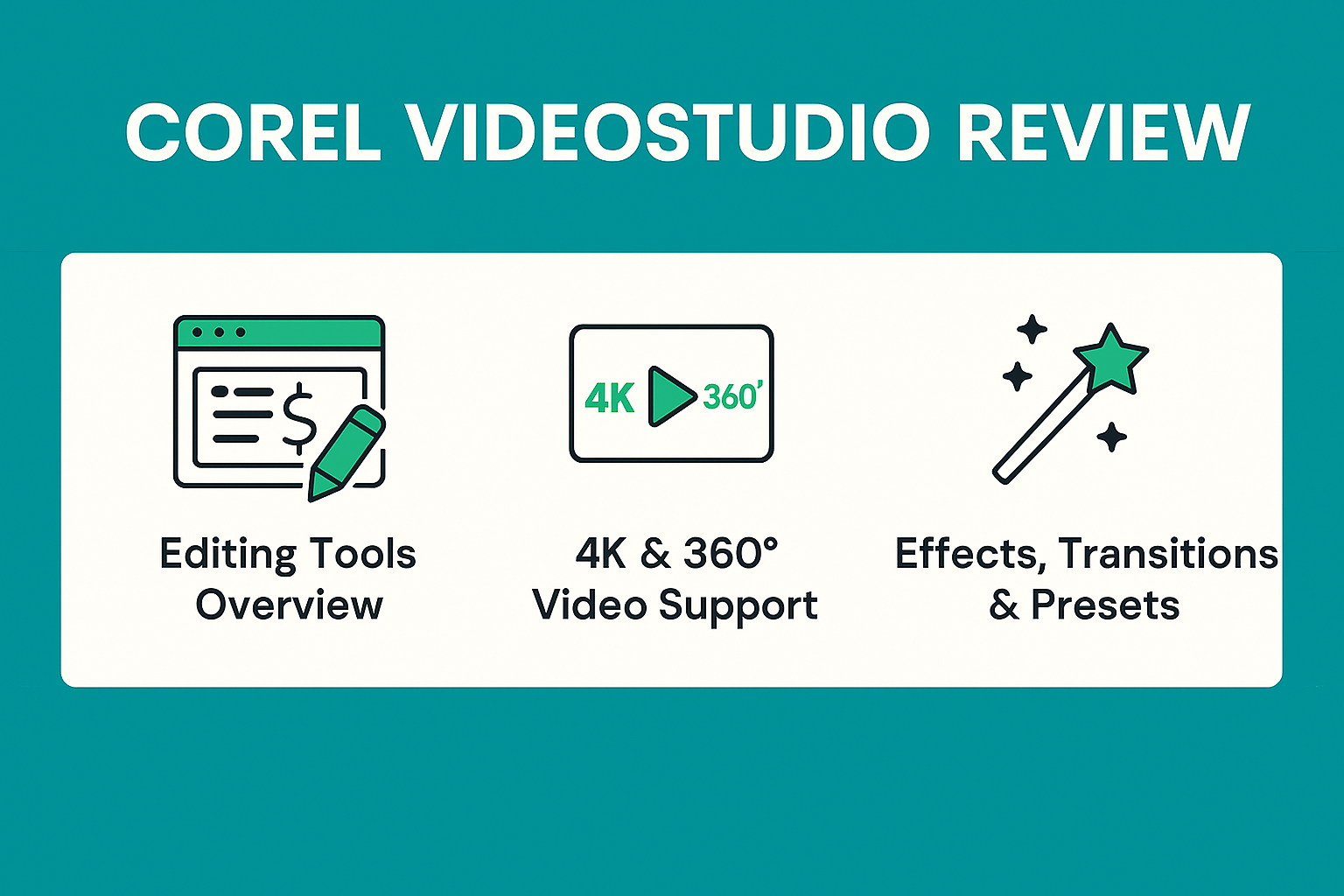
Corel VideoStudio
Easy-to-use yet powerful video editing software.
Corel WordPerfect Office
A long-standing office suite still loved by legal professionals.
CorelDRAW Graphics Suite Review
Interface & User Experience
CorelDRAW offers a clean, intuitive interface suitable for beginners and experts. Everything is optimized for fast access—no clutter, no confusion.
Vector Illustration Power
CorelDRAW is widely known for its strong vector-editing capabilities. Whether you’re designing logos, posters, packaging, or web graphics, the precision and flexibility are unmatched.
Most Corel products run smoothly on basic Windows 10+ systems.
Installation Guide
Download installer
Enter license key
Customize settings
Begin creating
Tips for Beginners
Explore tutorials
Use templates
Start with small projects
Conclusion
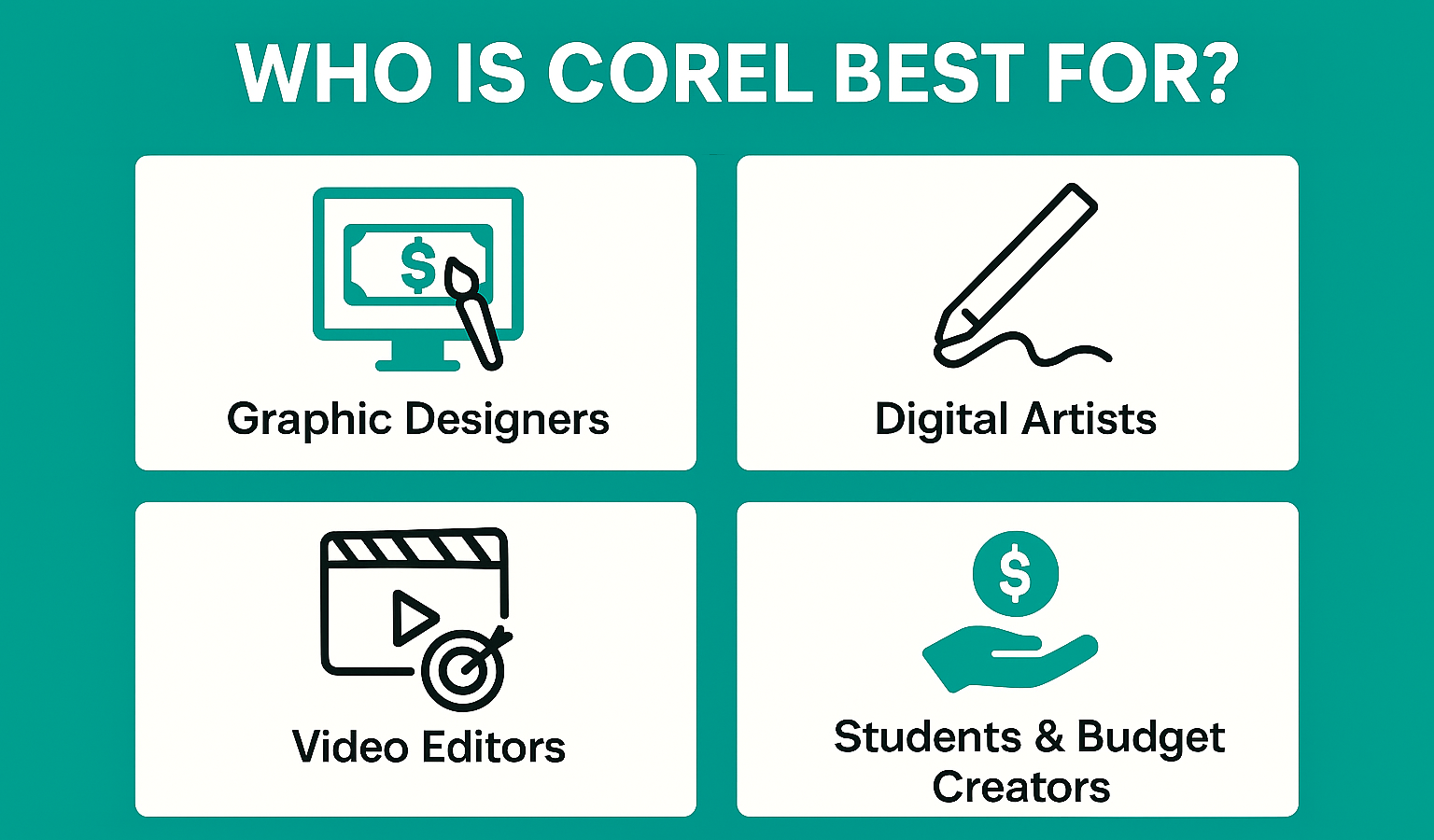
Corel continues to deliver an impressive array of creative and productivity tools that strike the perfect balance between power and affordability. Whether you’re a designer, artist, student, or everyday creator, Corel offers a suite of tools that help you work smarter, create faster, and stay within budget. If you want creative power without being tied to expensive subscriptions, Corel is absolutely worth considering.
Frequently Asked Questions
Q. Is Corel better than Adobe?
It depends on your needs—Corel is cheaper and easier to use, while Adobe is more industry-standard.
Q. Does Corel provide a free trial?
Yes, most Corel products offer a 15- to 30-day trial.
Q. Is Corel good for beginners?
Absolutely! The interface and features are very beginner-friendly.
Q. Can Corel be used for professional work?
Yes, Corel products are widely used by professionals in graphic design, digital art, and video editing.
Q. Does Corel work on Mac?
Some Corel products, like CorelDRAW, have macOS versions.